
Ribbon Pack | 520 Styles: 10 Shapes, 26 Colours & Patterns, Wear Anywhere (Modular Avatar, Quest version included)
商品説明
この商品にはAIで生成されたコンテンツが含まれています。
AI-Assisted: AI helped write the programs that generate the 3D geometry and colour textures. The cover character is AI-generated. The ribbons on the cover are renders of the included models.
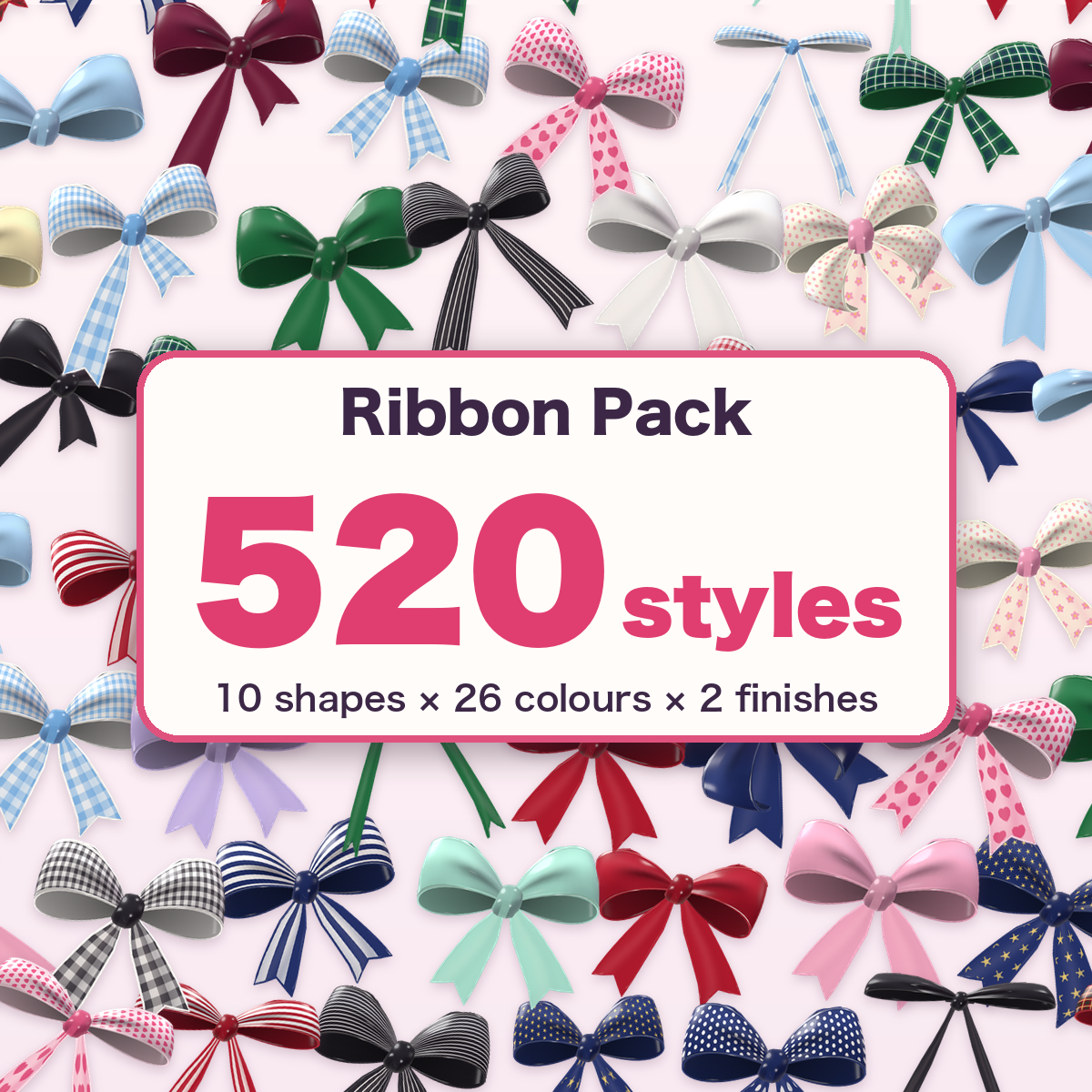
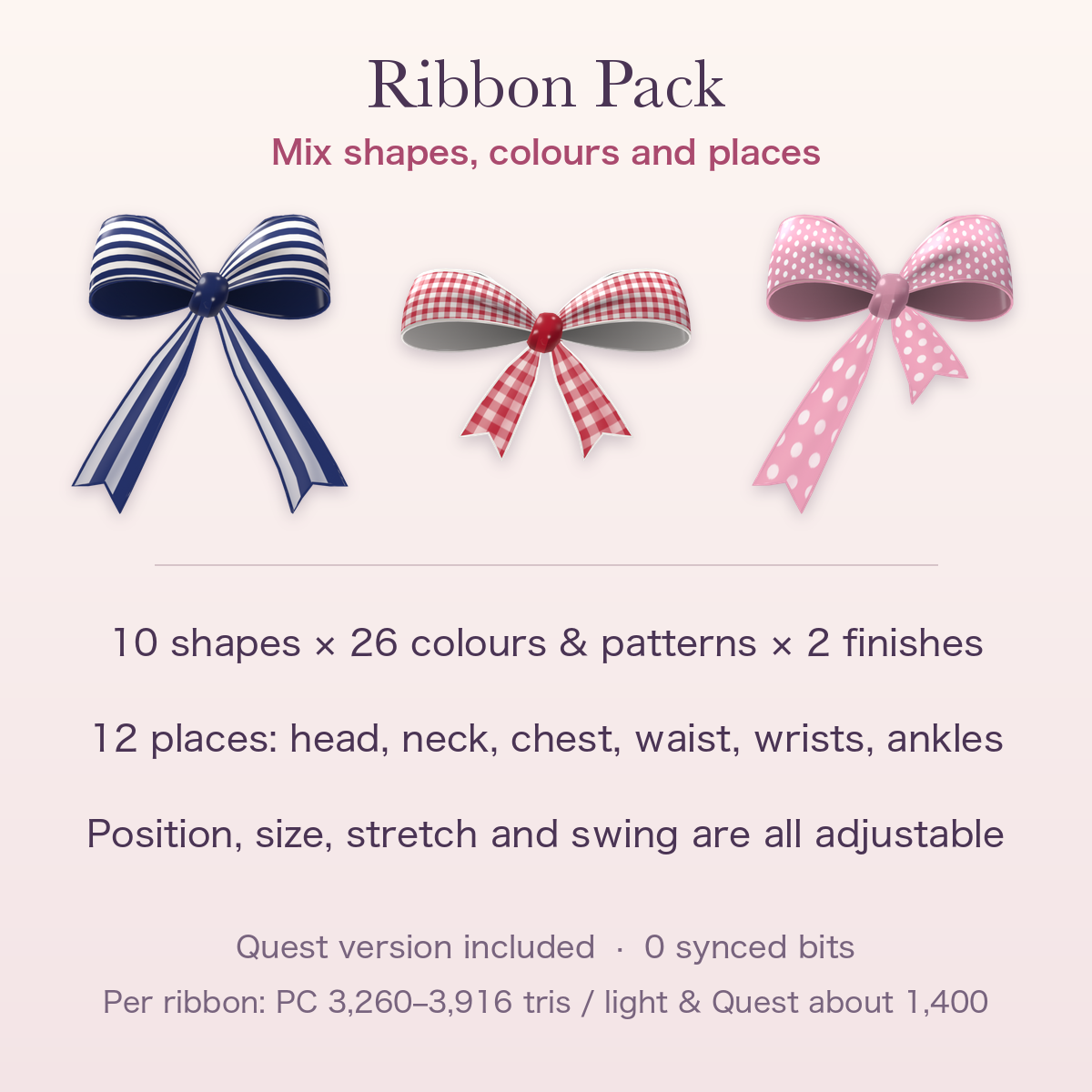
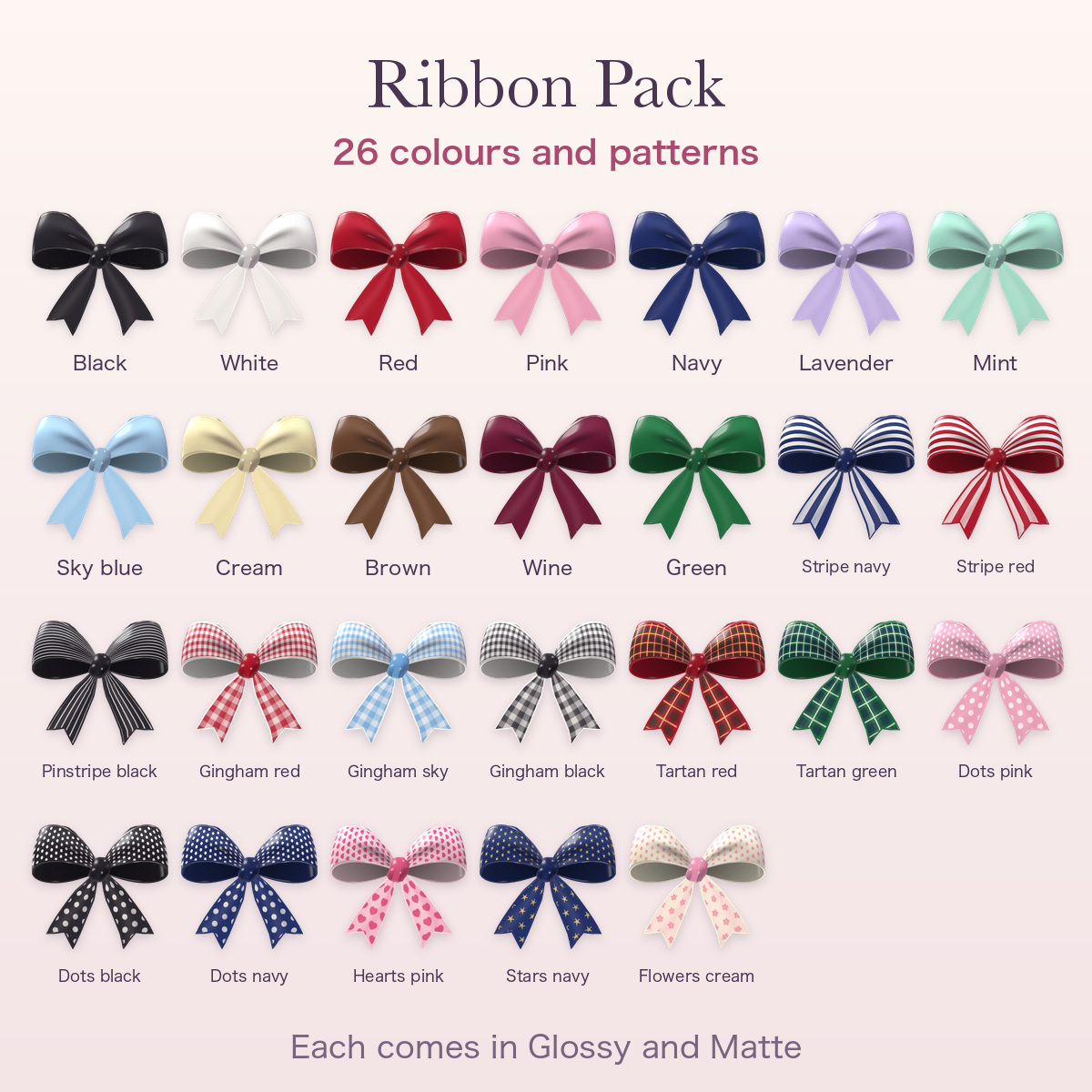
Choose a version on this page. Each $2.99 mini pack contains one ribbon shape in 26 colours and patterns, each in glossy and matte finishes (52 looks). The $5.99 full pack includes all ten shapes and all 520 looks. The pictures show the full collection.
Per ribbon: 3,260 to 3,916 triangles for the regular version, about 1,400 for the light and Quest versions.
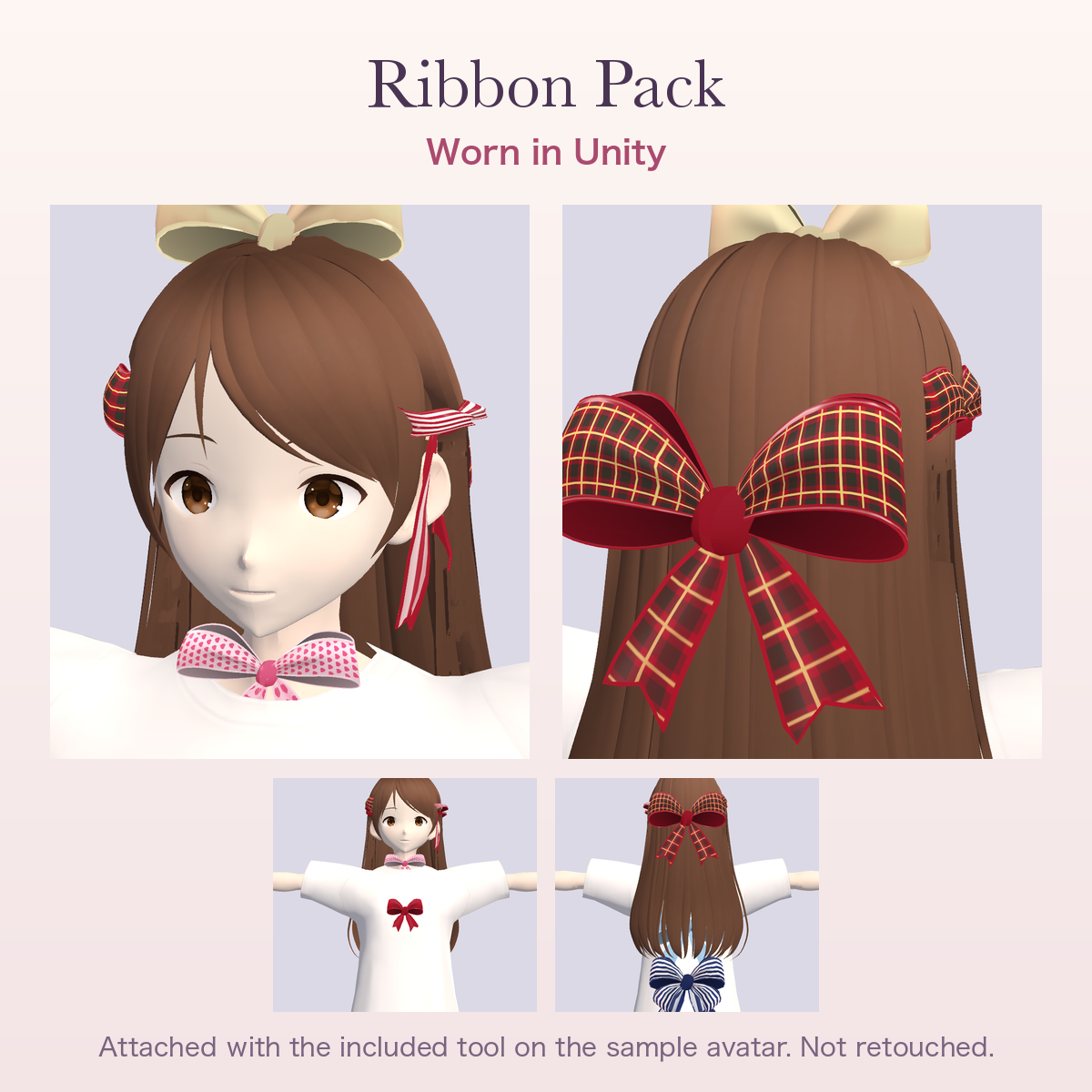
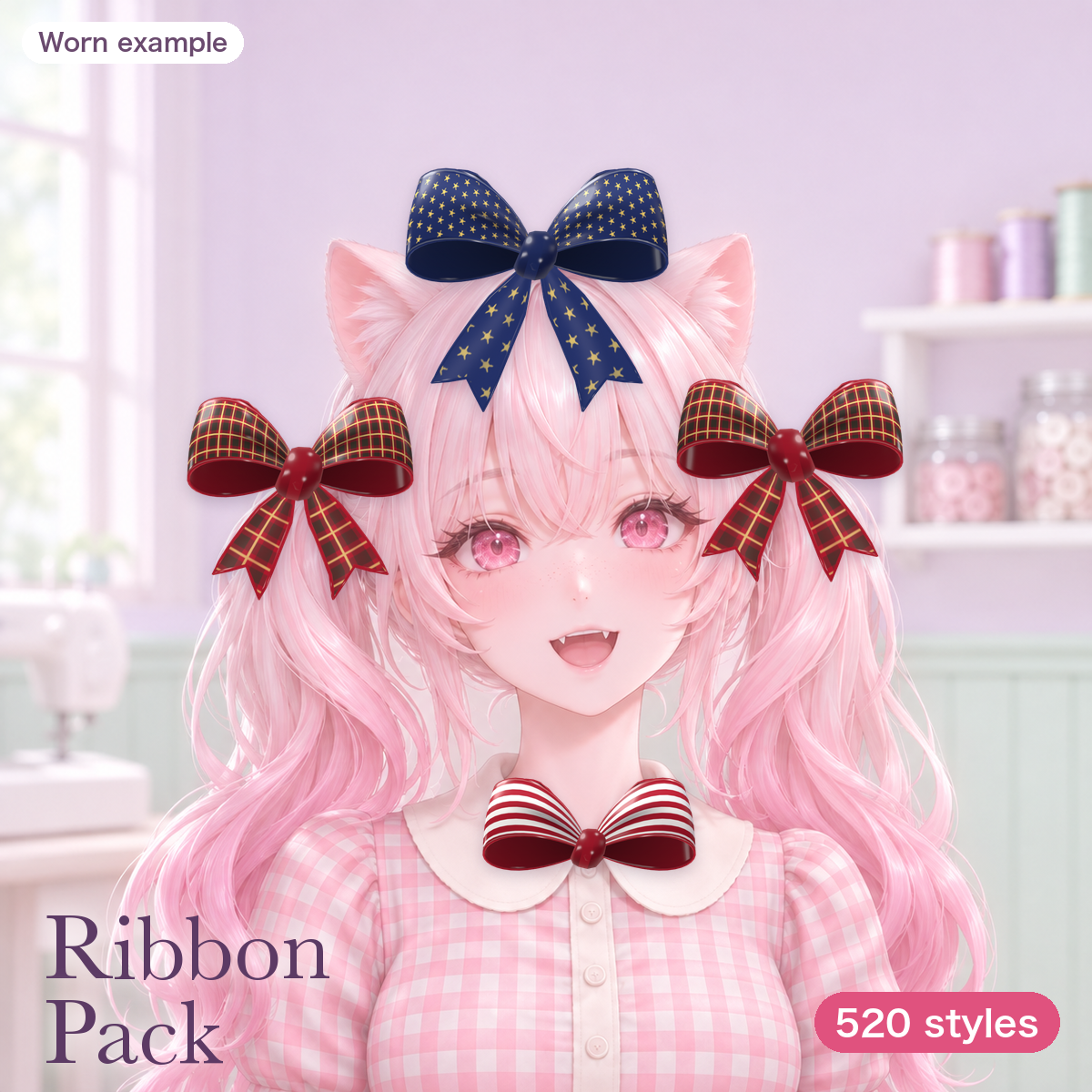
Ribbon Pack is a ribbon accessory set for VRChat. With the included tool you pick a shape, a colour, a finish and a place, then press Attach. The Unity photos show how it looks on the sample avatar.
If you already own the full Ribbon Pack, all ten shapes are already in your download.
For a plain satin bow made for the back of the head, see Big Ribbon (six colours): https://jinxxy.com/00ookAwaIioo00/cavEc
See each shape up close
Open a shape below to see its full colour chart and a close-up of the model.
Classic, petite and tailless bows
Classic Mini Pack https://jinxxy.com/00ookAwaIioo00/6Ij4B
Petite Mini Pack https://jinxxy.com/00ookAwaIioo00/6lhUX
No Tails Mini Pack https://jinxxy.com/00ookAwaIioo00/zb3lQ
Long tails, uneven tails and drooping loops
Long Tails Mini Pack https://jinxxy.com/00ookAwaIioo00/Fs31y
Uneven Tails Mini Pack https://jinxxy.com/00ookAwaIioo00/JMetO
Droopy Mini Pack https://jinxxy.com/00ookAwaIioo00/69YjV
Wide, floral, string and slim bows
Wide Mini Pack https://jinxxy.com/00ookAwaIioo00/u0sdT
Four Loops Mini Pack https://jinxxy.com/00ookAwaIioo00/4IhMB
String Mini Pack https://jinxxy.com/00ookAwaIioo00/DfR00
Slim Mini Pack https://jinxxy.com/00ookAwaIioo00/zenAk
### What you can choose
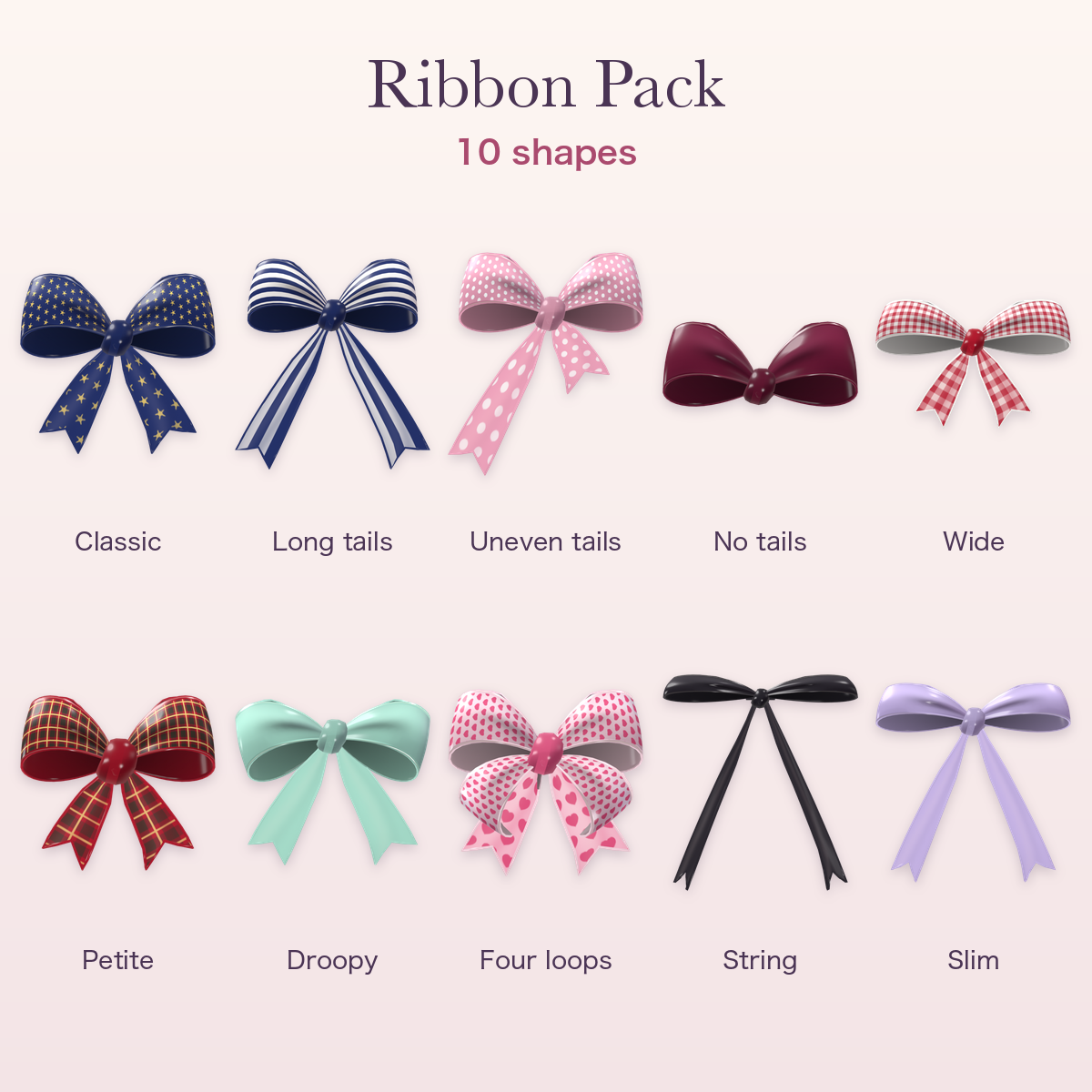
- Shapes (10): Classic, Long tails, Uneven tails, No tails, Wide, Petite, Droopy, Four loops, String, Slim
- Colours and patterns (26): Black, White, Red, Pink, Navy, Lavender, Mint, Sky blue, Cream, Brown, Wine, Green, Stripe navy, Stripe red, Pinstripe black, Gingham red, Gingham sky, Gingham black, Tartan red, Tartan green, Dots pink, Dots black, Dots navy, Hearts pink, Stars navy, Flowers cream
- Finishes (2): Glossy / Matte
- Places (12): Back of head, Top of head, Left of head, Right of head, Neck (front), Chest, Back, Back of waist, Left wrist, Right wrist, Left ankle, Right ankle
A place is only a starting position. Hair and body shapes differ between avatars, so fine-tune it with the sliders.
### What you can change after attaching
- Position (left/right, up/down, front/back, plus or minus 100 cm) and rotation on three axes
- Size (5 to 500%); width and thickness can be stretched separately
- Change the colour, finish or attachment point later. Full-pack owners can also switch shapes.
- Swing on or off, and how far the tails swing
- Duplicate a ribbon with the same settings
### What is included
- Each mini pack includes its selected shape as a Unity package for PC and Quest, both finishes, 26 colours and patterns, the attachment tool, FBX and editable Blender source.
- The full pack includes all ten shapes in regular, light and Quest versions, all colours and finishes, and the full-pack attachment tool.
- FBX files, editable Blender files, colour and pattern textures
- Instructions in Japanese and English, with terms of use
### Quick start
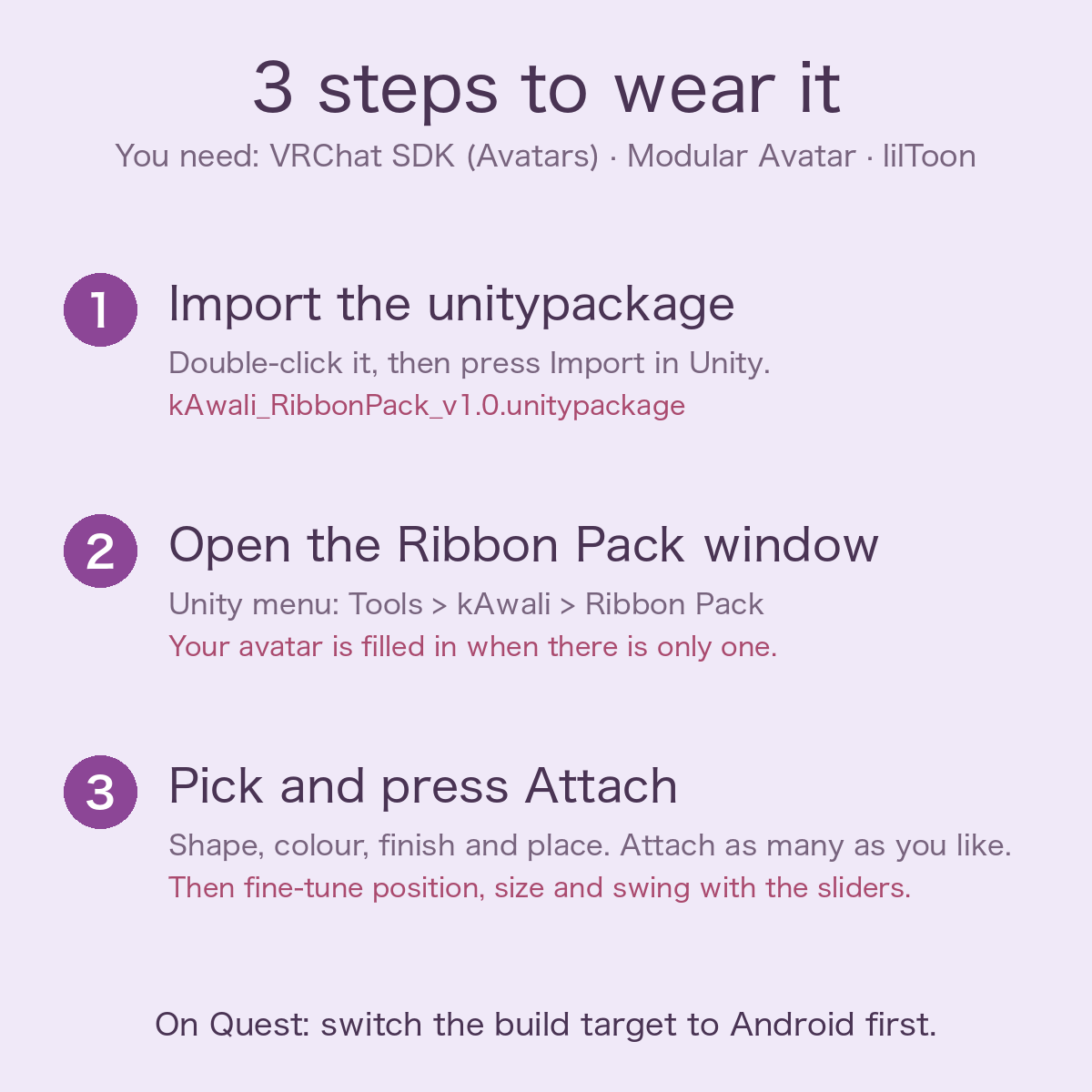
Install VRChat SDK (Avatars), Modular Avatar and lilToon through Manage Project in VCC or ALCOM.
1. Import the .unitypackage supplied with your selected version. Read its README_EN.txt for the exact package name.
2. For the full set, open Tools > kAwaIi > Ribbon Pack. For a mini pack, open Tools > kAwaIi > Ribbon Minis and select your shape.
3. Set your avatar, pick a shape, a colour, a finish and a place, then press Attach.
Without Modular Avatar, ribbons are placed straight under the bone.
### Swing and the light version
- The regular version swings its tails with PhysBone (the "No tails" shape does not swing).
- The light version has fewer triangles and no PhysBone, for wearing many ribbons.
- No VRChat menu and no synced parameters are used (0 bits).
### Using it on Quest (Android)
- Switch the Unity build target to Android before attaching and the Quest version (light mesh, VRChat/Mobile shader) is chosen automatically. If the PC version is already attached, use Swap to Quest in the tool.
- Many Quest users see only avatars ranked Medium or better unless they change their settings. Use the light version when you wear many ribbons and check the rank in the VRChat SDK panel.
- Checked in Unity with the Android build target: attaching, colour change and the pre-upload processing (Modular Avatar). Not tested on a real Quest headset.
### Numbers (per ribbon)
- Regular: 3,260 to 3,916 triangles, 1 mesh, 1 material, 2 PhysBones (0 for "No tails")
- Light / Quest: about 1,400 triangles, 1 mesh, 1 material
- Ribbons with the same colour and finish share one material
### Compatibility
Unity 2022.3.22f1, VRChat SDK (Avatars) 3.10.6, Modular Avatar 1.18.7 and lilToon 2.4.1.
### Notes
- The download contains the ribbons. The illustrated character and the sample avatar are for display only.
- Without lilToon the colours are not shown correctly.
- This is a digital download. Once downloaded, it is ineligible for a change-of-mind refund. If you have not accessed the files, Jinxxy's Refund Policy applies. Your statutory rights are unaffected.
### Terms of use
Ribbon Pack - Terms of Use
Date: November 16, 2026 Seller: kAwaIi
By purchasing or downloading this data you agree to these terms. If the Japanese and English versions differ, the Japanese version applies.
ALLOWED
- Use by individuals and companies in social VR such as VRChat, streams, videos, photos and games
- Use in monetised streams and videos
- Modification (recolouring, reshaping, combining with other models)
- Commissioning someone to modify it, when both parties have purchased this data
- Use without credit (credit is appreciated)
NOT ALLOWED
- Redistributing or reselling the data, modified or not
- Uploading it in a form others can extract (for example on a publicly cloneable avatar)
- Claiming the data as your own work
- Use that is against public order and morals, that defames others, or for political or religious activity
- Use in NFTs or any form that claims ownership of the data
- Use as training data for AI
DISCLAIMER
The seller is not liable for any damage arising from use of this data.
The terms in effect at the time of purchase apply to that purchase.
Contact: https://00ookawaiioo00.booth.pm/