
商品説明
v1.3.2
- Fixed some physbone rotation issues in the chest and made some preemptive adjustments to others
- Reduced the normal artifacting under the chest.
- Updated Blender file
v1.3.1
- Minor update to fix a VRCFury issue with the "Vanilla_Unified" version.
v1.3
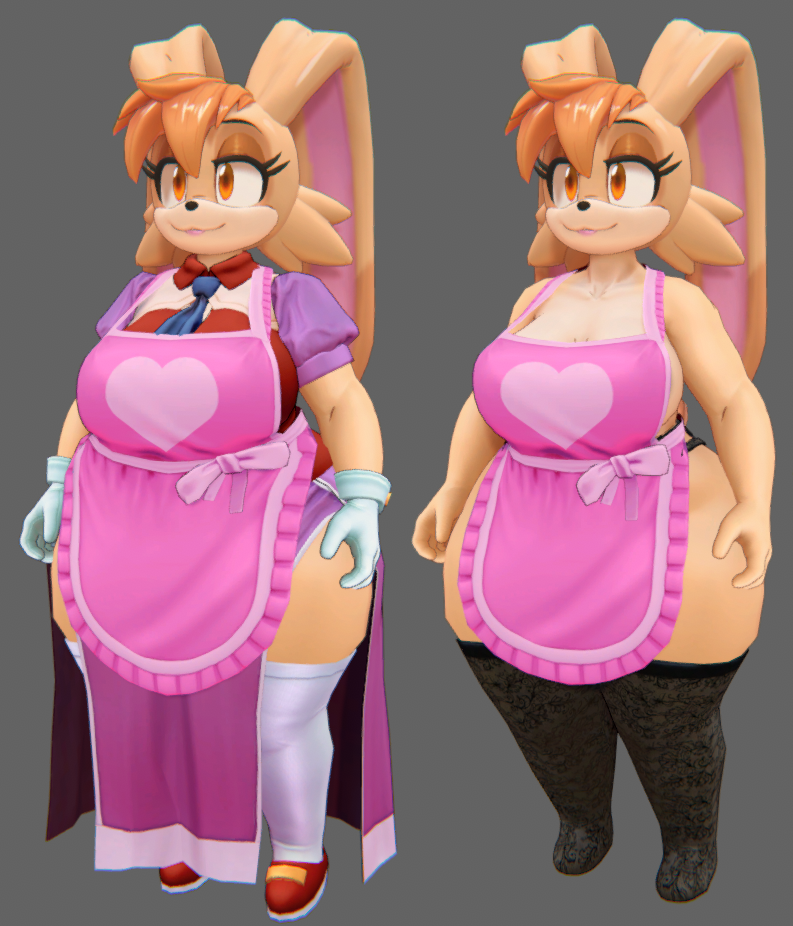
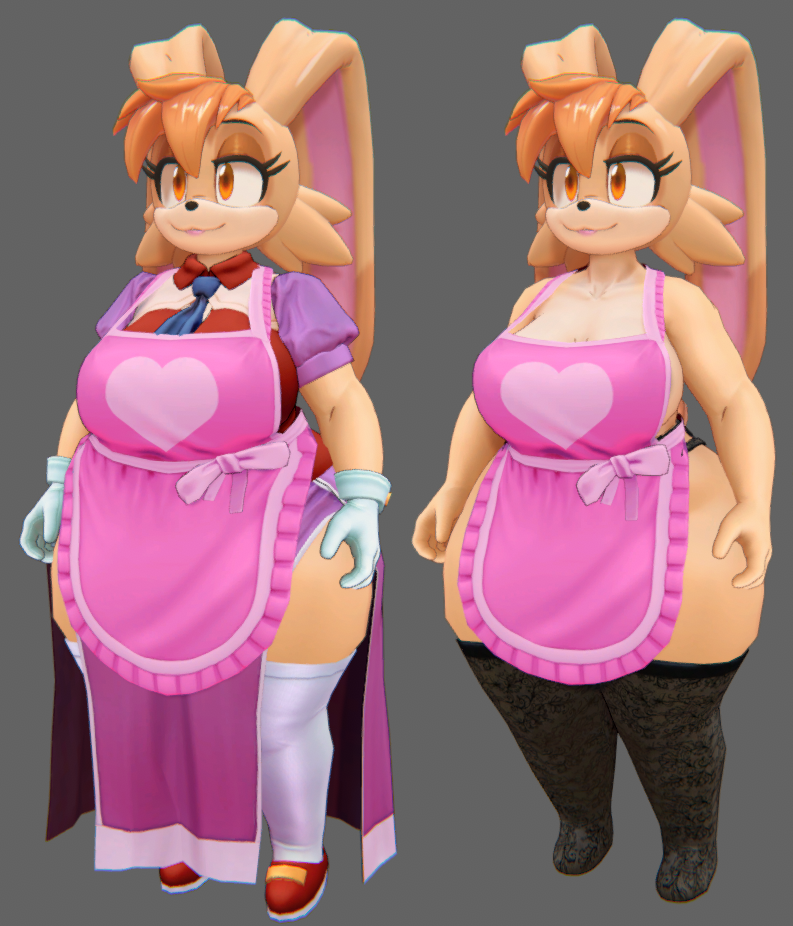
- Added a new Apron clothing item!
- A complete overhaul of Vanilla to improve performance!
- Updated Blender file
Please read the following update notes carefully.
You MUST include VRCFury in your project to use v1.3 https://vrcfury.com/download/
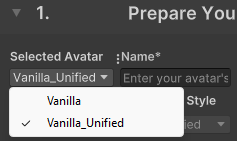
You have the choice of two uploads in this update. You will see both avatars in the included "Vanilla_Avatar" scene.
"Vanilla_Unified"
This version merges each outfit into a single piece of geometry and leverages Poiyomi's UV Tile discard. This will improve the Performance Rank to Medium with all outfits included. However, since it relies on Poiyomi, there is no shader fallback, which means that for users with a Shield Level that disables shaders, this version will not display correctly to them.
"Vanilla"
This version allows you to choose which optional outfits you would like included in your upload, to help with performance. Simply delete the outfits you don't want in the Hierarchy's "Outfits" folder. You can add them back in by simply dragging the respective outfit Prefab into the folder.
Including all outfits will still have a Performance Rank of Poor, but Vanilla will display correctly for users who have their Shield Level disable shaders.
When uploading, be sure to select which version you wish to use in the "Selected Avatar" dropdown menu in the VRChat SDK window.
v1.2
- Corrected a weighting issue on the feet
v1.1
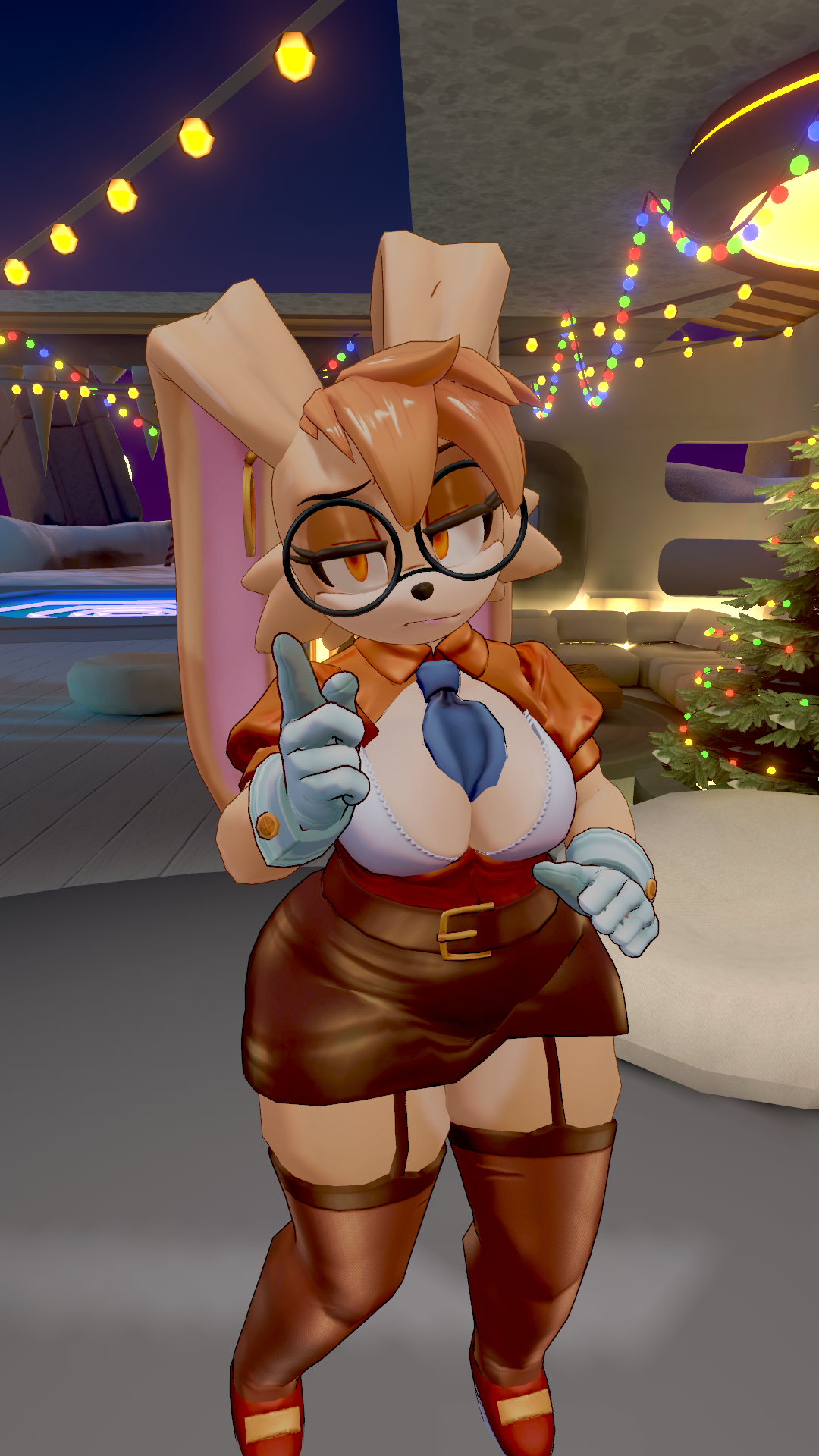
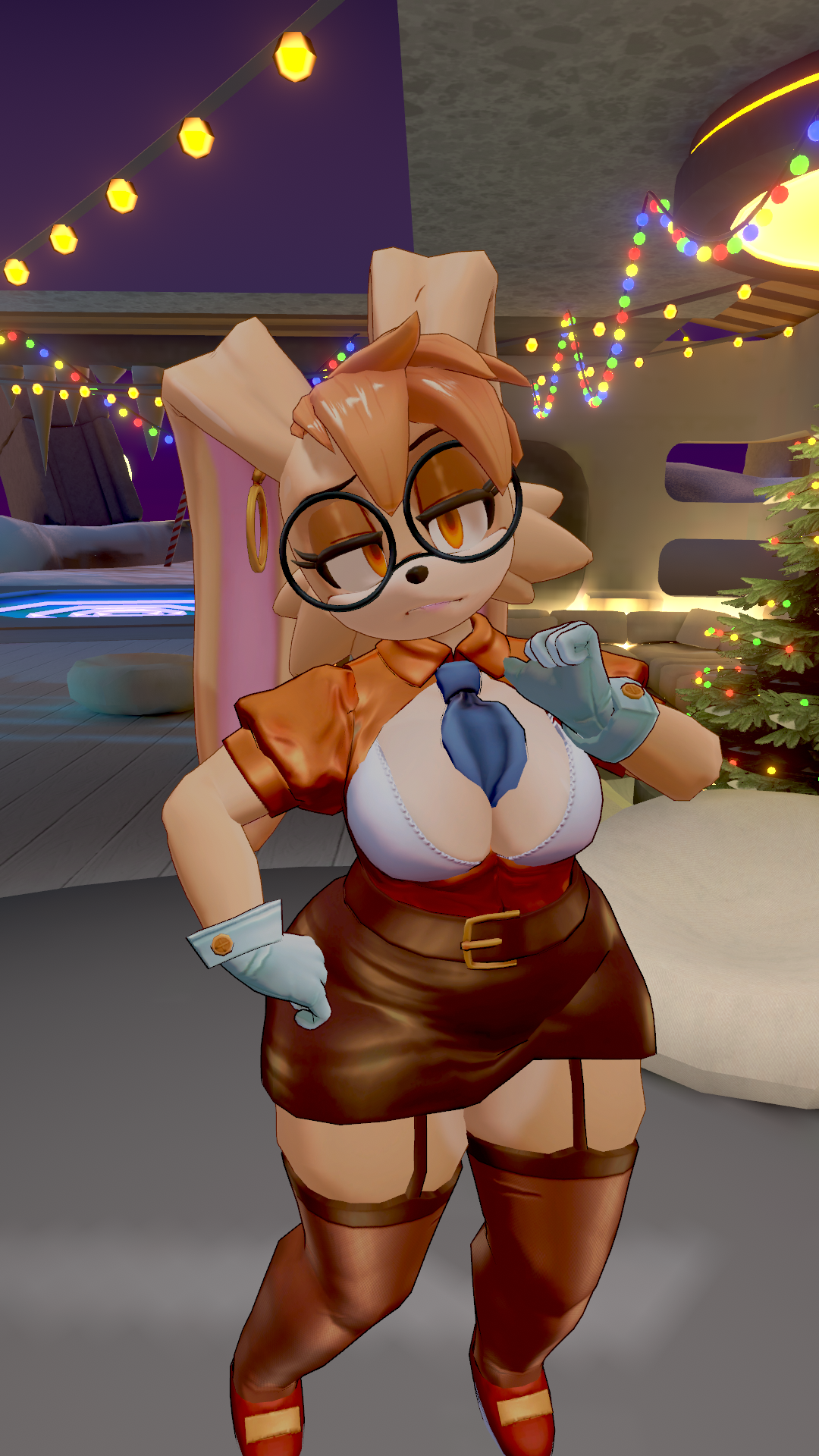
- Added new Secretary outfit with toggles for each component.
- Redid the weight painting on the bra for better motion.
- Adjusted butt physbone settings
- Lots of various corrections to blendshapes
- Updated SDK to 3.7.5
Please note: this optional update will unfortunately reduce the rating of the avatar to Poor, due to the added Skinned Meshes associated with the new outfit.
Substance and Blender files will be updated in the near future.
v. 1.04
- Added a De-thicc toggle to give users the option to make Vanilla a bit more slender. It's an override and is not compatible with chest size and fat sliders.
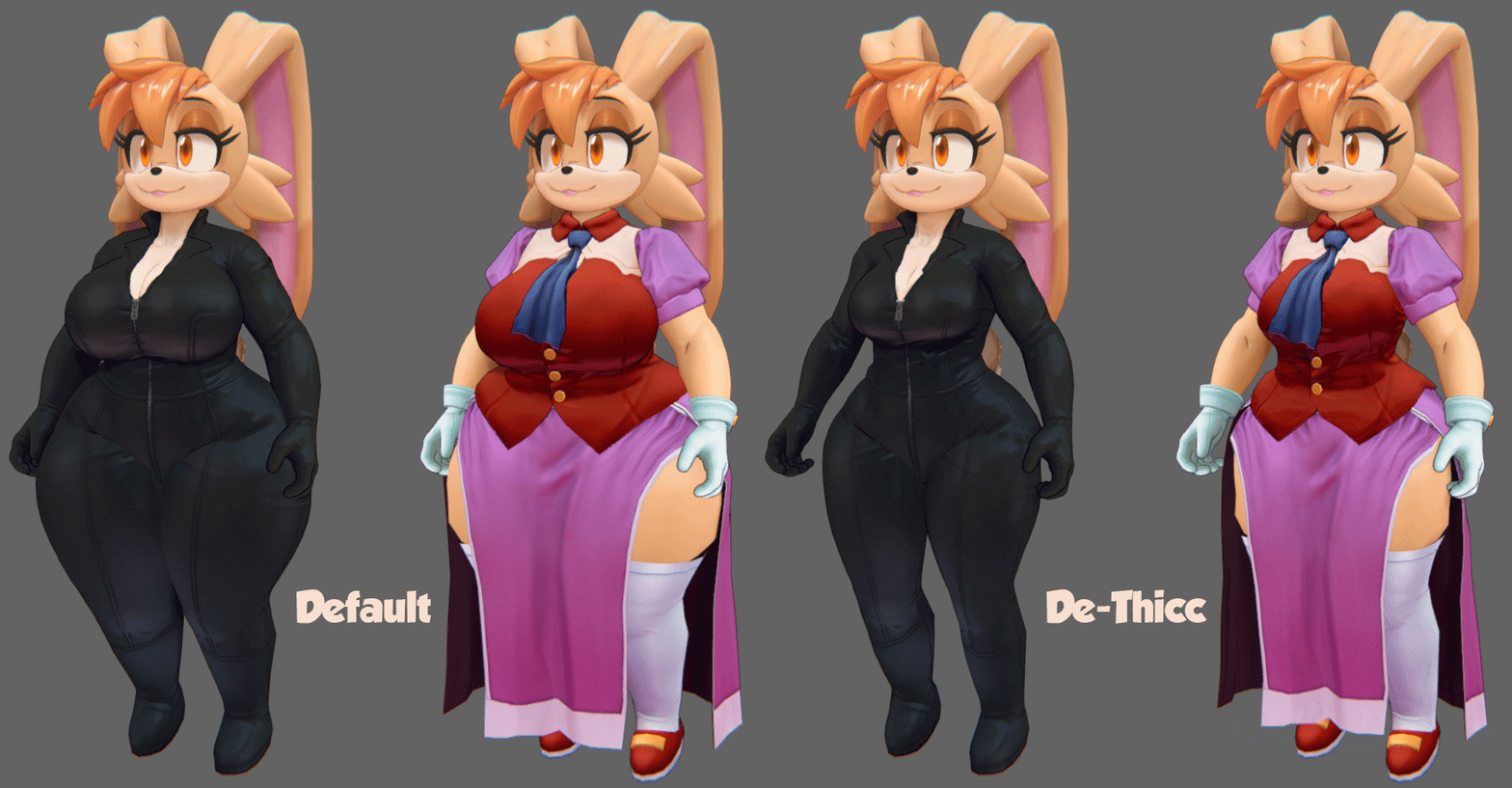
v. 1.03
-Minor update that addresses some geometry issues on the Biker Suit, hue slider effect, and Krabby Patties expression exit time.
Uses Unity 2022.3.22f1
Includes:
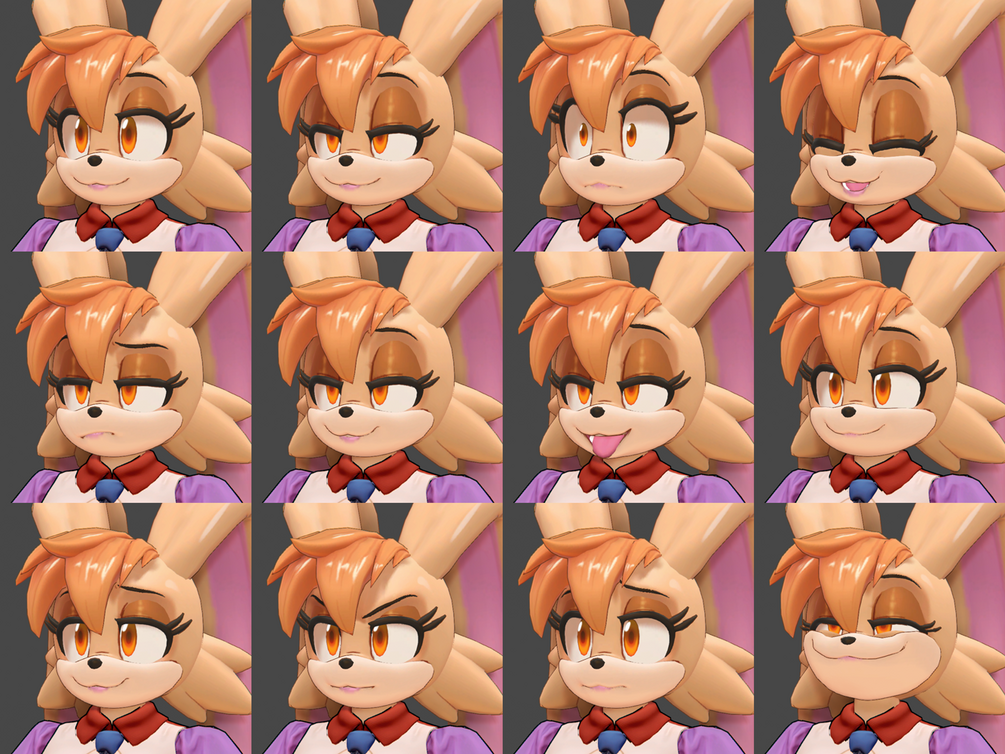
- 11 Expressions
- Visemes
- Physbones for clothes, belly, ears, etc
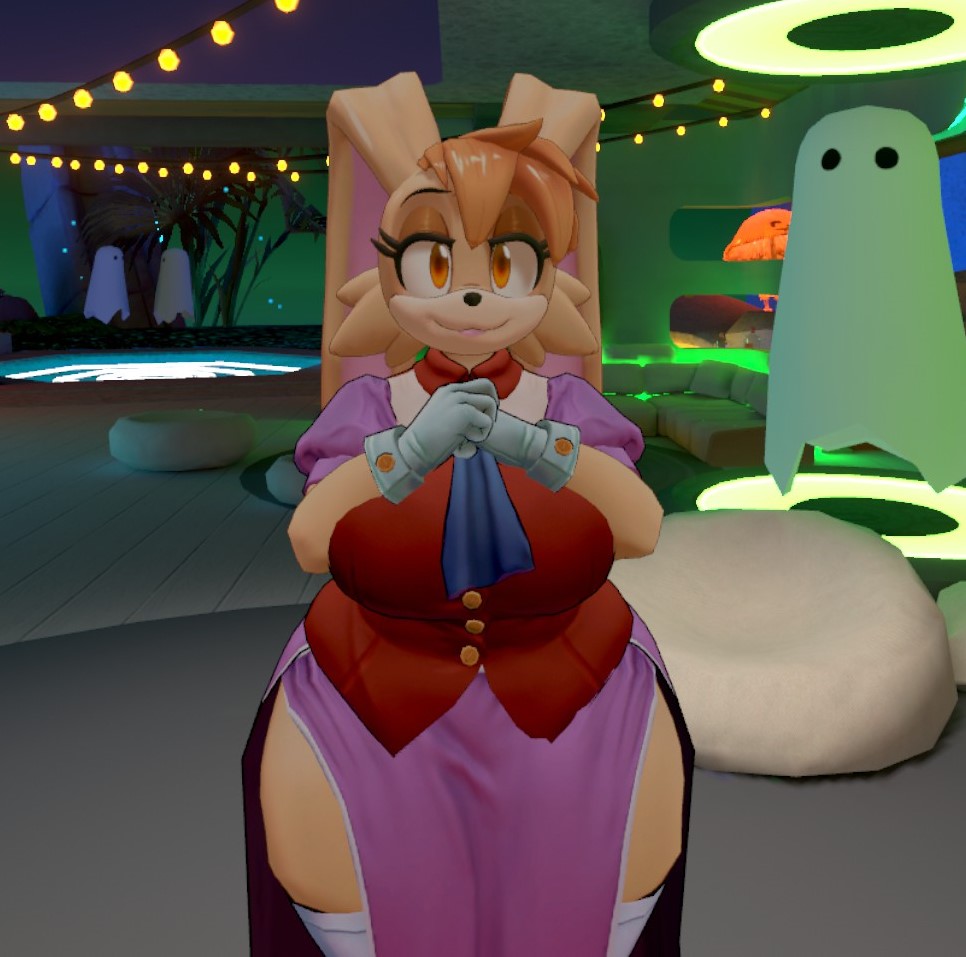
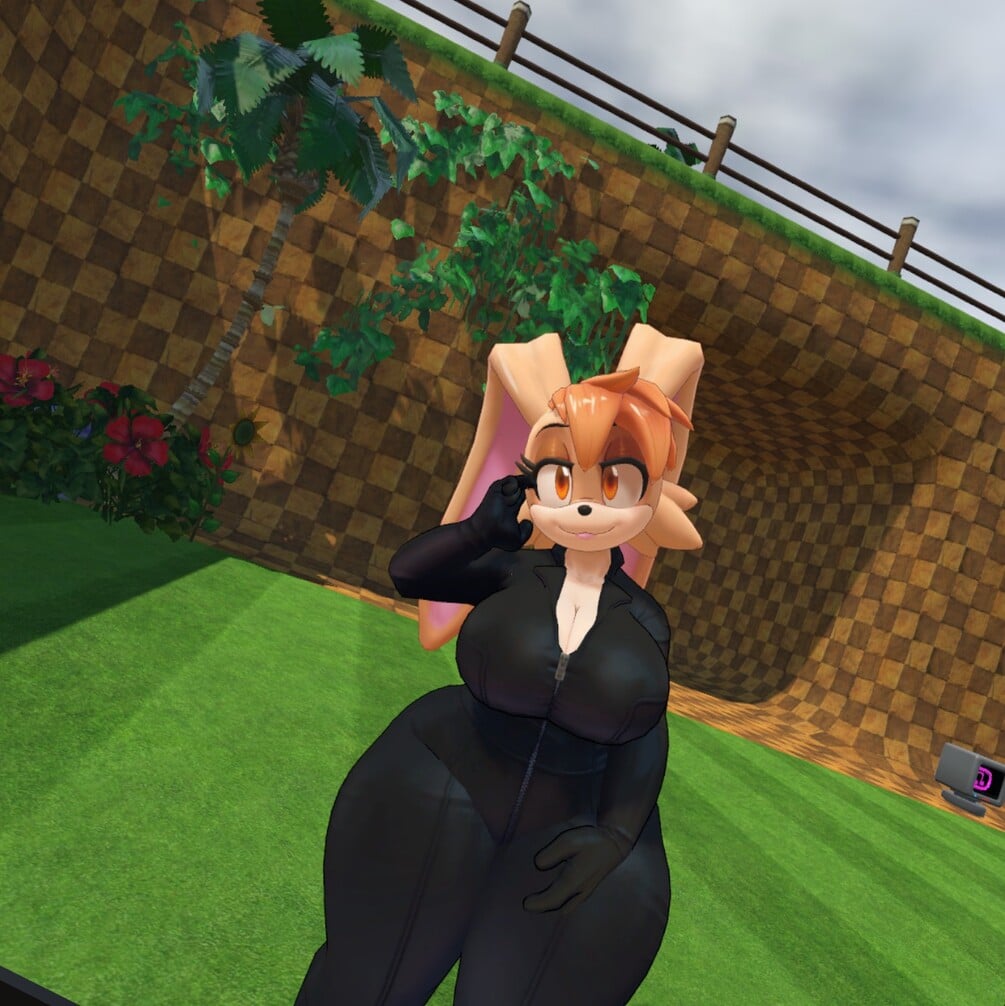
- 3 outfits. 2 of which are modular.
- Proportion Sliders
- Included Thumbnails for your upload image
- Blender scene (4.1 or later)
- Substance Painter file (10.1.2)
Please note that, due to the proportion and outfit options, some geometry clipping is unavoidable. If you run into any particularly egregious issues regarding that, let me know!
PC-only. Overall performance: Medium
Installation Instructions:
https://docs.google.com/document/d/1l0iw-k_l_vHnLwXEyb740CDlLpBept2oLJsywWLjQj8/edit?usp=sharing
This avatar requires Poiyomi Toon Shader!
https://github.com/poiyomi/PoiyomiToonShader/releases
F.A.Q.
Why is my character pink?
It's an occasional bug with Poiyomi, and you must manually select the materials from your Project panel and set the Shader to "Poiyomi Toon" in the Inspector panel.

I encounter errors when building and publishing the avatar.
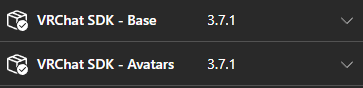
Try using SDK version 3.7.1
Terms and Conditions
For personal use only. Not to be resold, or redistributed in any form, digital or physical.
Avatars must be uploaded as Private, and not shared Publicly.
Modifications for personal use are permitted.
Please credit me if you post any media that uses this avatar.
Due to the digital nature of the product, all sales are final.
By purchasing this product, you agree to the Terms and Conditions.