商品説明
👗 きせった (Kisetter) v3.5.2
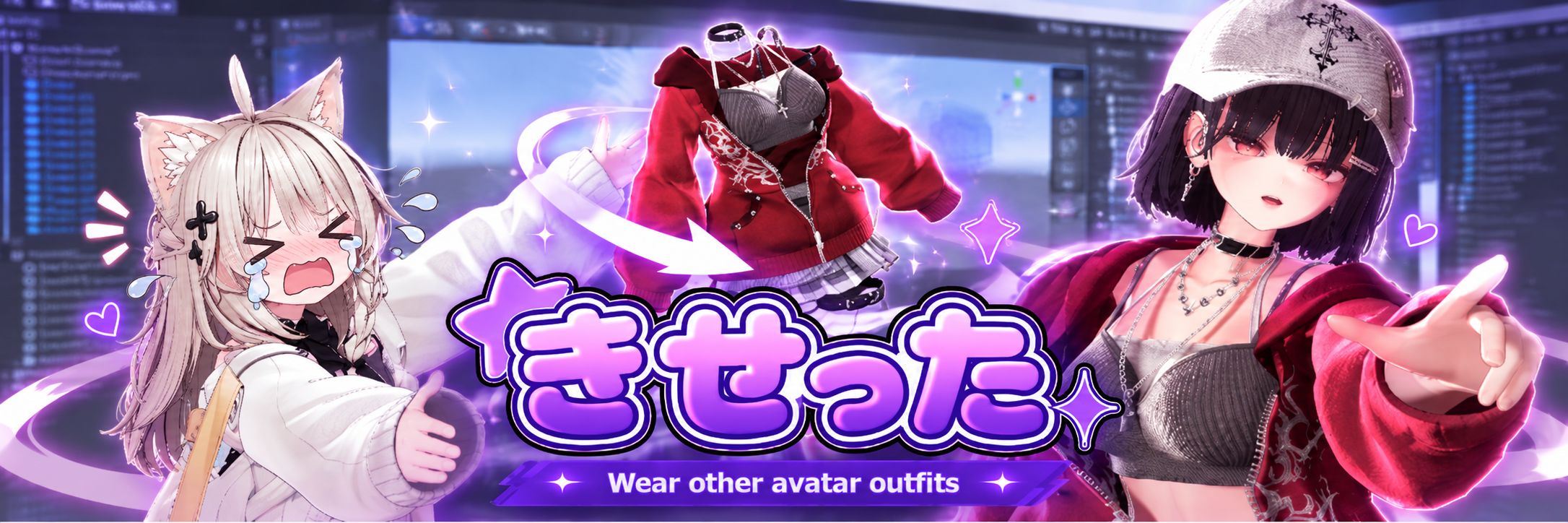
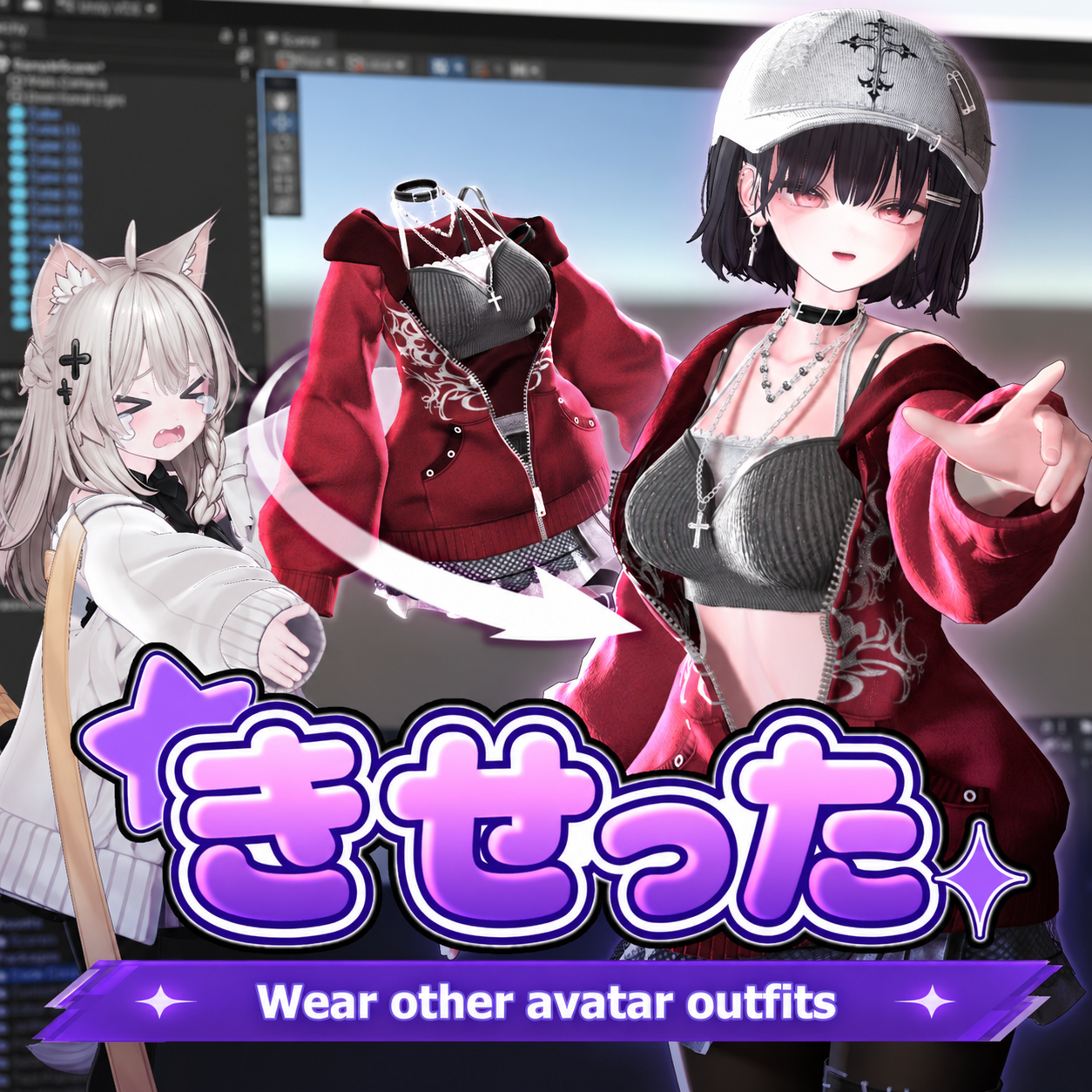
Fit outfits to avatars they weren't originally designed for!
きせった (Kisetter) is a Unity-based outfit fitting and avatar customization tool that allows you to convert clothing made for one avatar to fit another, even if the outfit doesn't officially support it.
No complicated workflow required! Simply prepare your avatars and outfit, and let Kisetter handle the conversion in just a few clicks. ✨
With the integration of Mesh Studio and the addition of new editing tools, Kisetter continues to evolve beyond automatic outfit fitting, helping you customize your avatars more easily and freely.
✨ Key Features
👗 Automatic Outfit Fitting
Automatically adjusts clothing meshes, bones, and weights to match your target avatar.
🙆 Supports Customized Avatars
Works with standard avatars as well as avatars with modified body shapes, including customized and chimera avatars.
⚡ Fast Conversion
In most cases, outfit conversion can be completed within 10 minutes.
🛠️ Integrated Mesh Studio
Edit meshes directly inside Unity without switching to Blender. Fix clothing clipping, adjust vertices, refine shapes, and make additional adjustments using various editing brushes.
🦴 Bone and Weight Adjustment
Manually adjust bones when needed, recalculate clothing weights, and realign PhysBones to improve fitting results.
📦 FBX Export
Export converted outfits in FBX format for further editing in Blender or other 3D software.
Depending on the outfit and avatar combination, additional manual adjustments may be necessary to achieve the best results.
💙 Kisetter + Early Access
This package includes きせった (Kisetter) along with Early Access privileges.
You can enjoy all the features of the official version of Kisetter. Additionally, select upcoming features will be made available through Early Access, giving you the opportunity to try them before their official release.
🎨 Currently Available in Early Access: Texture Studio
Texture Studio allows you to customize texture colors directly in Unity, including:
- Color and tone adjustments
- Gradient creation
- Automatic color matching
- Mesh and UV region selection
- Preview and undo functionality
Texture Studio is currently available exclusively through Early Access and is planned to be included in the standard version of Kisetter in a future update.
✅ What You Need
Only three things are required to convert an outfit:
- Target Avatar — The avatar you want to wear the outfit.
- Outfit — The clothing you want to convert.
- Source Avatar — The avatar the outfit was originally designed for.
Don't have the source avatar?
Kisetter includes 17 Avatar Profiles that allow you to convert outfits made for supported avatars without requiring the original source avatar.
📖 How to Use
- Prepare the source avatar (or a Kisetter Profile), the outfit, and the target avatar.
- Open Auto Fitting Mode and assign the required objects.
- Check the conversion options and click Run ALL to start the conversion.
For the best results, please read the official guide before using Kisetter for the first time.
📘 English Guide: https://kisetter.edenlabs.workers.dev/en/docs/getting-started/
💻 System Requirements
Supported Unity Versions
- Unity 2022.3.22f1 (VRChat)
- Unity 2021.3.18f1 (Warudo)
- Unity 6000
Supported Operating Systems
- Windows
- Linux
Compatible Avatars
Kisetter supports avatars configured with Unity's Humanoid rig, regardless of where they were obtained.
This includes avatars from BOOTH, Jinxxy, Gumroad, VRoid, and original avatar creations.
🎁 Included Avatar Profiles
Kisetter includes Profiles for the following 17 avatars:
- Shinano — ポンデロニウム研究所
- Milfy — ぷらすわん
- Milltina — DOLOS art
- PlusHead (+Head) — Legacy System Works
- Kumaly, Selestia, Manuka — STUDIO JINGO
- Lime, Chiffon, Chocolat, Plum — あまとうさぎ
- Mao, Rurune, Mizuki — IKUSIA
- Sio — Chocolate rice
- Lapwing — 久
- Lumina — EXTENSION CLOTHING
We sincerely thank all avatar creators who have granted permission to distribute these Profiles.
❓ Q&A and Support
If you encounter any issues or have questions about Kisetter, please check our official Q&A and troubleshooting guide.
English Q&A: https://kisetter.edenlabs.workers.dev/en/docs/faq/
Official Discord: https://discord.gg/EV2DXDB3w7
Our development team is continuously improving Kisetter and expanding its features to make avatar customization easier and more accessible.
📜 Terms of Use
Please review the Terms of Use before purchasing or using Kisetter.
https://kisetter.edenlabs.workers.dev/en/docs/details/
Thank you for your interest in きせった (Kisetter)! 💙
We will continue developing and improving Kisetter to help everyone enjoy avatar and outfit customization with greater freedom and convenience.