商品説明
EMBER LANTERN
A little fire.
By Frame Zom · English / Español
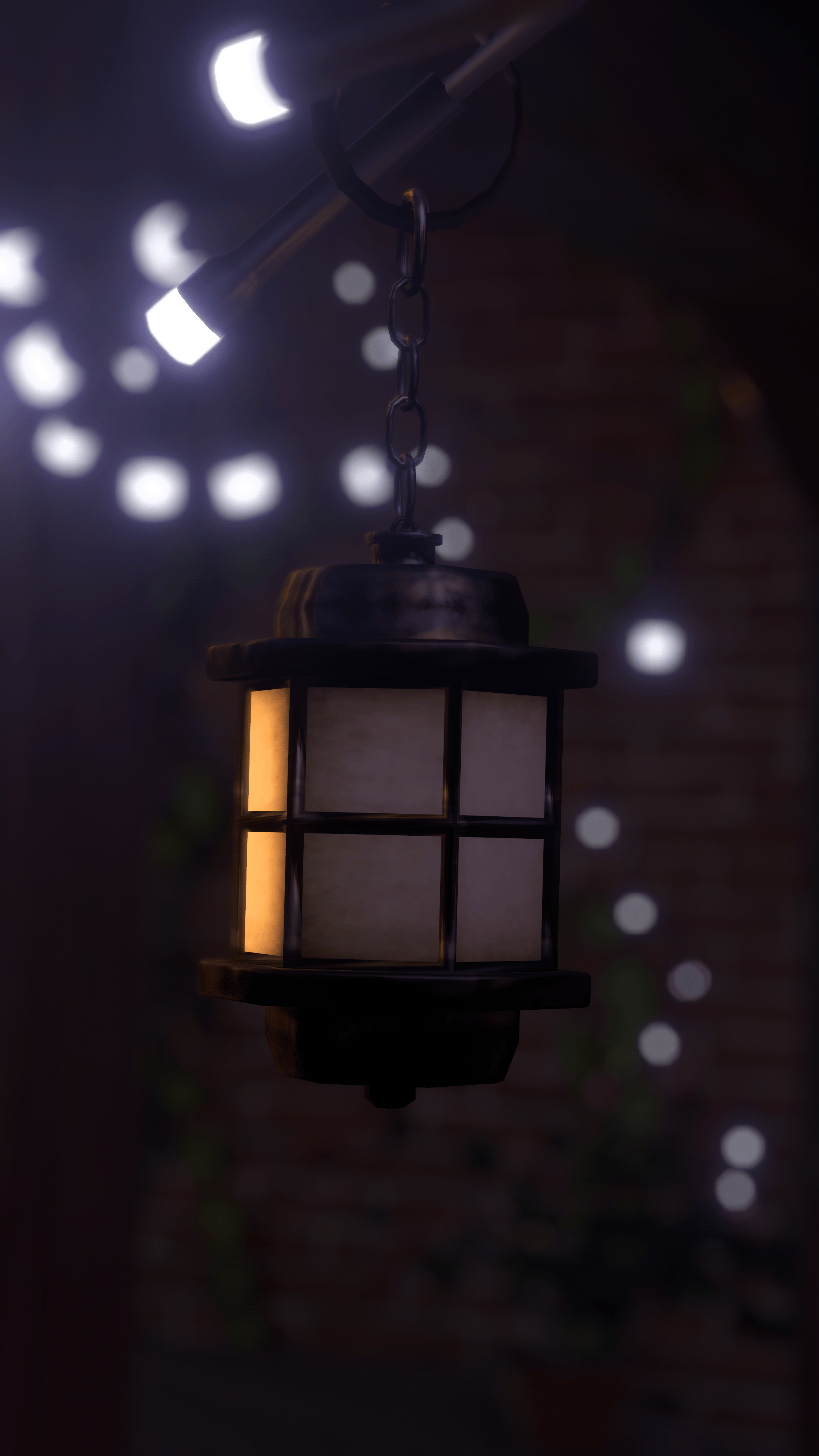
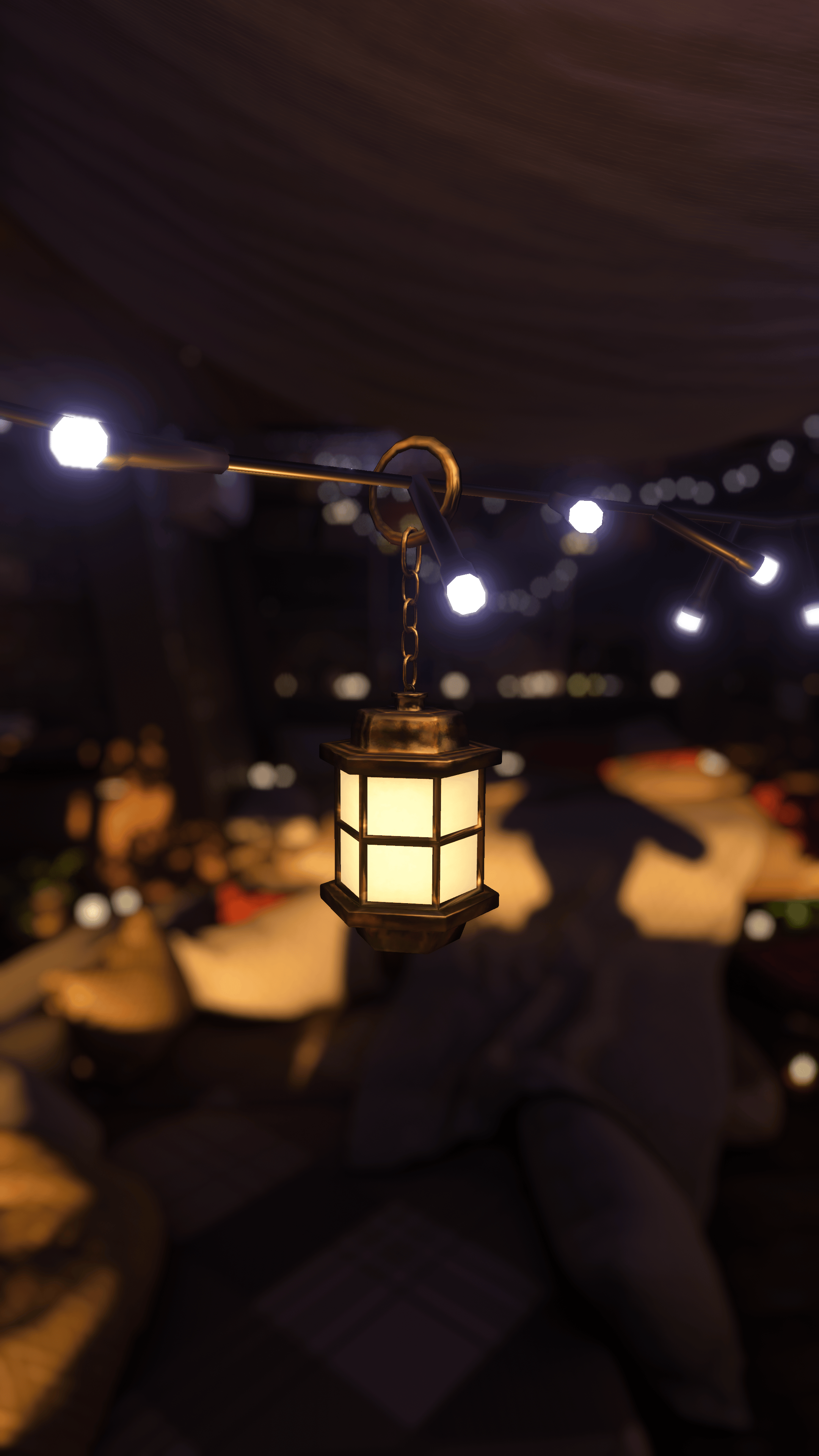
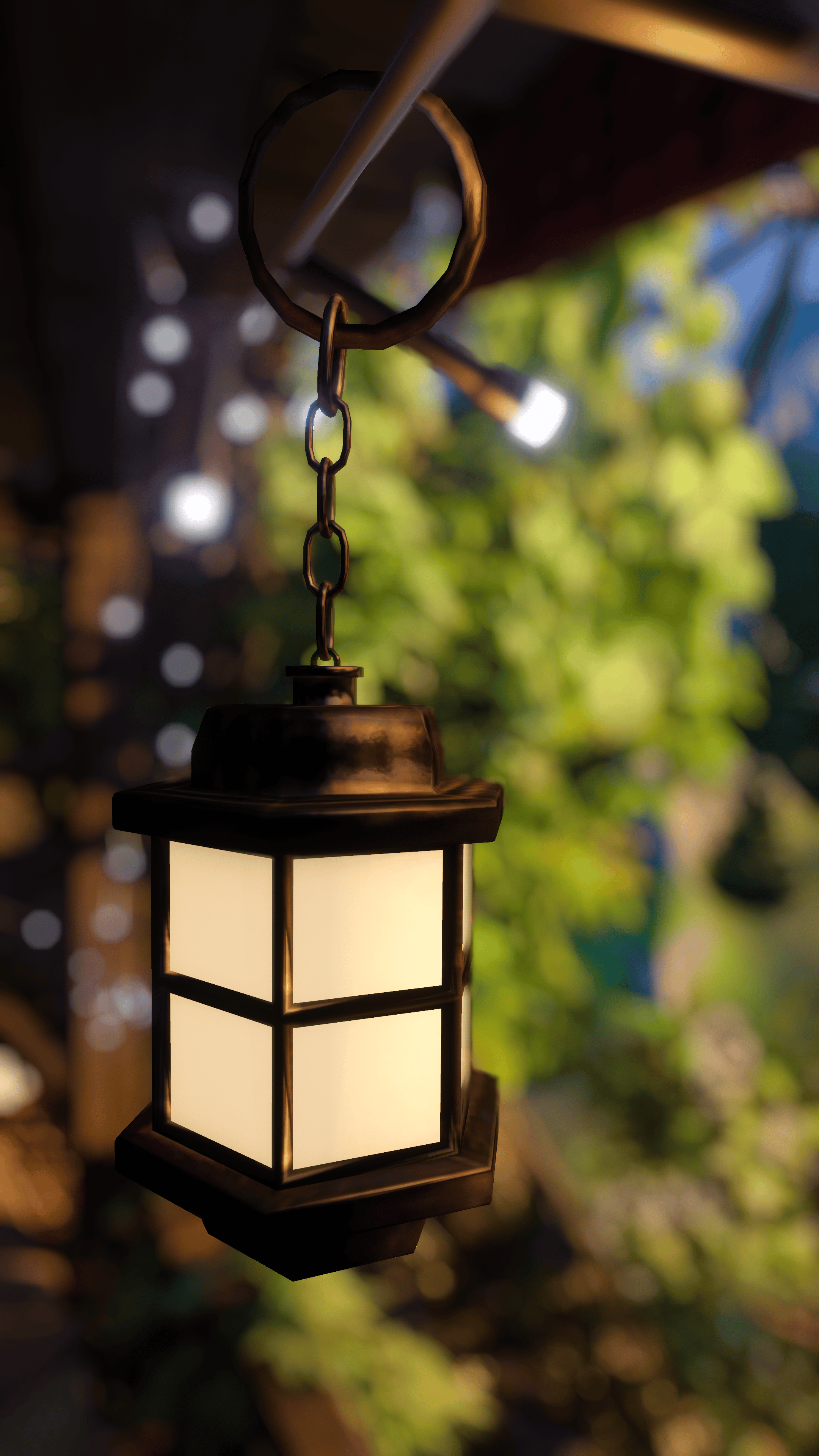
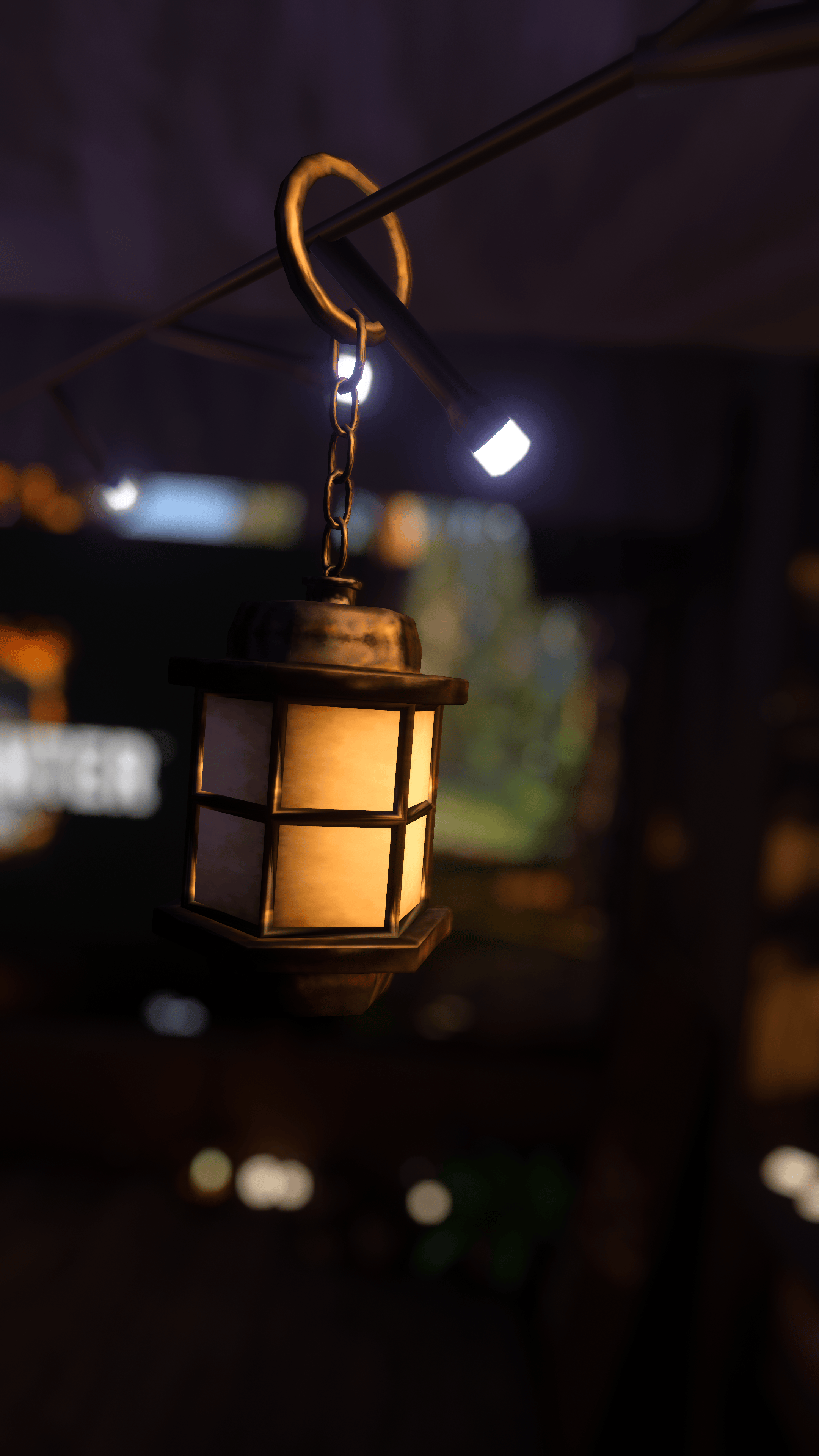
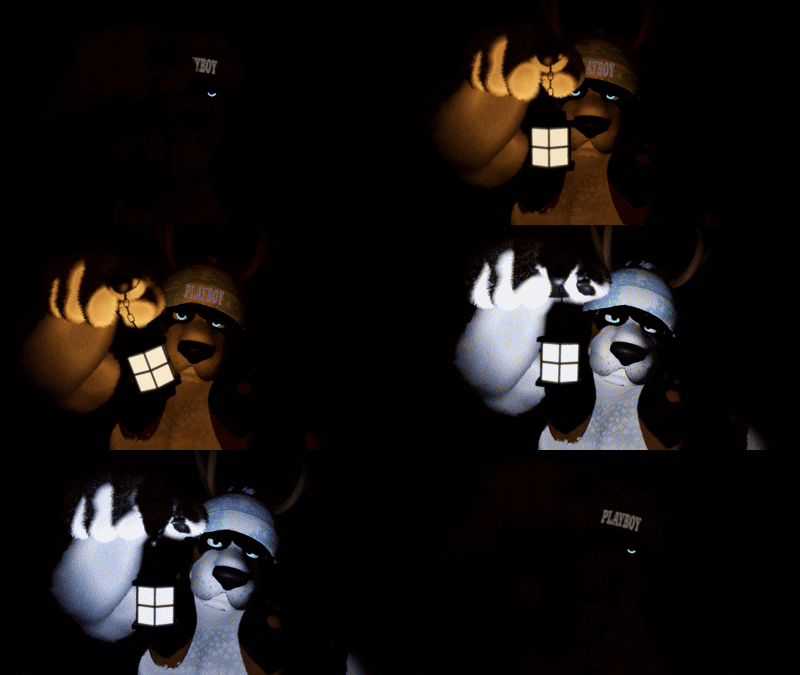
I wanted a lantern you could actually play with. Pull it, hear the click, and watch the glass come alive with a warm flicker. Take it with you, match it to your avatar, or leave it in your favorite corner of the world.
Make it yours
- Pull to light it: PhysBone interaction and a menu toggle control the same on/off state.
- Flame atmosphere: flickering light and glowing glass, with fire ambience, a switch click and an extinguishing sound.
- Your lighting: adjust intensity, range, color and glass brightness. Choose a steady light whenever you want.
- Move to Destination: switch to your custom placement. A hologram helps you position it in Unity and is removed during upload.
- Drop in World: leave the lantern at a spot in the world and bring it back when you are ready.
- Show Lantern: hide the whole asset without changing its light setting.
- Reset: bring the lighting controls back to their defaults.
Before you import
Required: Poiyomi Toon + VRCFury.
Use a VRChat avatar project with the VRChat SDK installed. Import the required dependencies before the lantern. Basic Unity avatar setup knowledge is needed.
Place the Lantern prefab inside your avatar, adjust its size and placement, and position the destination using the hologram. Keep the original bone and mesh names so the animations can find them. English and Spanish guides are included.
This is a avatar accessory. The avatars and worlds shown in the previews are not included. The lighting and shader setup is intended for PC avatars; a standalone Quest version is not advertised.
ESPAÑOL · Una llamita

Quería una linterna con la que pudieras jugar de verdad. La jalas, suena el clic y las ventanitas se encienden con ese titileo de llama. Llévala contigo, ponla donde te guste y dale ese toque a tu avatar.
¿Qué puedes hacer?
- Prenderla y apagarla jalando el PhysBone o desde el menú.
- Disfrutar del efecto de llama en la luz y las ventanas, con sonido de fuego, clic y apagado.
- Cambiar intensidad, alcance, color y brillo del vidrio, o usar luz estable.
- Moverla a un destino que ajustas en Unity con ayuda de un holograma. La previsualización se elimina al subir el avatar.
- Dejarla en el mundo con Drop in World y recuperarla después.
- Mostrar u ocultar toda la linterna y restablecer los ajustes de iluminación.
Lo que necesitas
Poiyomi Toon y VRCFury, instalados antes de importar la linterna, en un proyecto de avatar con el SDK de VRChat. Necesitas conocimientos básicos de Unity para colocarla y ajustar su tamaño.
Arrastra el prefab Lantern dentro de tu avatar y ajusta la colocación a tu gusto. No cambies los nombres de los huesos ni de la malla: las animaciones dependen de ellos. Incluye guía en español e inglés.
Es un accesorio para avatares. Los avatares y mundos de las imágenes no están incluidos. La configuración de luz y shader está pensada para PC; no se ofrece como una versión para Quest standalone.
Gracias por apoyar lo que hago. Si la usas en tus fotos o videos, me encantará verla por ahí. Disfrútala y hazla tuya.
— Frame Zom