商品説明
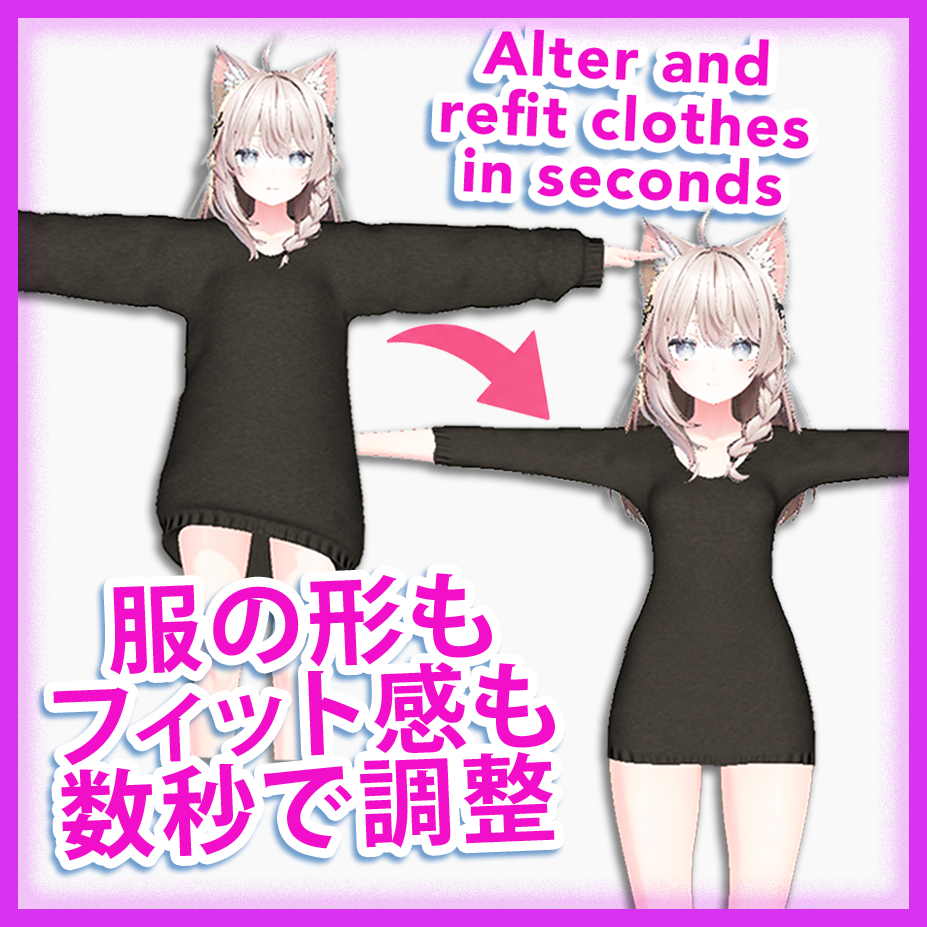
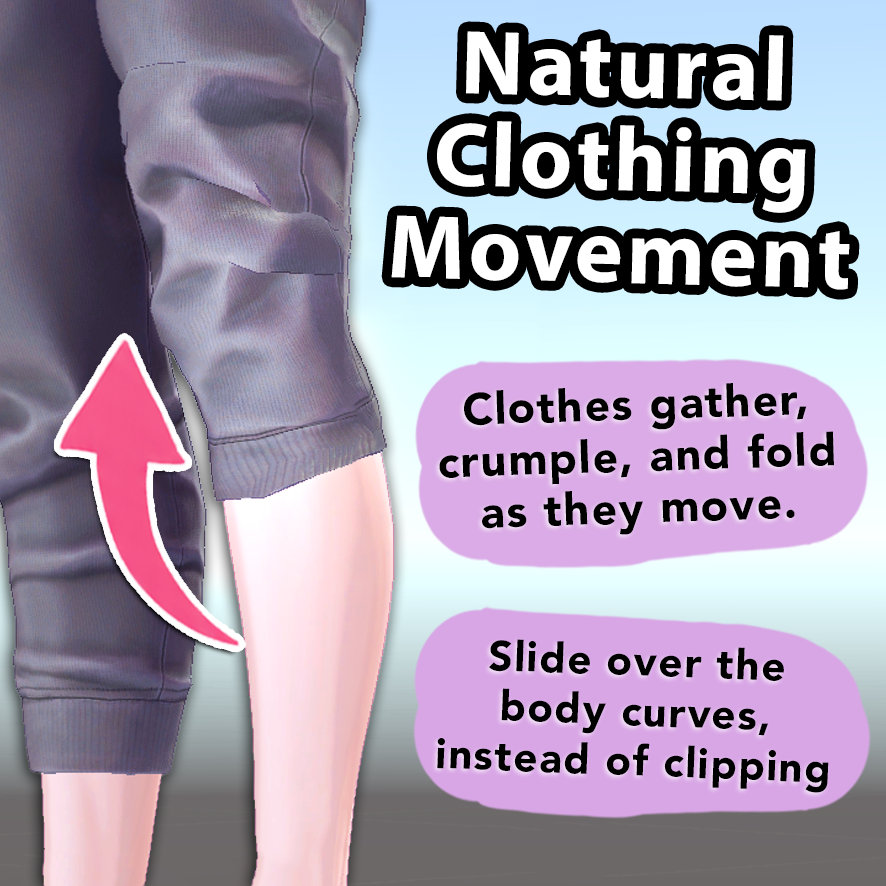
Refit clothes however you want, using clothing physics and body collision. No clipping.
Refit clothes with physics
Fit clothes to any avatar. No conversion profiles needed.
Pose the clothes
Lift a shirt, roll up a sleeve, pull down the pants... make the clothes look however you want.
Automatic weight-painting
When you are done, NewFit can intelligently repaint the weights for you so clothes still move correctly with the body.
Fix movement clipping
One button will automatically run your character through poses, detect clipping, and generate a custom body-shrink blendshape to fix it.
Useful even if you don't want to change the clothes at all!
Tune the fabric
Get the outfit looking exactly how you want by setting sliders for elasticity, cloth thickness, shrink, and more.
Save as toggle, or as a blendshape
NewFit can create a toggle for you, or you can save it as a blendshape to use with gimmicks. (both examples shown in video)
Notes On Refitting to Furry Avatars:
As you can see in the video, this plugin does allow you to refit clothes made for humans onto furry avatars. While this is not the main purpose of the plugin, I understand that many will want to use it for that.
I want to give you some notes and expectations.
First, the biggest - the automatic weight painting function is imperfect for furry avatars. It is functional, but imperfect.
In most cases, it should work fine. But due to the wide variety in rig setup among furry avatars, it simply cannot be as universal as it is for human avatars.
NOTES :
- Use the regular Unity position and scale tools to get the clothes as close as you can to being "on the body" first. It doesn't need to be super close, as you can see in the video. But the closer you can get the sleeves or pant legs in particular, the better.
- You should uncheck the "Delete Inside Geometry" toggle before hitting Init Mesh, and use the manual Delete tool to delete geometry you don't want.
- Before you move the clothes at all, go to the Sliders section and adjust what you think would be best. Especially the "Shrink" slider.
- When saving, increase the "Extra Shrink" slider under "Fix Movement Clipping". I recommend at least 5cm
If people want, I will make some videos showing the details of how to do this most effectively.