
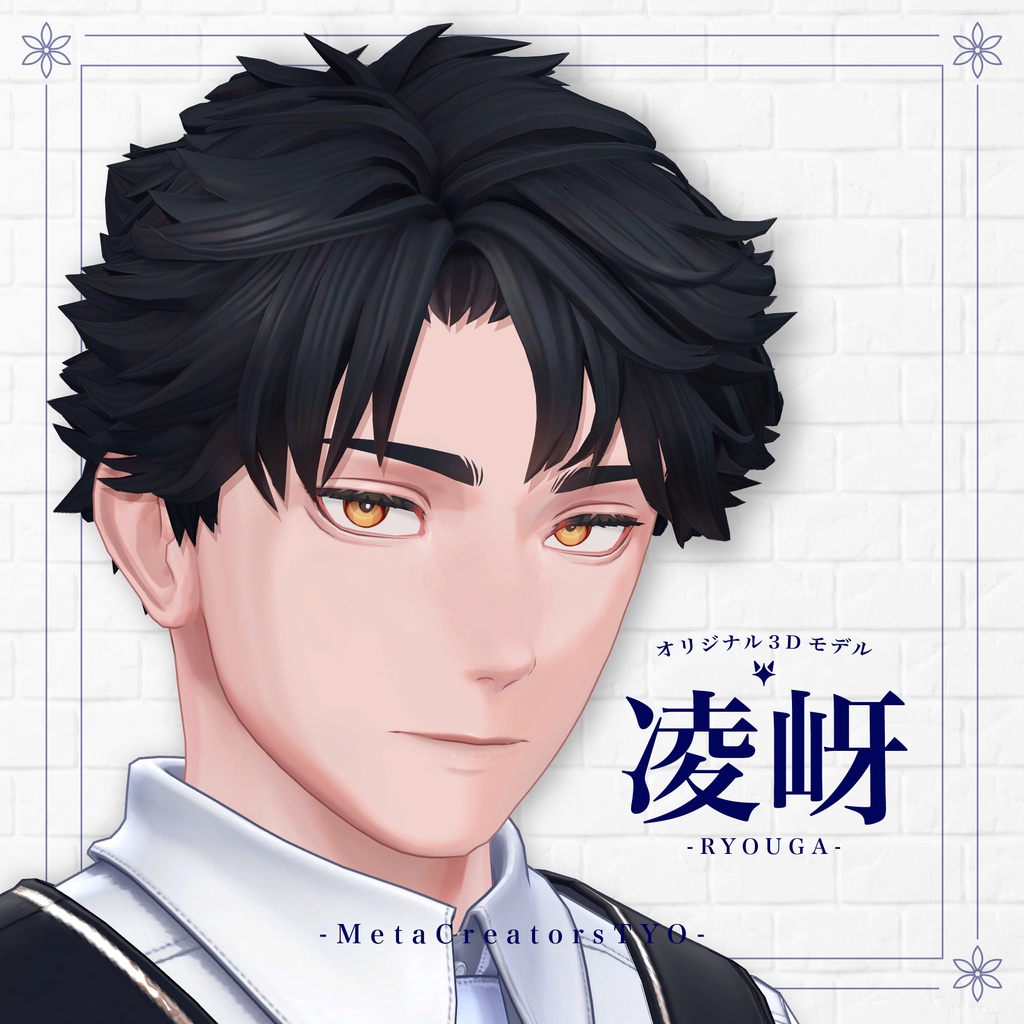
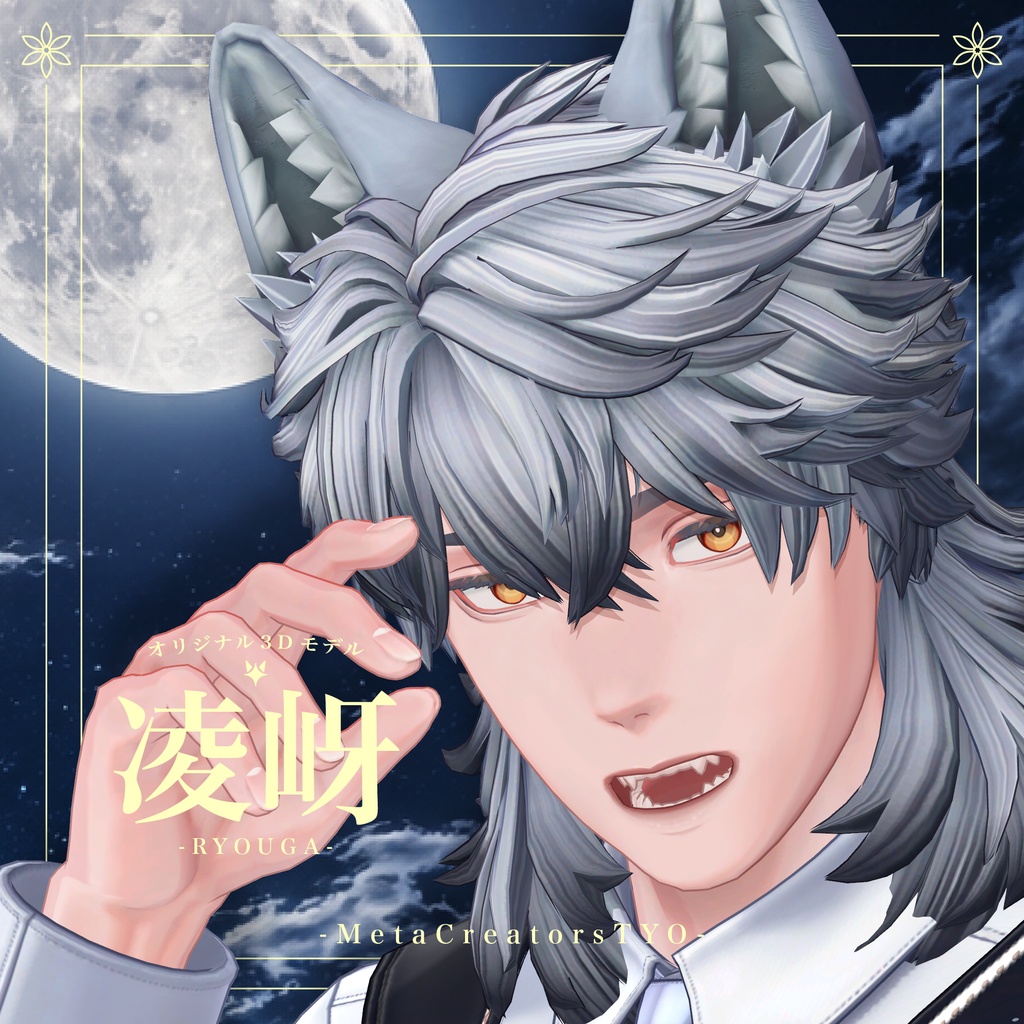
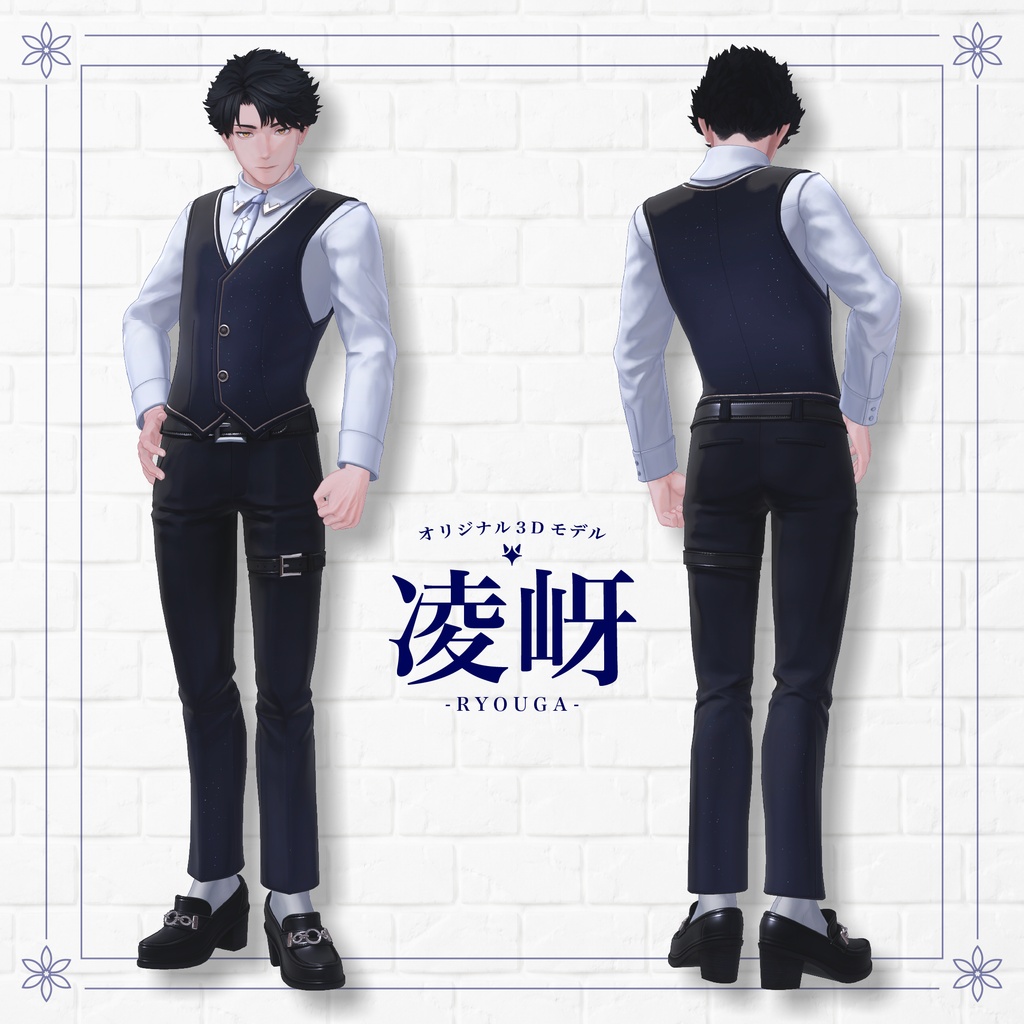
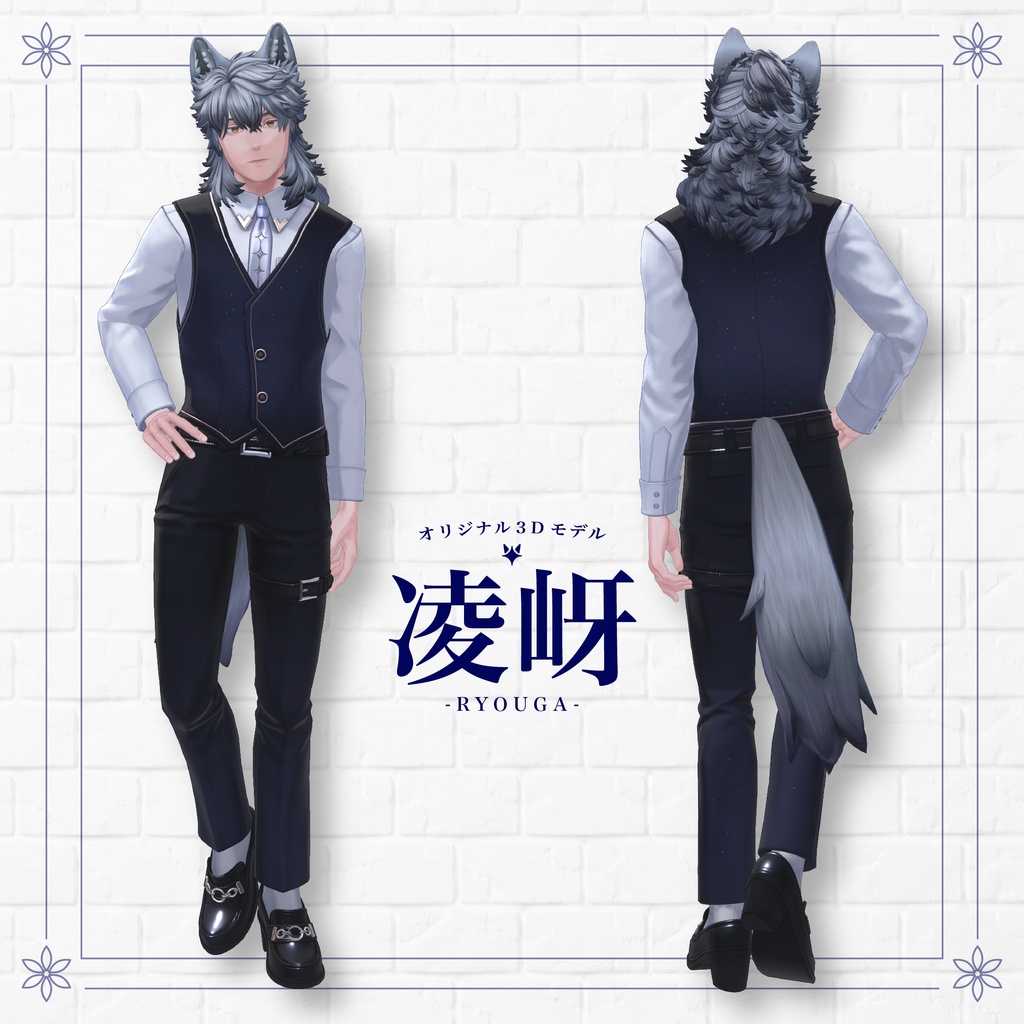
Ryouga - Original 3D Model for VRChat (VRC Avatar) #凌岈3D #Ryouga3D / AC10
タグ
商品説明
⌢⌢⌢⌢⌢⌢⌢⌢⌢ ✦ ⌢⌢⌢⌢⌢⌢⌢⌢⌢
"I won't tell you not to cry.
But decide what you will do after you have cried."
A 6th-year student at the Royal Viabelle Academy.
The eldest son of a prestigious ducal family that protects the kingdom's canals and ports.
A quiet werewolf who occasionally speaks sharp words of truth.
He may appear blunt, but he is actually caring and considerate.
His emotions are easily shown through his ears, though he seems to believe he hides them well.
⌢⌢⌢⌢⌢⌢⌢⌢⌢ ✦ ⌢⌢⌢⌢⌢⌢⌢⌢⌢
⭐ About Ryouga
https://metaversecreator.daa.jp/CLARIVIA/characters.html
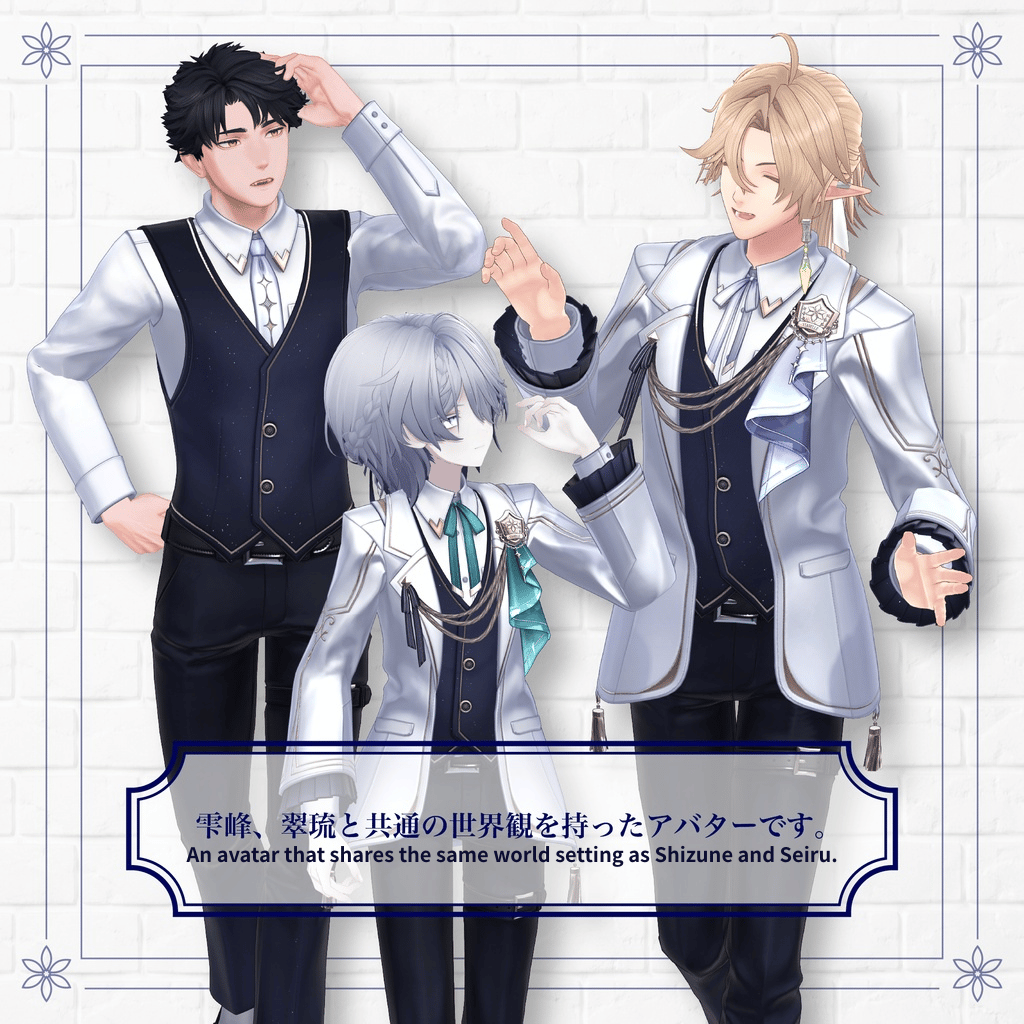
In the Kingdom of Clarivia, where Ryouga lives, many other characters also exist.
Ryouga has an official character profile, but that is not the only way to enjoy him.
Of course, you can enjoy him as "Ryouga", but by using the many customization shape keys and various options, you can also enjoy him as your very own original character!
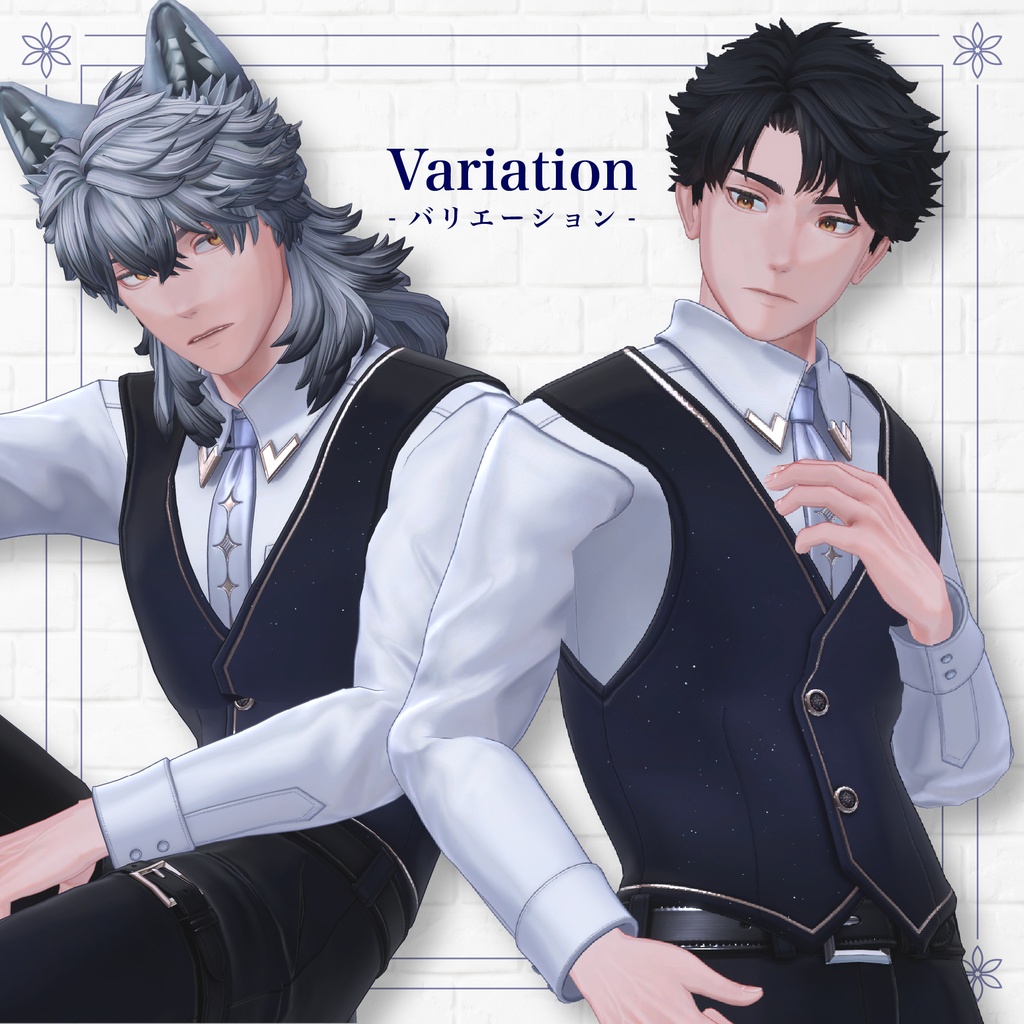
🌟 Werewolf Mode 🌟
You can freely switch between Werewolf Mode and Human Mode.
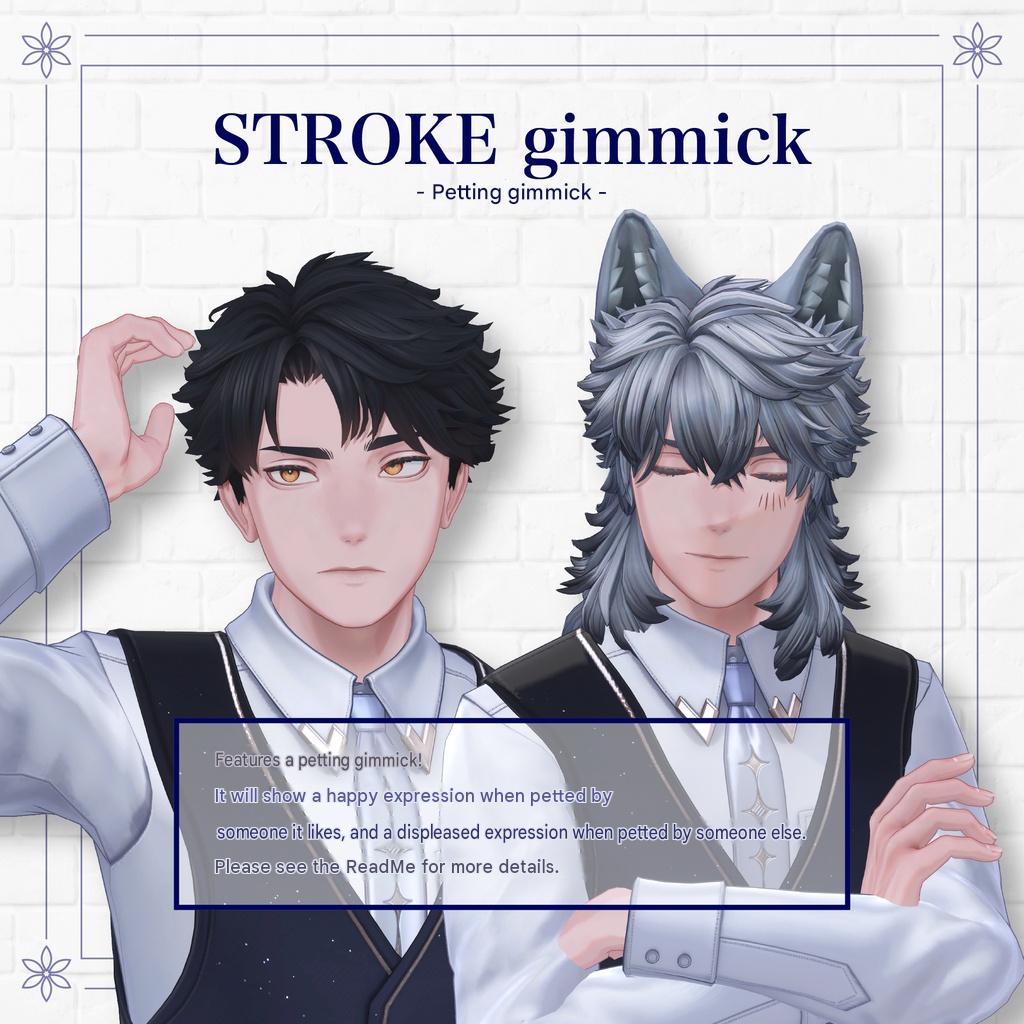
🌟 Petting Gimmick 🌟
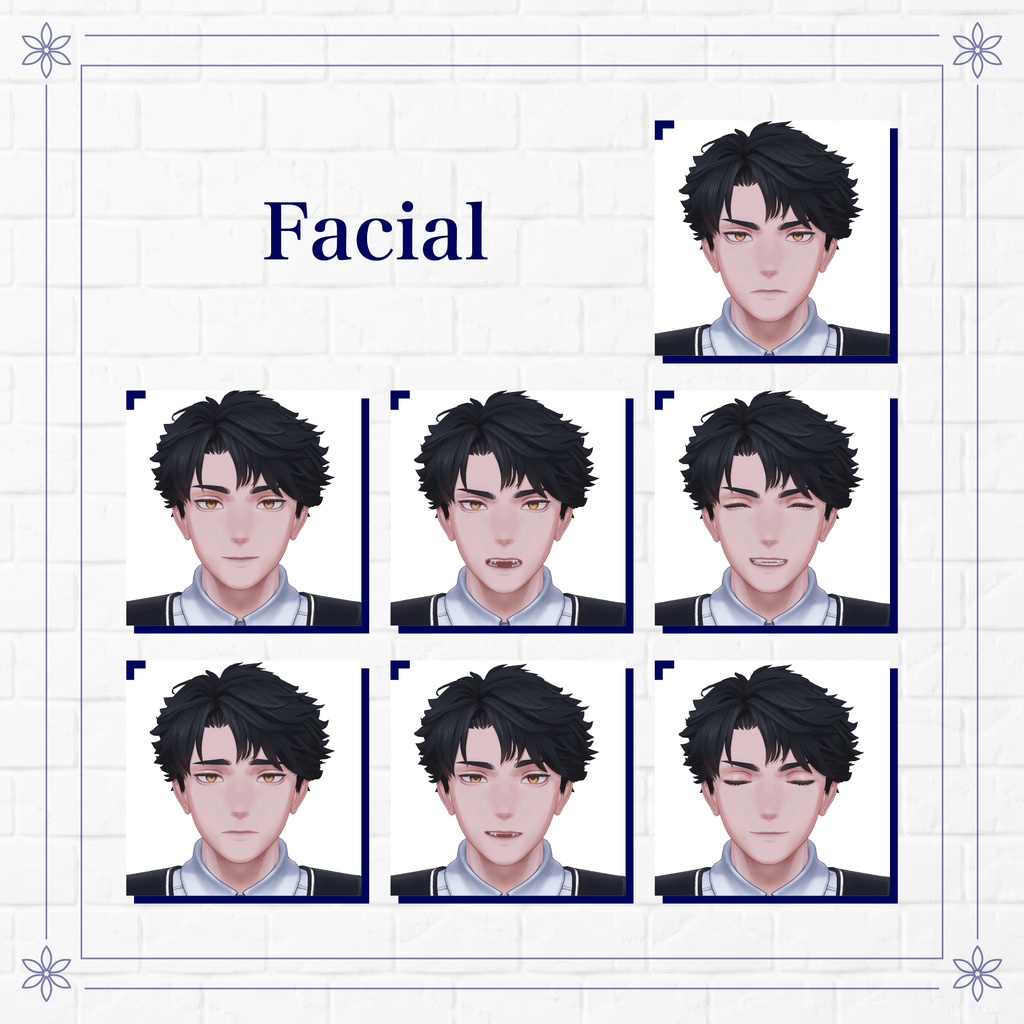
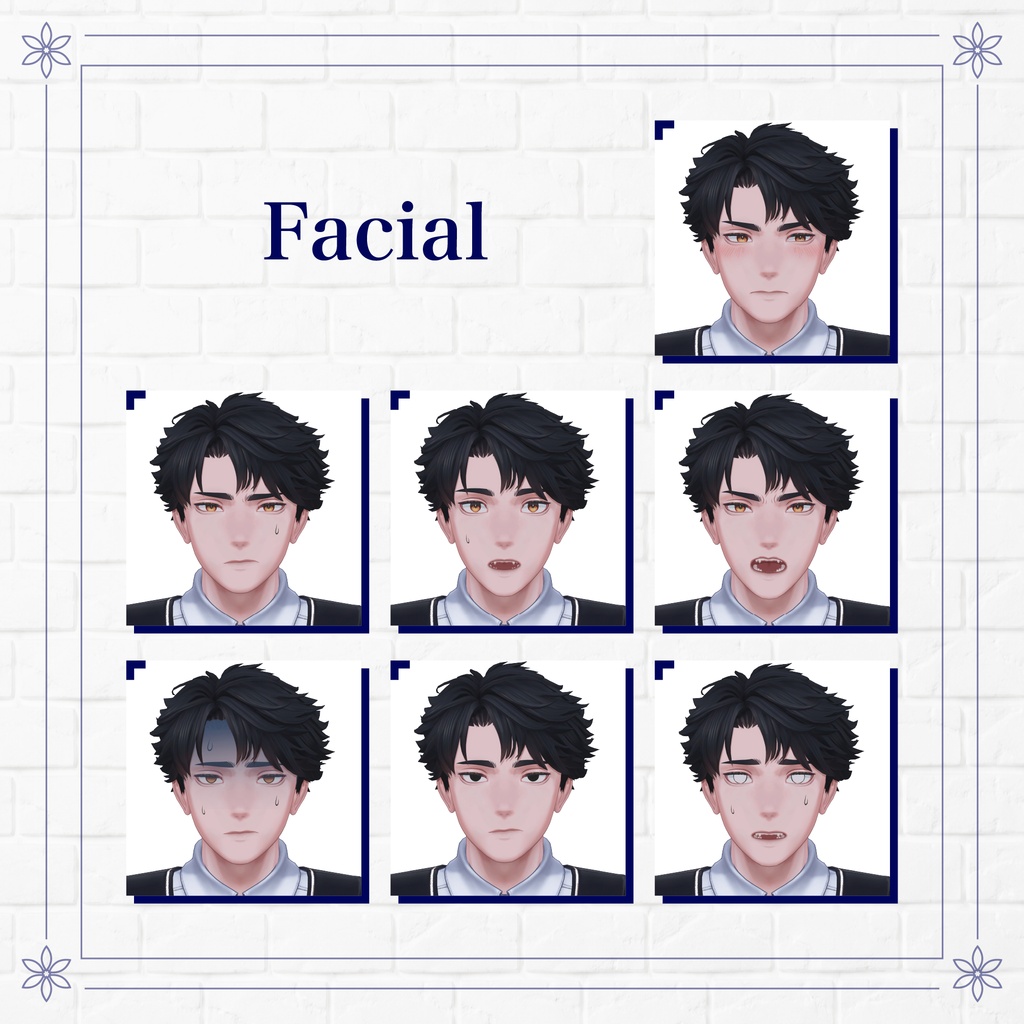
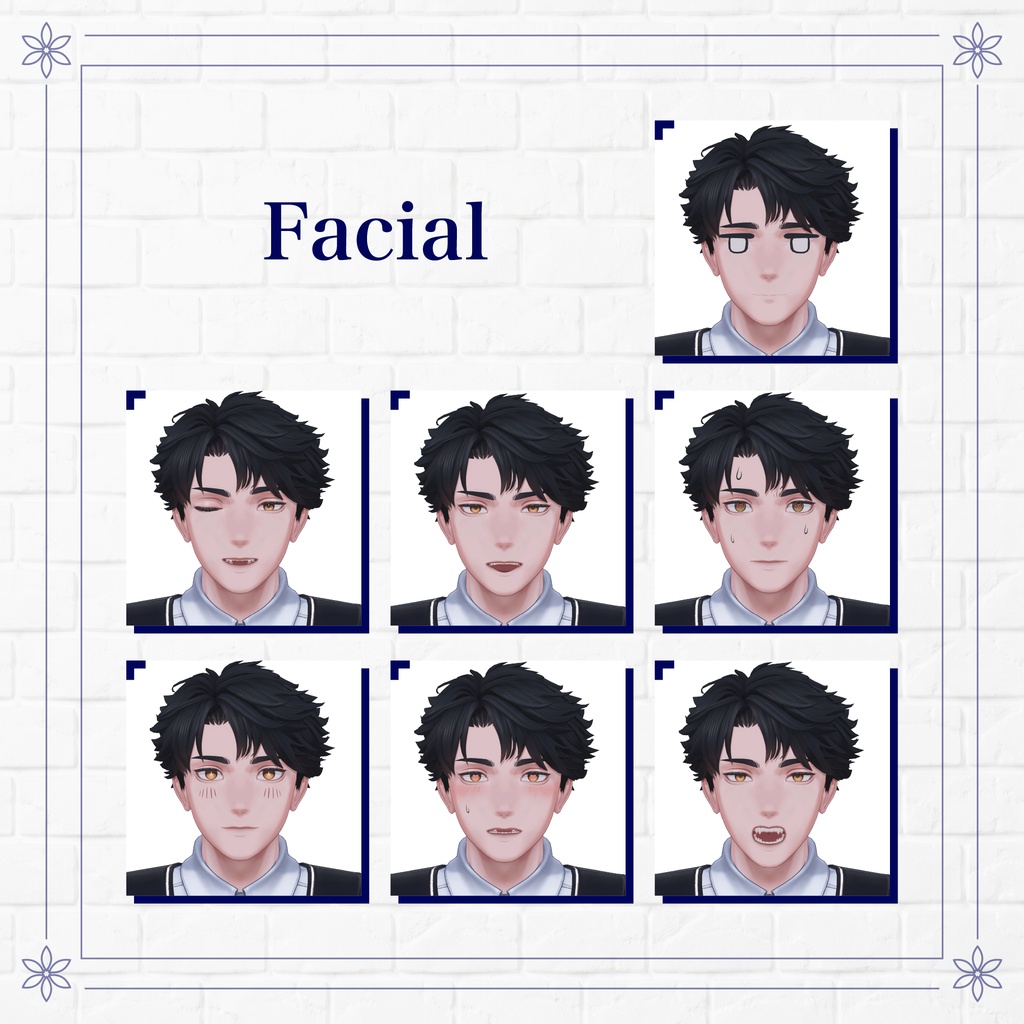
When petted by someone he likes, he shows a happy expression.
When petted by someone else, he shows an annoyed expression.
Please check the product description for details.
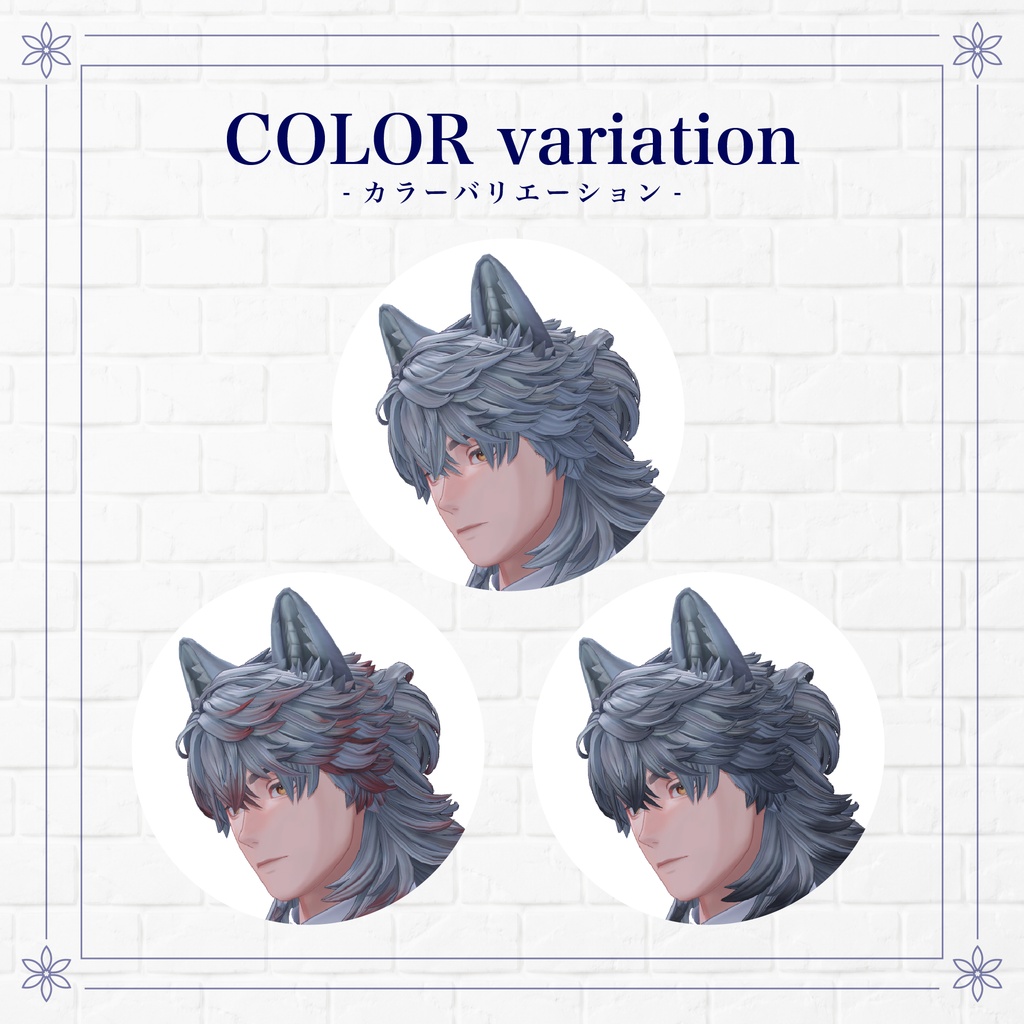
🌟 Color Variations 🌟
Hair colors can be selected from multiple color material options.
🌸 Official Hashtags 🌸
#Ryouga3D
#クラリヴィア
Base Body
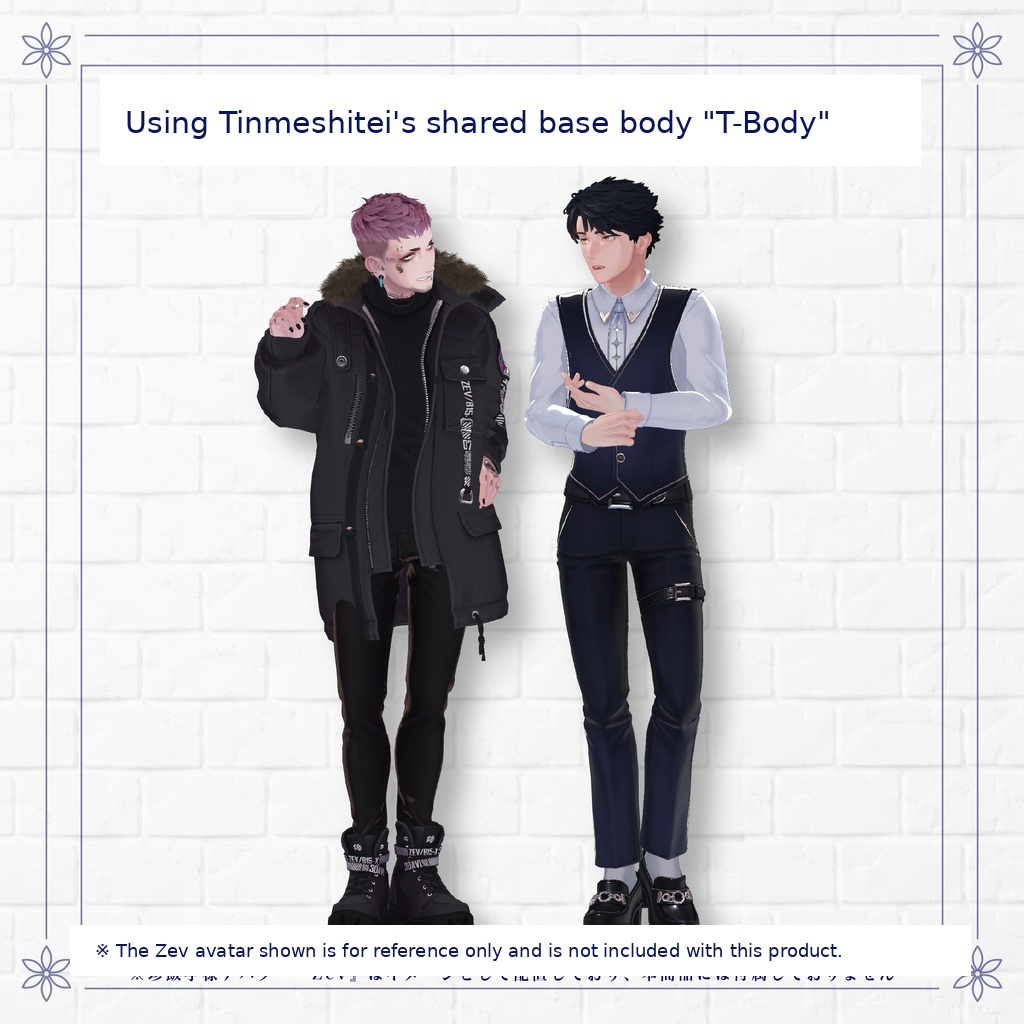
The base body uses Tinmeshitei's T-BODY.
Clothing made for the Tinmeshitei body can be worn.
VRChat Male Base Body "T-BODY / Tinmeshitei Shared Base Body"
https://tinmeshi.booth.pm/items/7155882
BOOTH Order Number: 82542941
※ Due to the nature of digital products, returns and refunds are not available.
Please purchase only after reading and agreeing to the product description and terms of use.
◆ Item Overview
Contents
MCT_Ryouga_SetUP_Full.unitypackage
ReadMe.txt
PSD / Clip
Face_Option
RoughWolf_Parts
RoughWolfLayerHair
RoughWolfLayerHair_Ex
RoughWolfLayerHair_Halfup
Ryouga_Eye
Ryouga_Face
Ryouga_TinmeshiTei_Body
FBX
Ryouga_T-Body.fbx
RoughWolfLayerHair.fbx
WolfParts.fbx
MCT_Ryouga.blend
Used Shader
liltoon
https://lilxyzw.booth.pm/items/3087170
Required Asset
Modular Avatar
https://modular-avatar.nadena.dev/ja/docs/intro
※ The UnityPackage includes ADS_Tools, which synchronizes dances and expressions with "Avatar Dance Stage."
◆ Model Data
Polygon Count
Total: 103,223 polygons
Ryouga_ForCustom (24,637)
Body: 11,109
BodySkin: 13,528
WolfParts (2,750)
Wolf_Ear: 1,704
Wolf_Tail: 1,046
RoughWolfLayerHair (26,125)
RoughWolfLayerHair: 13,395
RoughWolfLayerHair_ExBackHair: 4,294
RoughWolfLayerHair_ExFrontHair: 1,095
RoughWolfLayerHair_ExSideHair: 1,164
RoughWolfLayerHair_HalfupHair: 6,177
Full_VUM_TinmeshiTei (49,711)
Shirt: 9,402
Vest: 2,596
Pants: 7,999
Shoes: 5,964
Socks: 1,164
Emblem: 5,054
Jacket: 14,882
NeckTie: 916
NeckTie_Ribbon: 1,734
Meshes: 18
Materials: 14
PB Components: 18
PB Colliders: 9
Shape Keys
Face: 568
(246 shape keys for facial customization)
Body: 70
Import Folder
Assets > MCT_Avatars > MTC_Ryouga
◆ Installation Steps
Set the latest VRC SDK version through VCC.
Install required assets (liltoon, Modular Avatar) through VCC.
Import this package.
Place:
Assets > MCT_Avatars > MTC_Ryouga > Ryouga_T-Body_Full.prefab
into your Scene.
Upload the avatar through VRC SDK.
◆ EXMenu
This avatar's AnimatorController uses one created by:
"Bear's Den"
VRChat Custom Animator Controllers
https://pocho.booth.pm/items/4424448
For detailed settings and expression modifications, please refer to the manual on the product page.
Ryouga_Menu
RoughWolfLayerHair_Menu
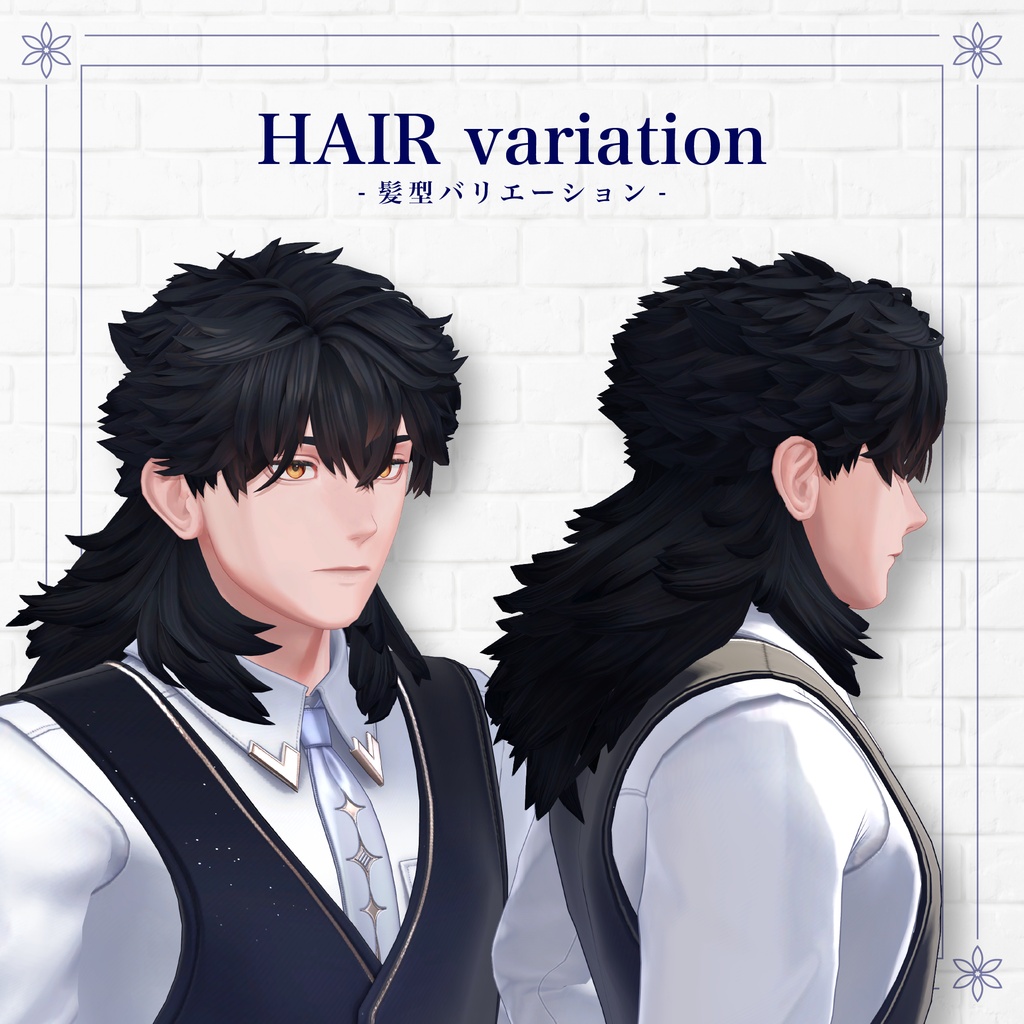
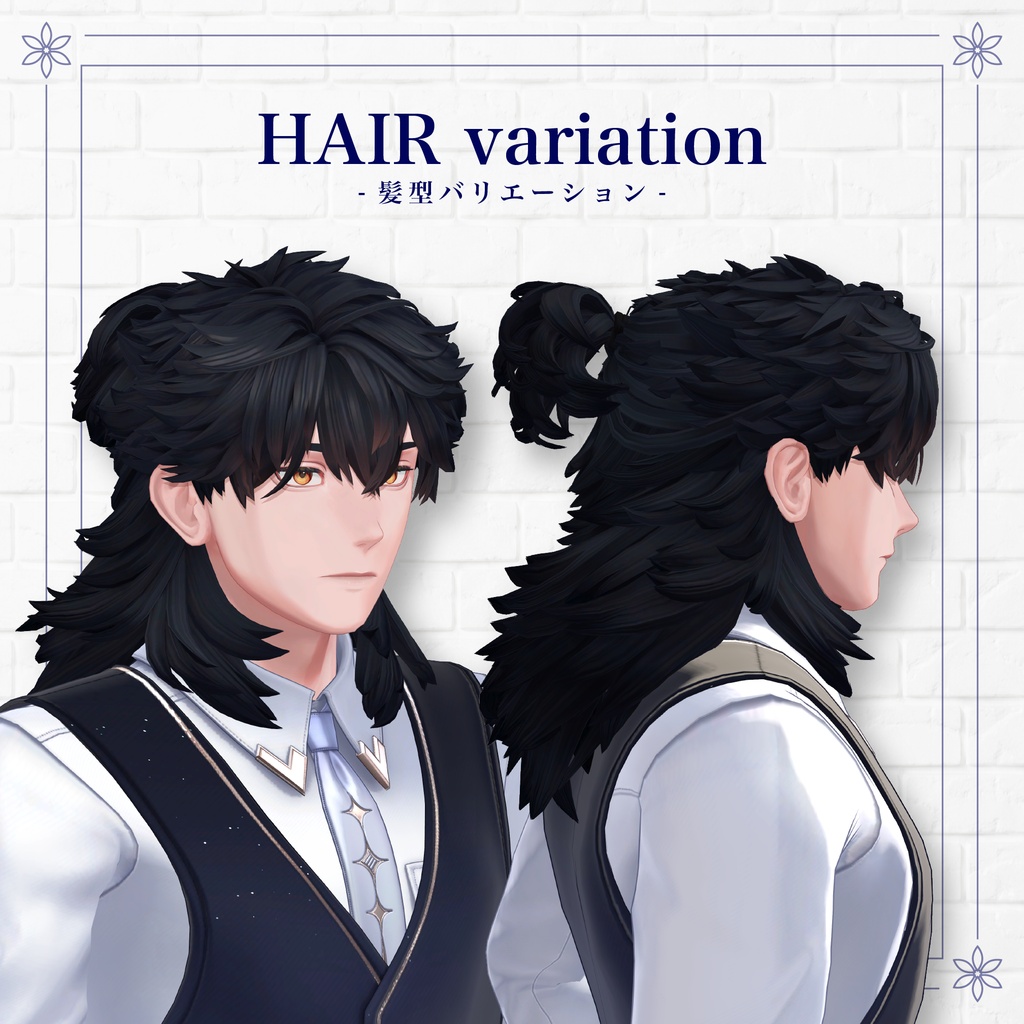
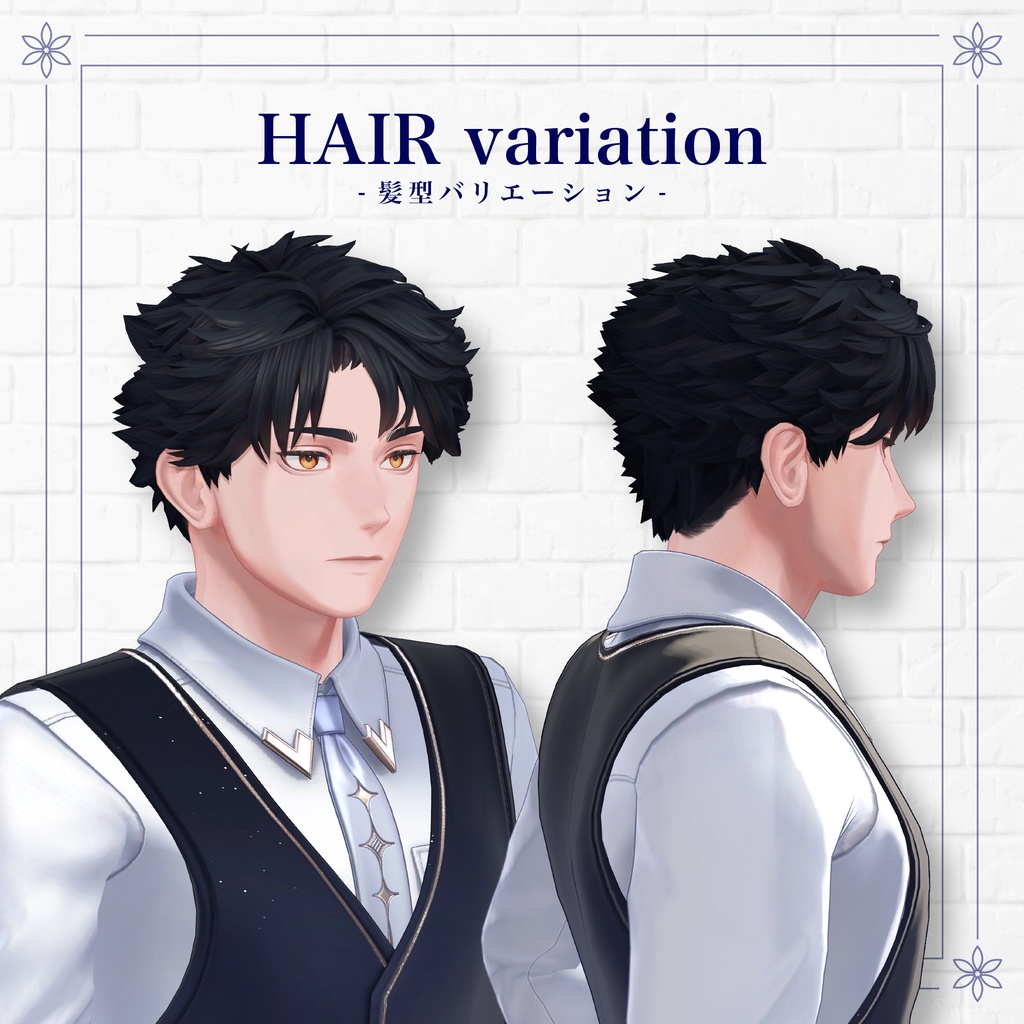
Additional hair parts menu
ExFront: Enable extra front hair
ExBack: Enable long hair
HalfupHair: Enable half-up long hair
Werewolf_Menu
Wolf hair accessory OFF
WerewolfMode: Enable werewolf mode
WolfParts_OFF: Disable werewolf parts
WolfPartsAnim_OFF: Disable ear and tail animations
Viabelle_RoyalAcademyUniform
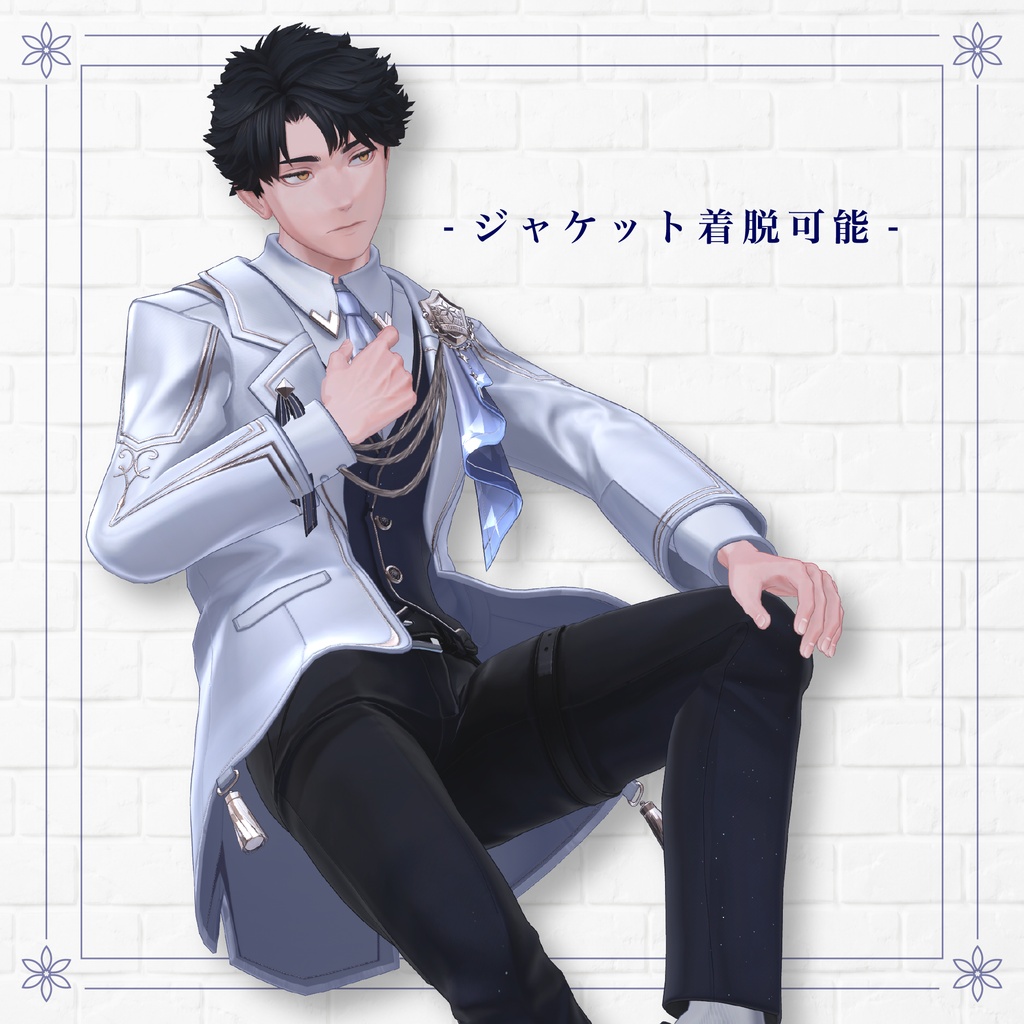
Jacket OFF: Remove jacket
Vest OFF: Remove vest
Ribbon OFF: Remove neck ribbon
NeckTie ON: Add necktie
RollUp: Remove jacket and roll up shirt sleeves
◆ Avatar Modification
For avatar customization, use:
Assets > MCT_Avatars > MTC_Ryouga > Prefab_ForCustom > Ryouga_ForCustom.prefab
For color modifications, use the included color variation materials and PSD files.
When changing the default facial appearance, please adjust using BlendShapes beginning with "Adj_" under:
-Adjust_Eye-
※ Changing the default face using other shape keys may interfere with facial animation and will not be reflected correctly.
◆ Uniform
MA Material Swap is already configured for color changes.
You can easily change colors such as grade badges inside the MA Material Swap component of the clothing Root object.
The EXMenu also includes a RollUp option under:
Viabelle_RoyalAcademyUniform
allowing an easy rolled-up sleeve style.
◆ Petting Gimmick
By default, Ryouga shows a slightly cautious expression when being petted.
With "Ryouga_Like" tag → Shows an affectionate expression
Without "Ryouga_Like" tag → Shows a slightly guarded expression
Place:
NadeSender forRyouga.Prefab
(with Contact Sender already configured) directly under the avatar you want to interact with, and it will be treated as having the "Ryouga_Like" tag.
◆ Terms of Use
https://drive.google.com/drive/folders/1qRMXoIxM1ZgacBPfwOigQRtXP1vCbNMn?usp=sharing
◆ Development Environment
Setup:
Unity Version: 2022.3.22f1
VRChat SDK - Avatars Version 3.10.4 (VCC)
liltoon 2.3.4
Modular Avatar 1.18.7
◆ Credits
Face & Hair Creation
ほしboo
https://h0shin0s.booth.pm/
https://x.com/hoshibono/
(Individual BOOTH)
VRChat Male Base Body
"T-BODY / Tinmeshitei Shared Base Body"
https://tinmeshi.booth.pm/items/7155882
BOOTH Order Number: 82542941
Clothing Creation
羅夢氷
https://x.com/ramSK_730
https://rcoc.booth.pm/
(Individual BOOTH)