
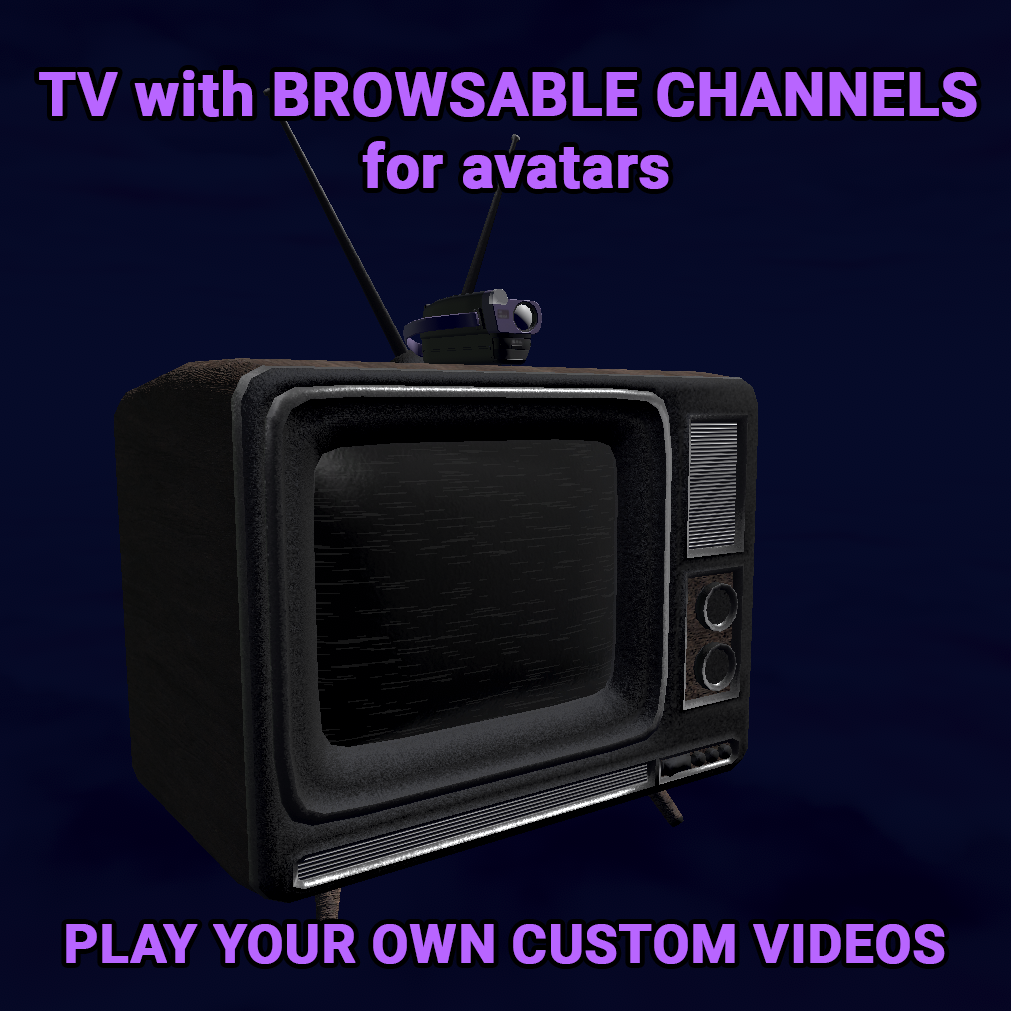
TV with custom playable videos
商品説明
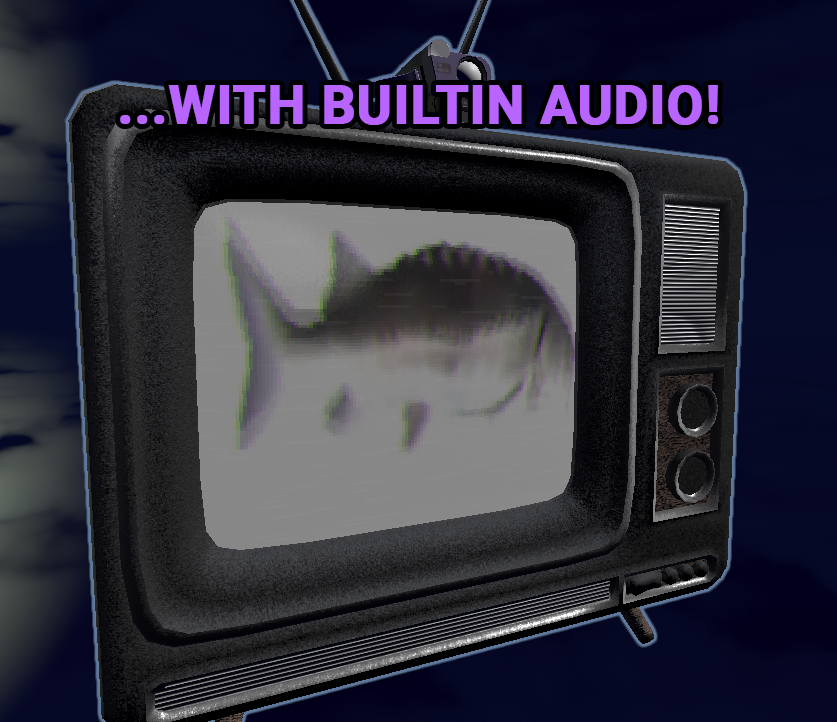
This TV let's you play any video you desire WITH SOUND.
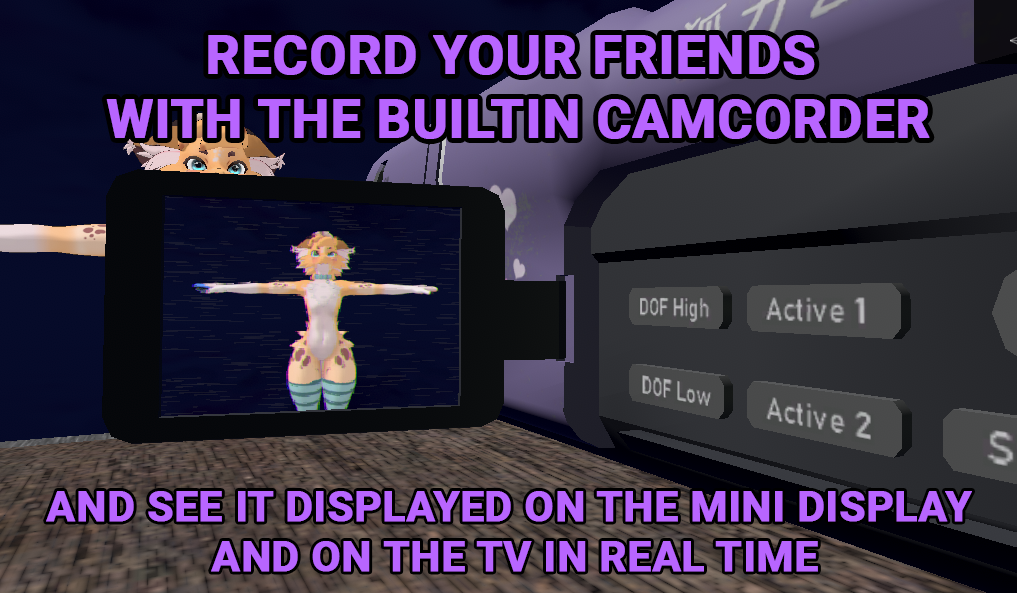
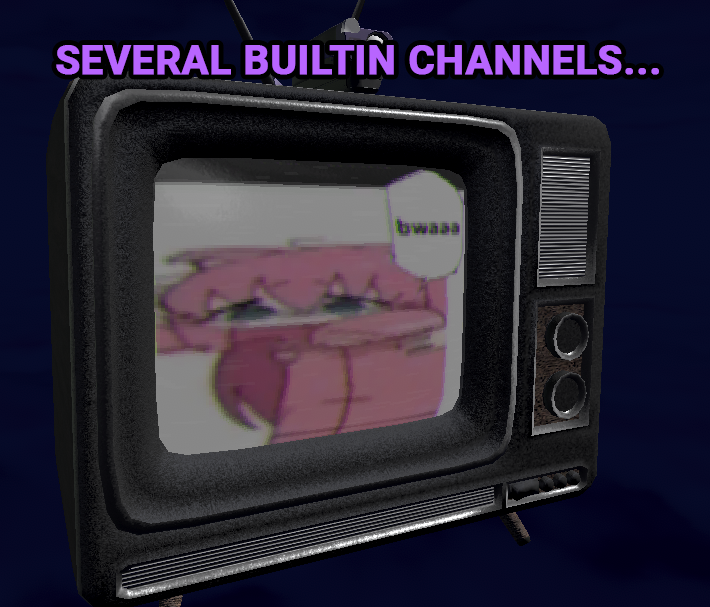
It comes with several videos preloaded, and a camera setting where you can pick up a custom camcorder and show your friends on the TV!
The camcorder has its own screen that shows the camera's view and has a flashlight so you never have to worry about them being out of shot.
The screen is able to be flipped out by grabbing it and flipping it out as a physbone, sadly no way to do so on PC without just trial and error.
The flashlight is also done by pressing a button at the top of the camcorder with your right index finger so no way for PC.
You can grab the camera by doing the grab motion with your right hand, the camera is grabbable on PC by pressing Right Shift + F2 and kinda "jumping into it". If you want to point the camera forward instead of having your hand down by your side you should grab your personal mirror or some kind of prop which will force your hand upwards.
Installation:
- Simply drag the .unitypackage into your avatar project
- Add an empty (right click on your avatar root in the hierarchy, then click create empty)
- Drag this empty into the parent constraint of the TV holder object
- Add an empty where u wish the camera to be positioned while you're holding it and make sure its parented to the hand bone
- Drag this empty into the parent constraint of the CameraContainer object (the source that has 0 next to it)
- Enjoy
Adding your own videos:
- Export your video as a series of images (an image sequence), keep in mind that the size of the exported images and the number of frames heavily impacts VRAM usage
- Put these images into a spritesheet (they are all on the same big image) for example with https://spritesheetgenerator.online/
- Import the spritesheet into unity, change the texture shape to 2D array and set the columns and rows accordingly
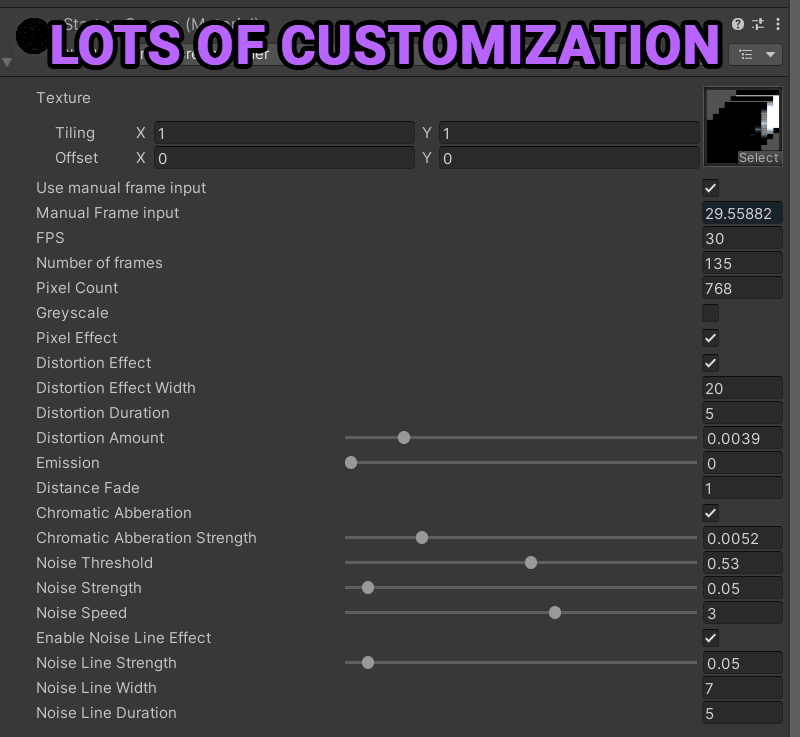
- Create a material ScreenShader shader and add your texture array to it, set the correct FPS and number of frames
- In the "Channels" VRC menu add your new TV channel along with an unused number to set the "SelectedChannel" paramater to
- Create a new animation on the TV that mimics the animations included by default (changes material on the screen and sets the manual frame input from 0 to the number of frames of your animation linearly)
- If you wish to also have audio along with your video import any audio you wish
- In the TV holder animator (located in TV/Animations) go to the Base layer and drag in your animation, if you choose to also have audio add a VRC Animator Play Audio component to the animation
- Configure the transitions to use your SelectedChannel number
- Enjoy :)
This model uses poiyomi shaders but Standard will work aswell if you choose to change it.
The main screen shader is custom and does not rely on poiyomi.
VRCFury is required to run this.