商品説明
Like the Asset? ☆☆☆☆☆
It would mean a lot to me, if you could leave a review.
It's the best way to help a creator grow.
Something not right?
Please don't hesitate to reach out, If you're not happy. ♡

[Virtual Reality optimized Asset - Tag Bundle]
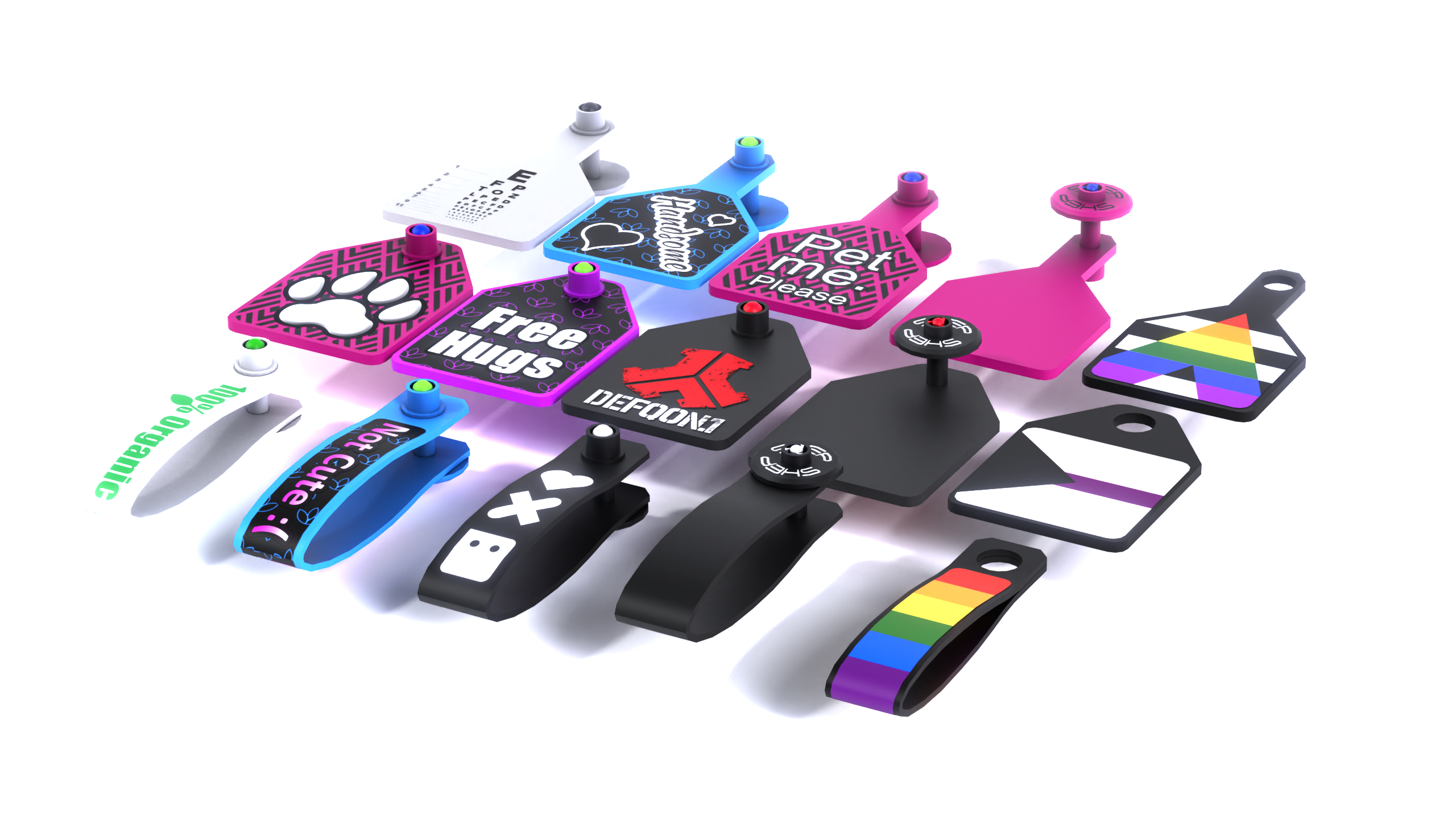
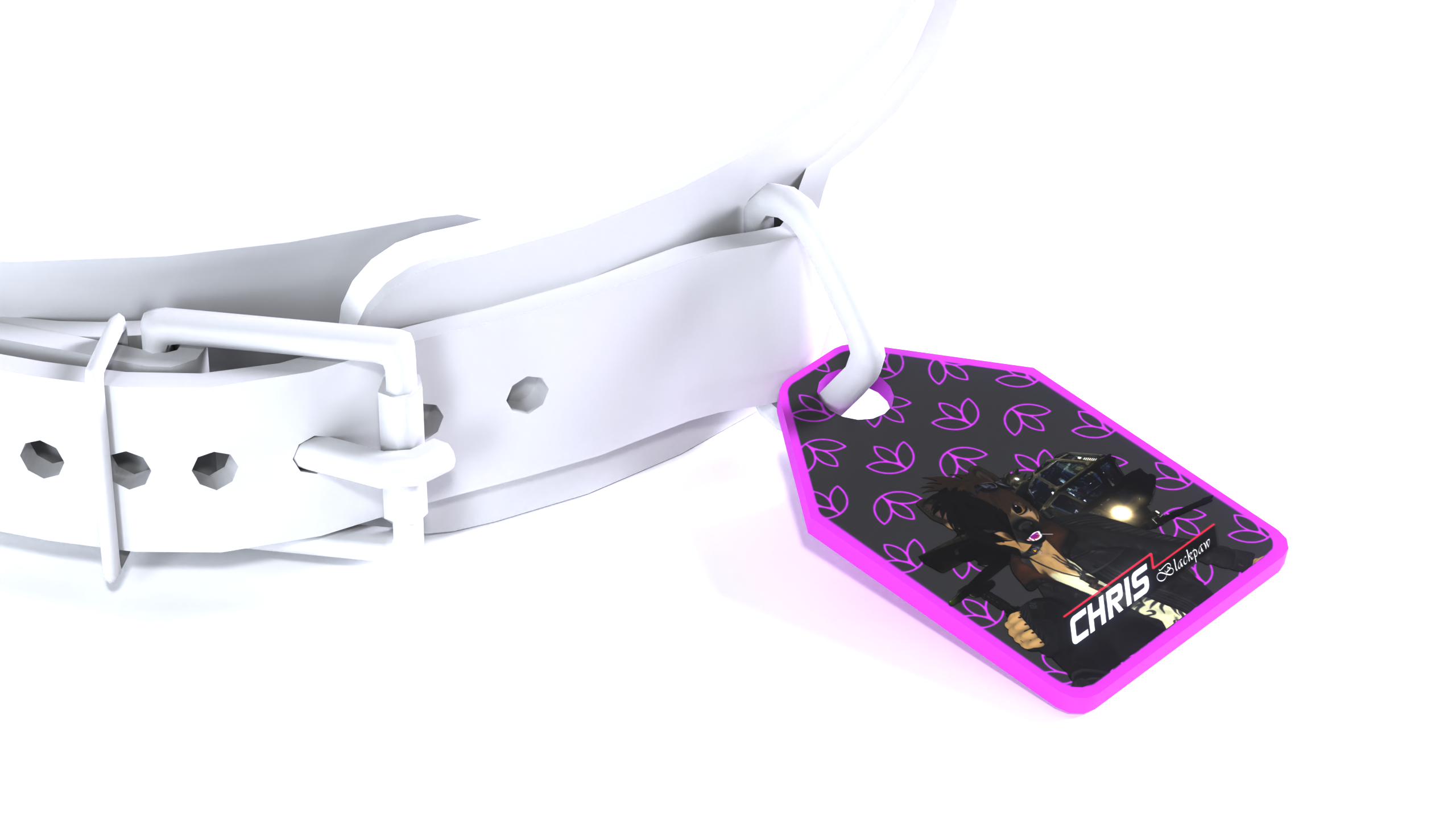
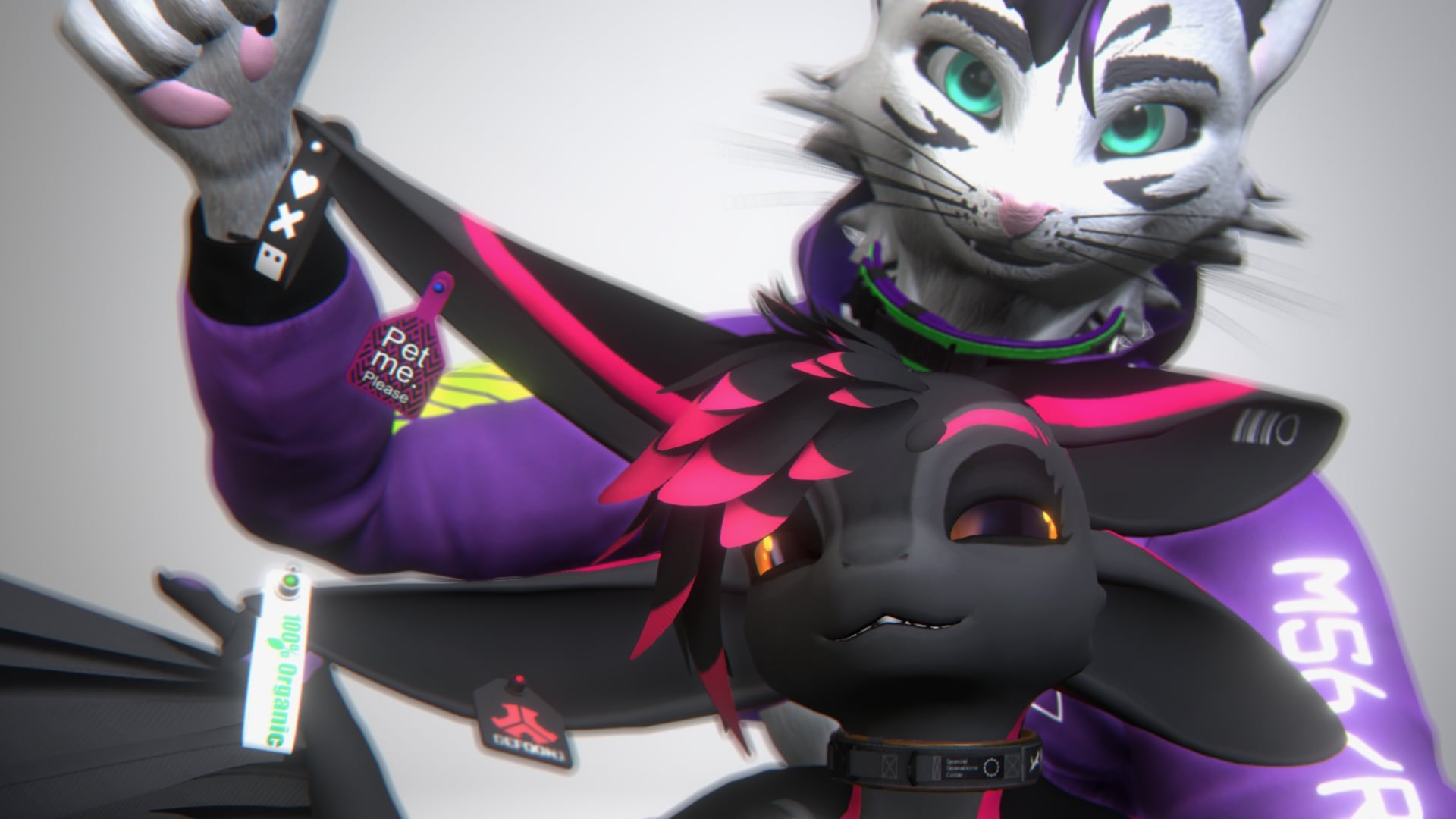
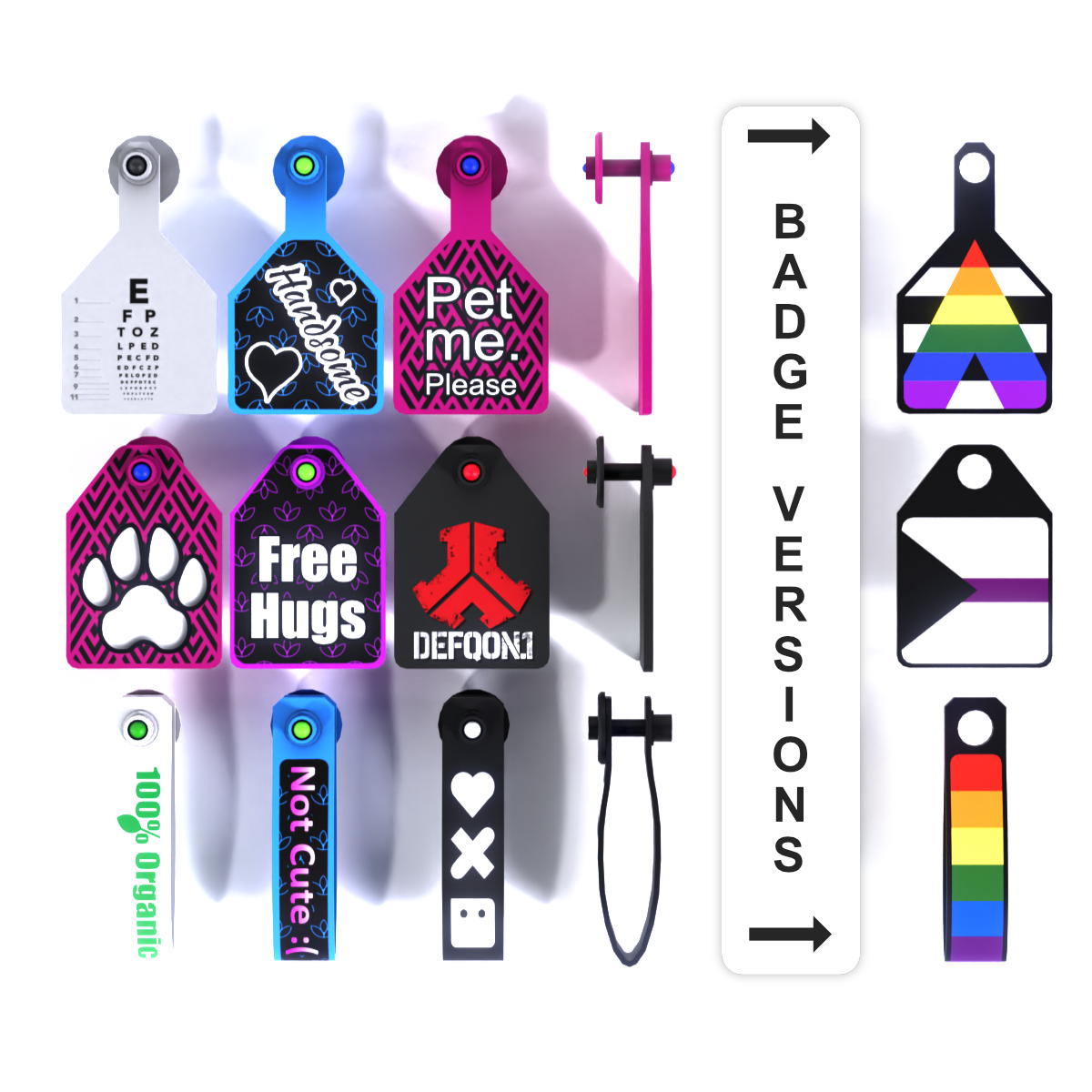
3D ear tags and badges in 3 body shapes — each comes in an ear tag version and a universal badge version you can attach to collars or gear.
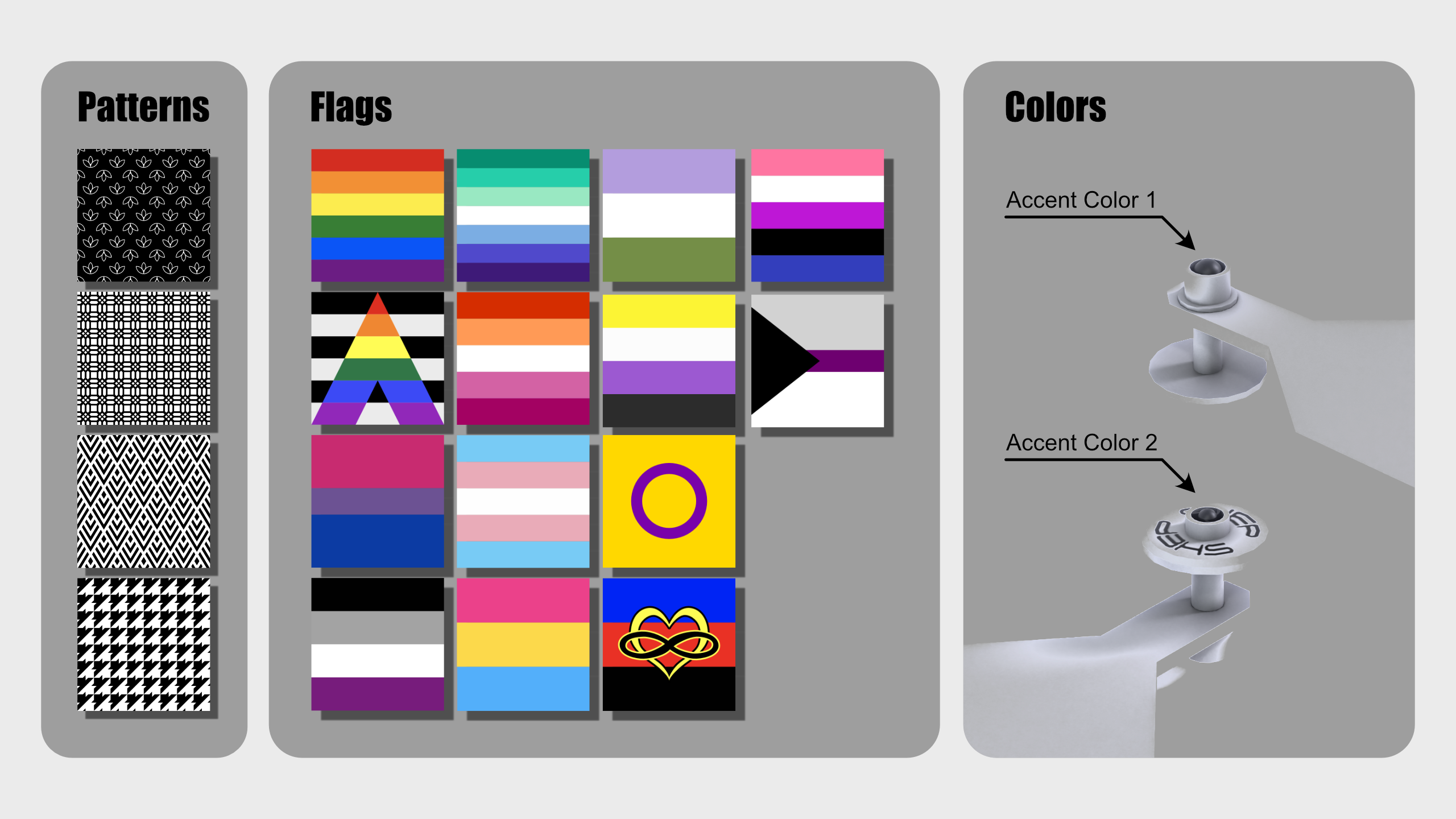
Fully customizable with 4 background patterns, 3 color areas, and 14 pride flag overlays.

[Whats included?]
▦ - Blender File⁽ˢ⁾
❒ - Unity Package
🖌 - Photoshop File⁽ˢ⁾
🖹 - Design Manuals — 2
🖹 - License Document
Two design manuals in the download explaining how to use the Body and Overlay PSD files.
PSD overlay includes 14 pride flags to show your orientation and identity.
◆ - Body Shapes — 3
◇ - For each Shape there is a Universal Badge Version with a hole to mount it.
◩ - Background Patterns — 4

[Specs]
△ - Vertex Count — 1150
◩ - Texture Resolution — 512px
◐ - Materials — 2
◩ - Background Patterns — 4
◩ - Lots of Pride Flags and Other Options
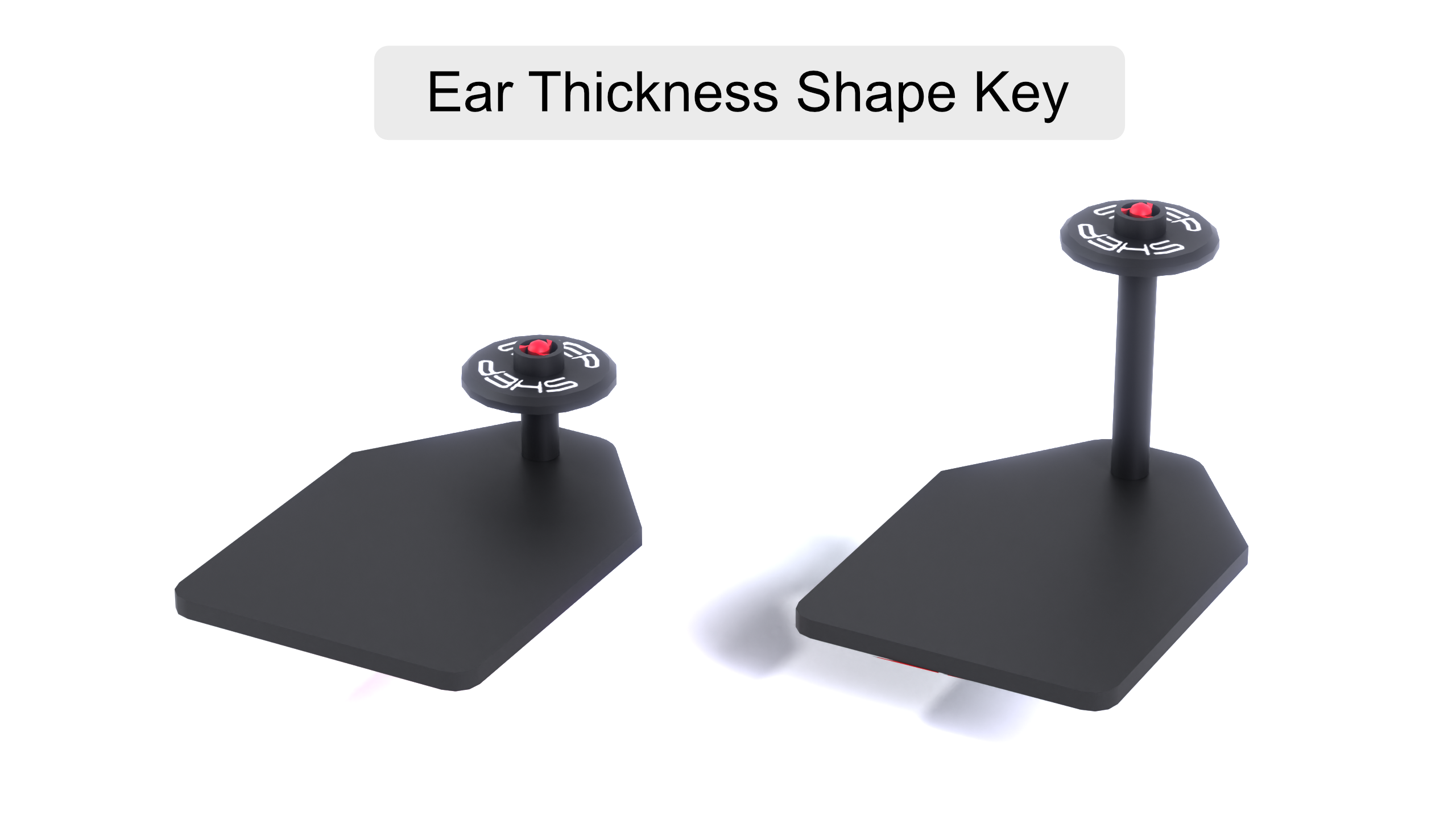
↦ - BlendShapes — Ear Thickness Adjustment

[How to setup?]
- Import the Tag Bundle Unity package and drag the scene into your hierarchy
- Pick a body shape and version — refer to the included design manuals for the Body and Overlay PSD workflows
- Customize your tag using the Body and Overlay PSD files — export as PNG and import into Unity
- Drag your textures into the Albedo slot of the corresponding material — set the overlay material to Cutout if using a transparent background
- Parent the tag close to the ear bone rotation point to minimize clipping — adjust scale and use the Ear Thickness BlendShape to fit
No Photoshop? Open the PSD in Photopea — free in-browser editor.

[Support]
Please reach out if you experience any kind of Setup issues or clipping.
We want to continuously improve the products for everyone.
Also always happy to help!

[Licensing]
🖹 - Personal License PDF included with purchase.
✓ - Personal use — avatars, renders, prints, worlds
✓ - Modify freely — retexture, rerig, resize, combine
✓ - Commission work — client must hold the same license
✓ - Perpetual — does not expire
╳ - No resale or redistribution
╳ - No sharing as a kit, bundle, or stock
╳ - No commercial or on-demand use
╳ - Non-transferable
Content creator? Collabs welcome — Discord or [email protected]
Commercial use requires a separate inquiry.
[Disclaimer]
⚠ - Pictures might differ from the Product.
⚠ - Some tag designs shown in previews are examples and are not included.