商品説明
この商品にはAIで生成されたコンテンツが含まれています。
LAUNCH OFFER
Regular price: $8 USD. Use code KATANA1 at checkout for $1 off ($7 USD) during the first week after release.
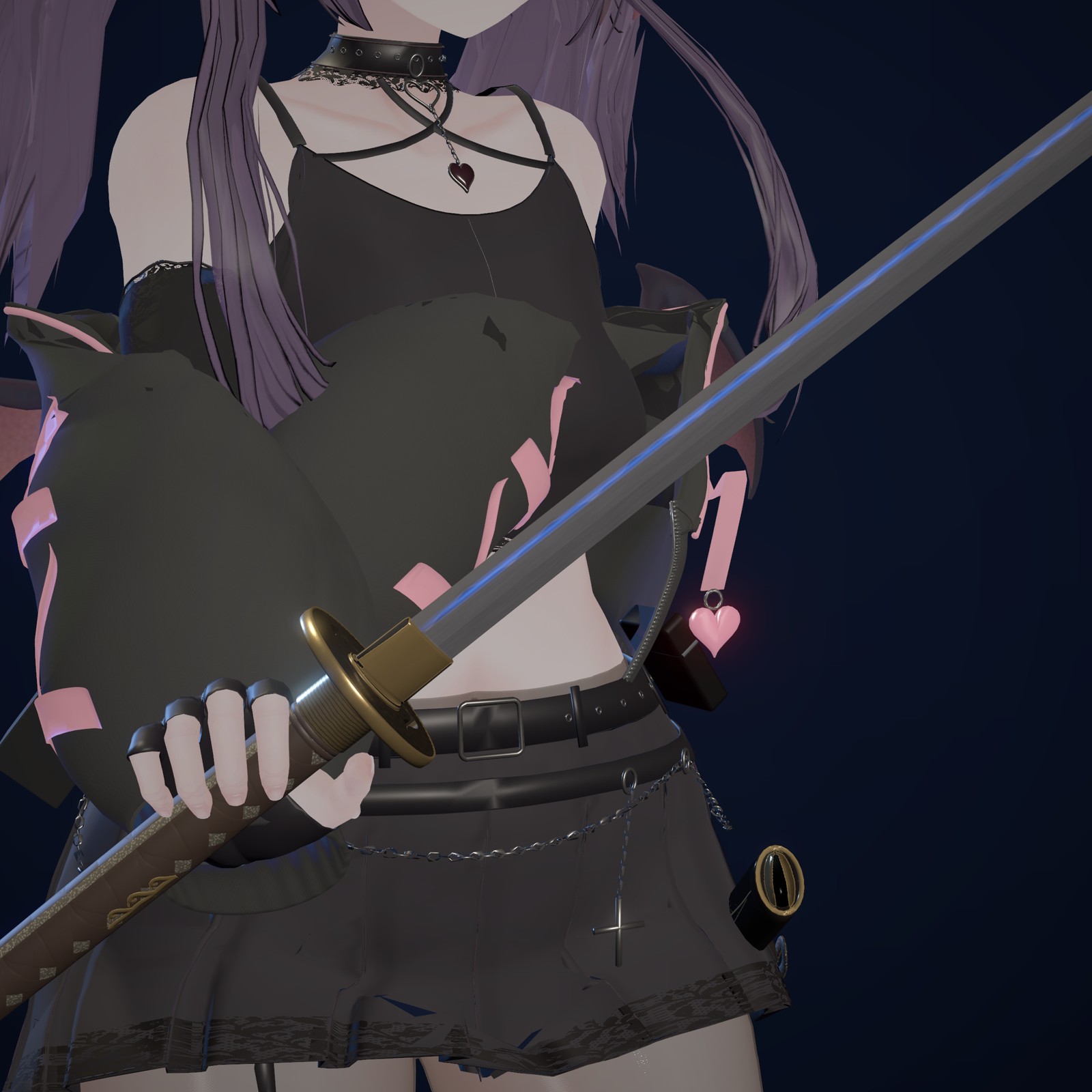
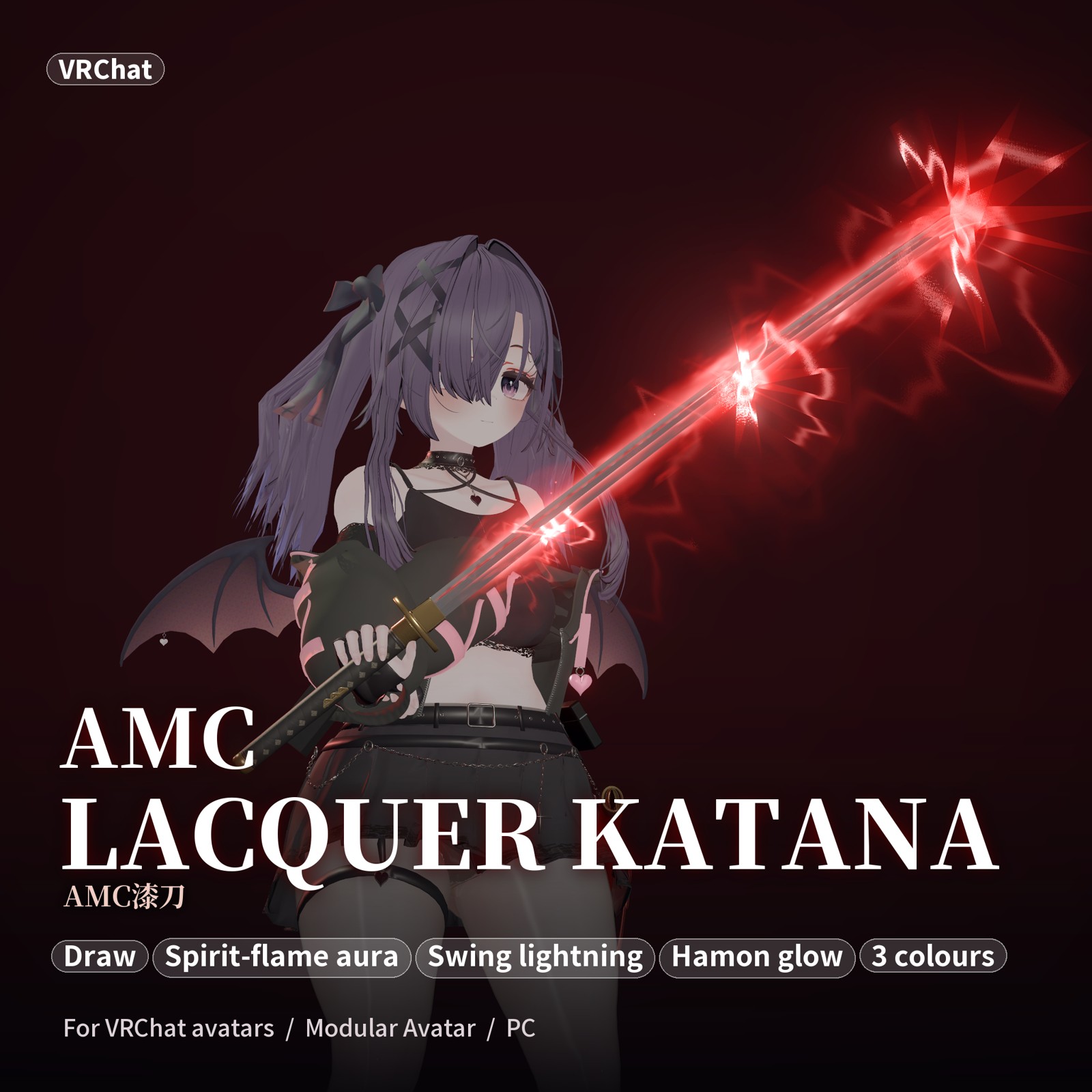
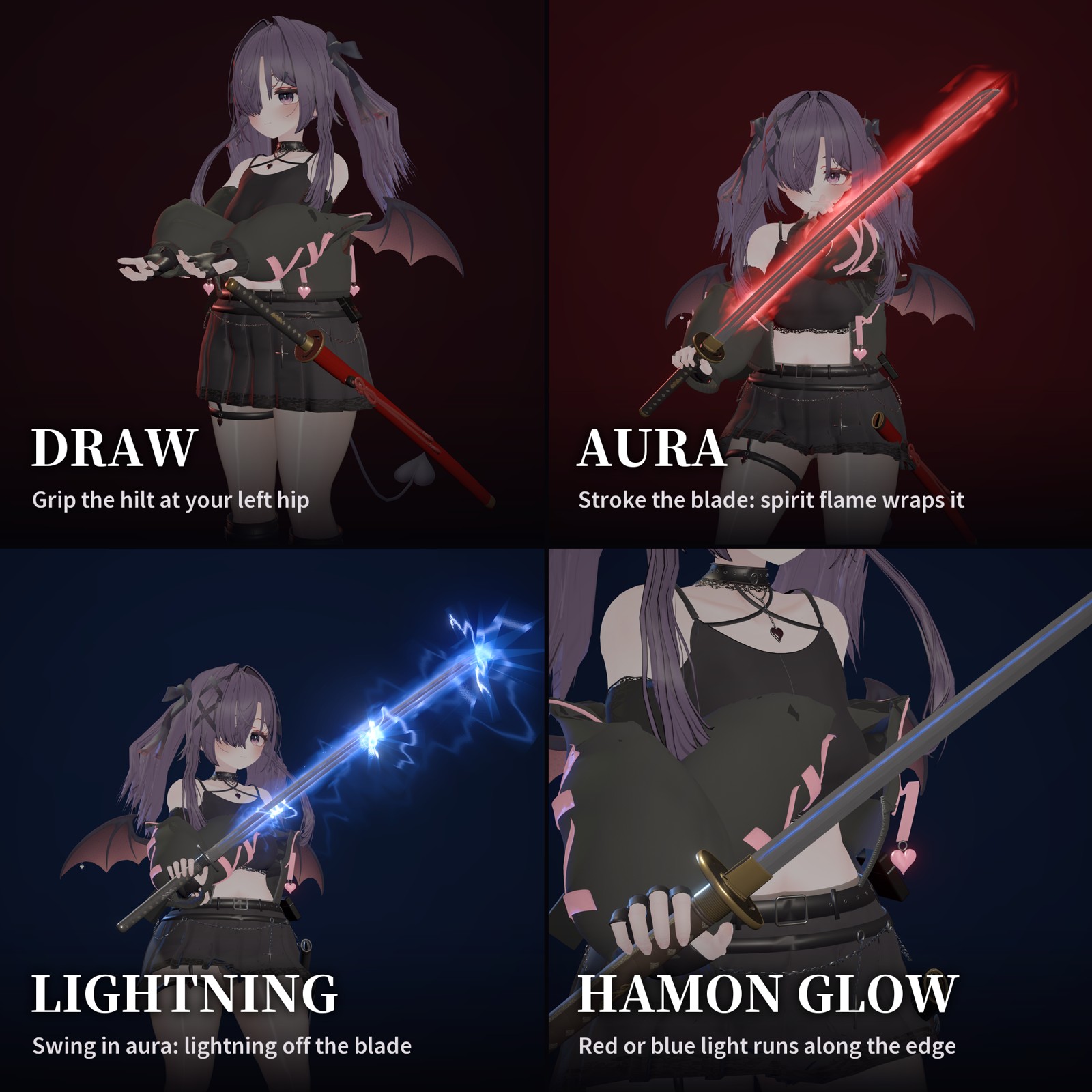
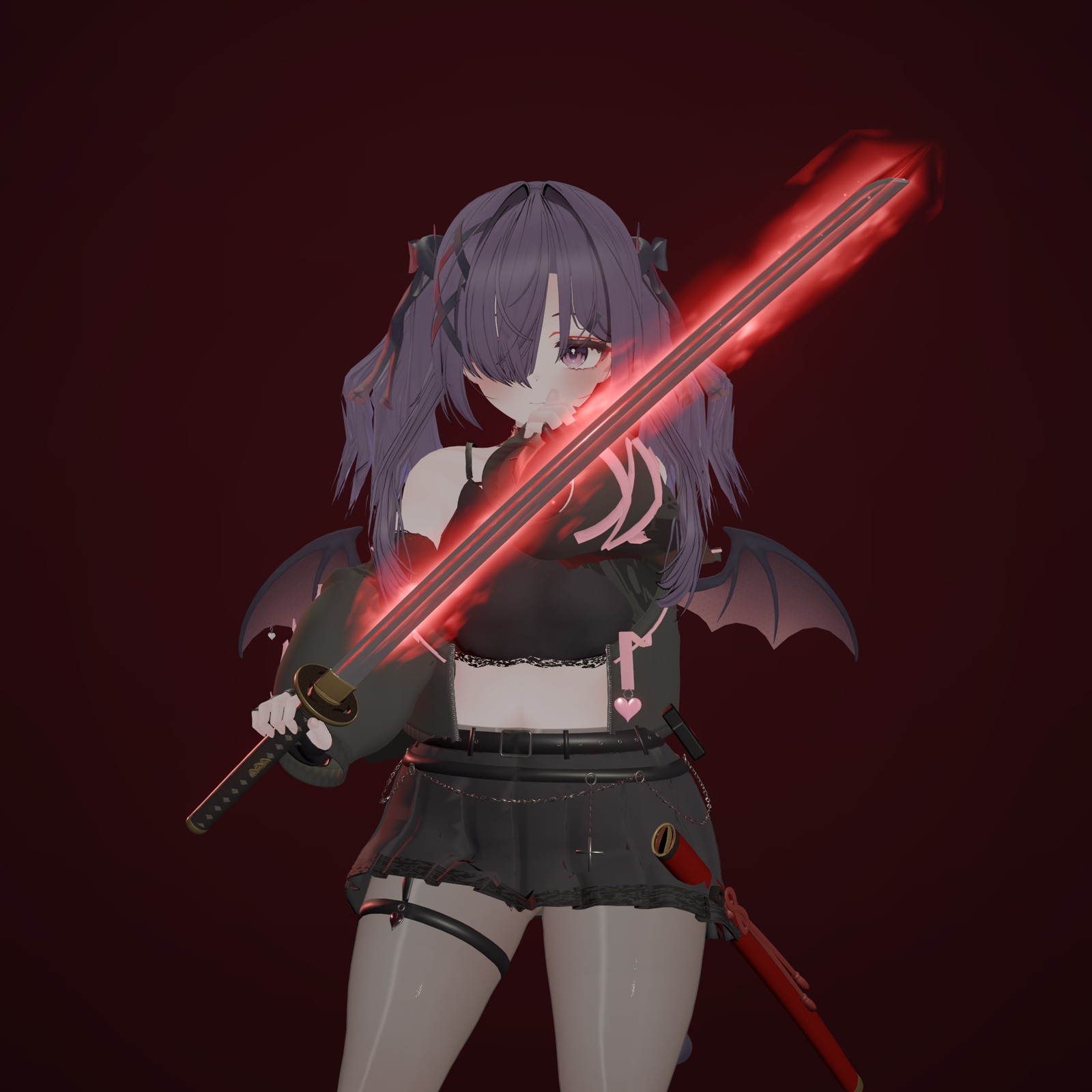
AMC Lacquer Katana is a Japanese sword for VRChat on Windows PC that you draw from the scabbard on your hip and swing. Drawing it sends light along the hamon; stroke the blade with your left hand to wrap it in spirit flame, then swing to send lightning across the whole blade.
FEATURES
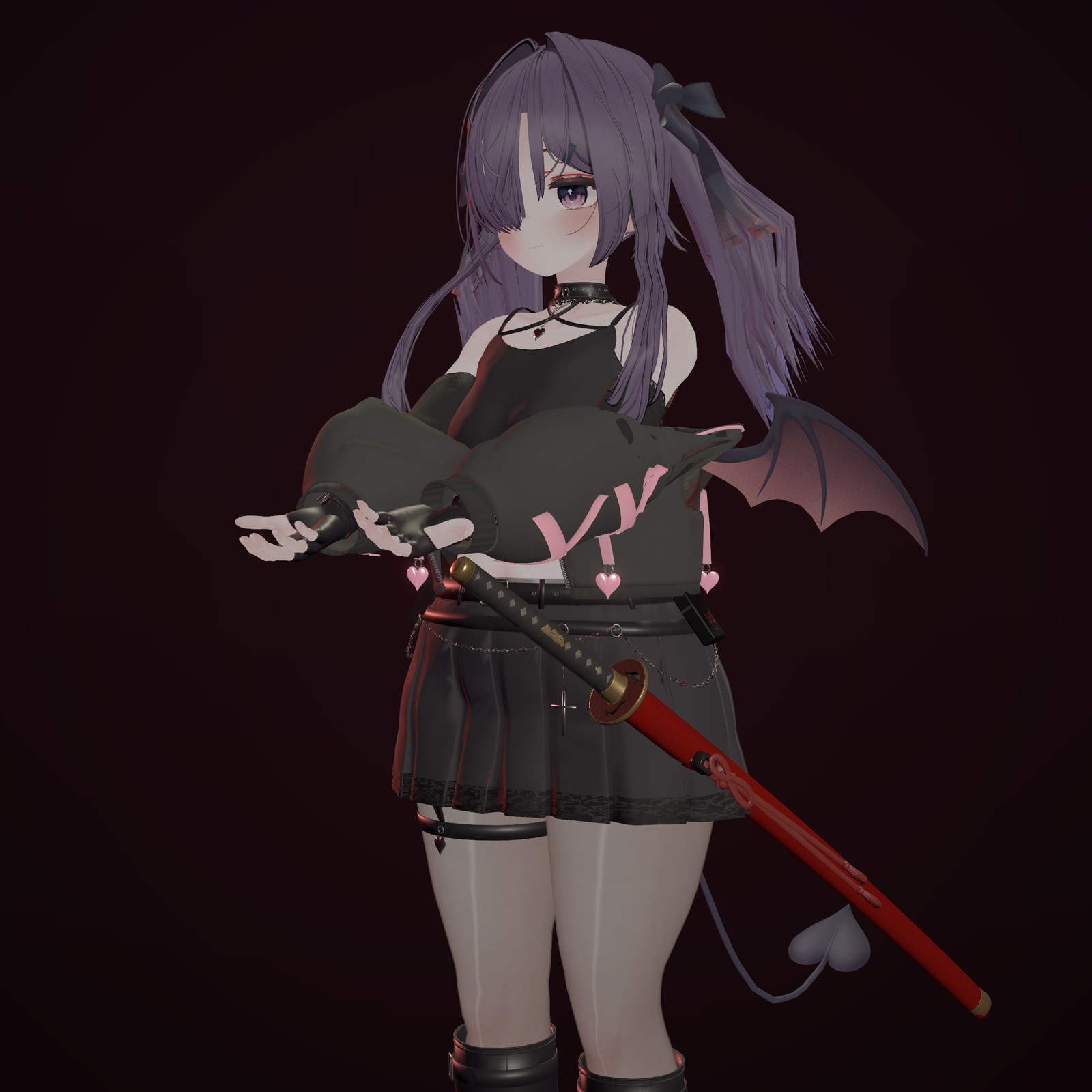
• Draw: bring your right hand to the hilt at your left hip and squeeze the grip (a fist also works). Return your right hand to the hilt, or bring the tip to the scabbard mouth, to sheathe it with a tsuba click.
• Aura: stroke the drawn blade with your left hand from the habaki to the tip (or back) to wrap it in spirit flame. Stroke again or sheathe to end it.
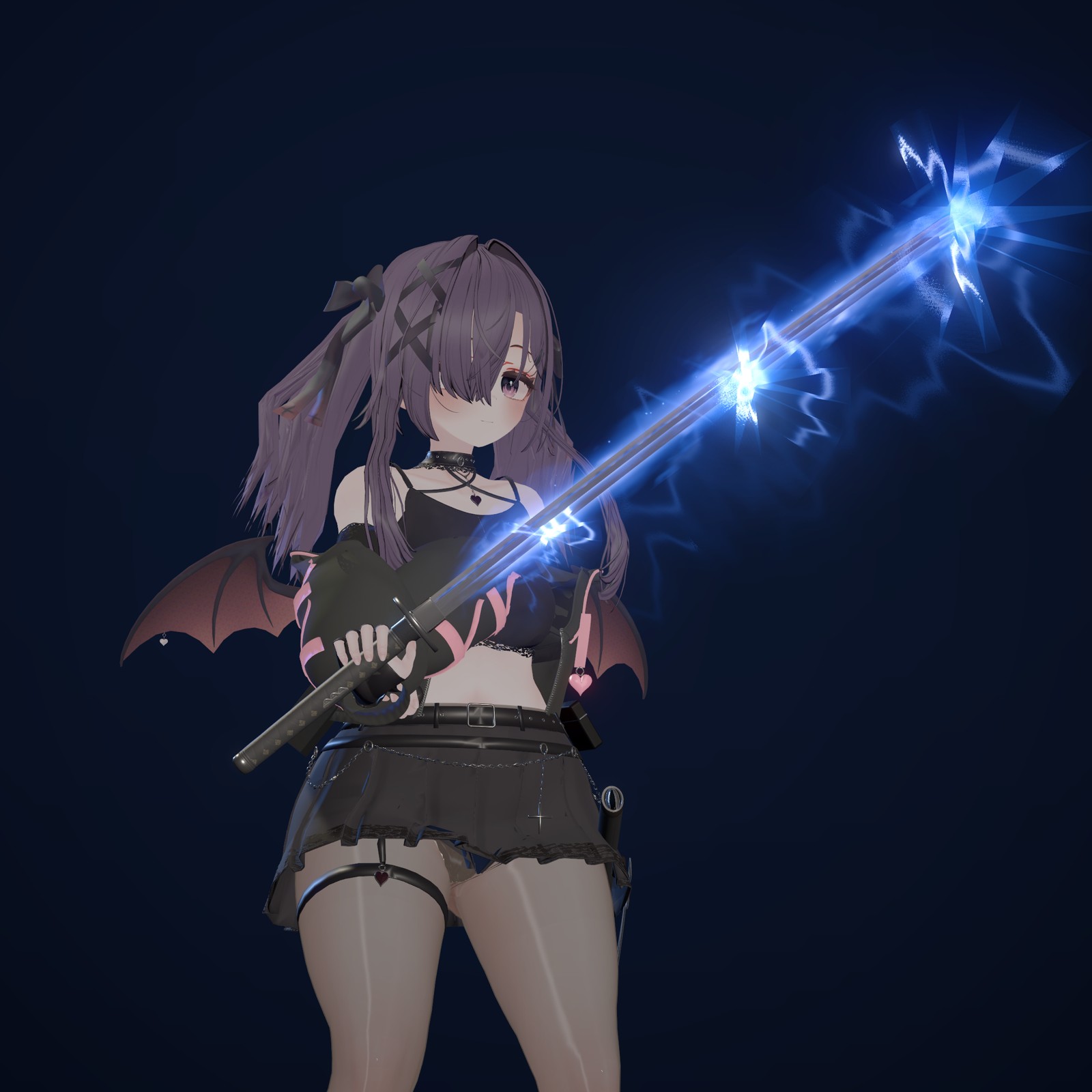
• Swing: while the aura is on, swinging sends lightning across the whole blade, with a light trail and sparks from the tip. Small shakes do not trigger it.
• Hamon light: switch between red and blue, or keep it glowing while drawn.
• Desktop users can draw and toggle the aura from the Expressions menu.
• Drop a prefab onto your avatar and it automatically fits to your height: scabbard on the left hip, drawn sword in the right hand.
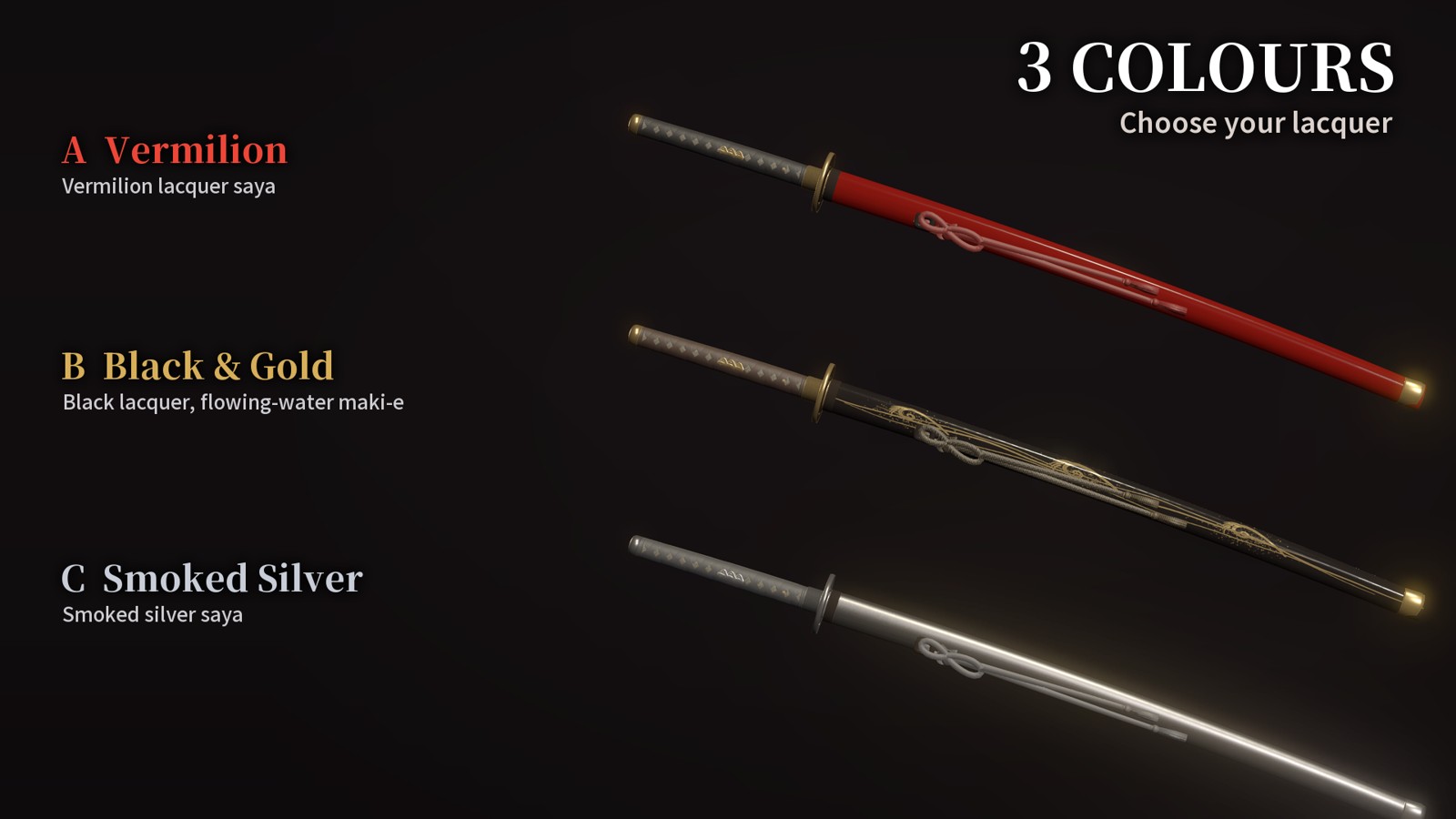
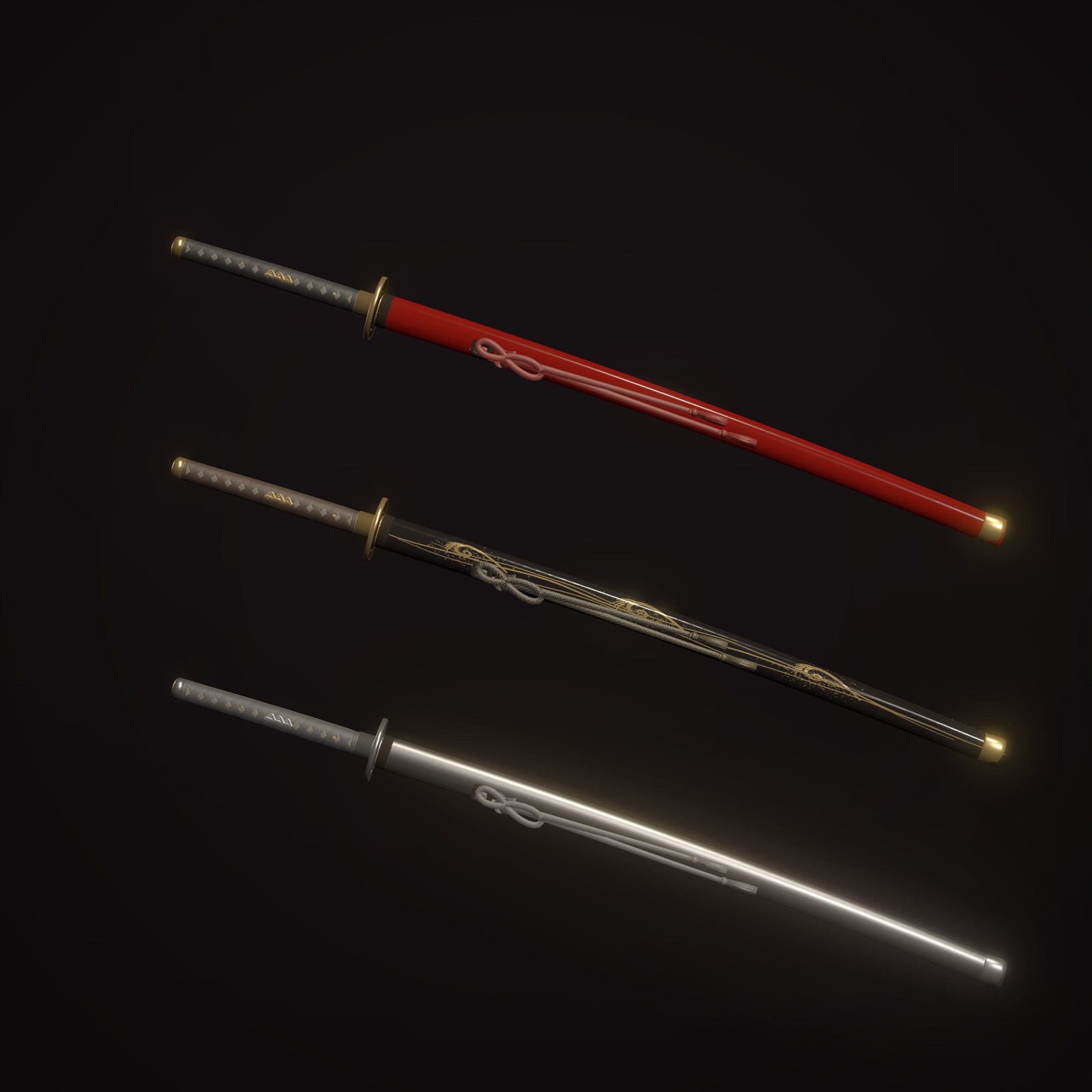
3 COLOURS
A Vermilion lacquer / B Black lacquer with flowing-water maki-e / C Smoked silver. Each comes as a standard prefab and a lilToon prefab (the lilToon version requires lilToon).
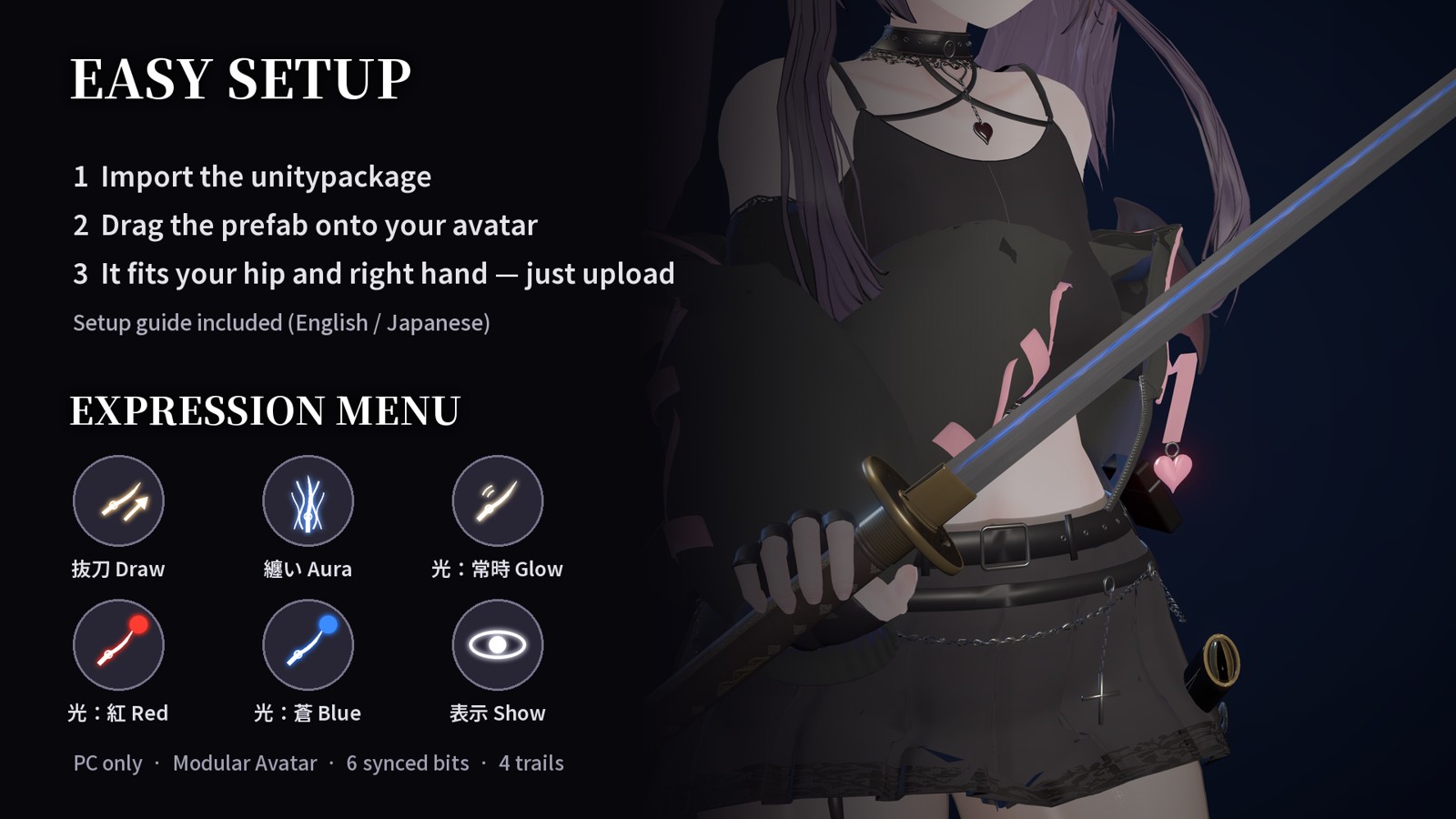
EXPRESSION MENU
Katana: Draw / Aura / Glow / Red / Blue / Show — all with icons.
INCLUDED
The unchanged contents of AMCKatana_v1.6.0_dist.zip as downloadable files: the Unitypackage (3 colours × standard and lilToon prefabs, models, textures and materials, effect settings, auto-fit editor extension, menu icons), Japanese and English setup guides, terms, and support documents.
Blender and FBX files are not included. Avatar bodies, clothing, and photography scenes are not included.
REQUIREMENTS AND SPECS
Windows PC VRChat with a Humanoid avatar. Tested with Unity 2022.3 (VRChat Creator Companion avatar project), Avatars SDK 3.10.4, Modular Avatar 1.18.7, and NDMF (installed with Modular Avatar). lilToon is optional. Not shown on Quest / Android.
Setup in 3 steps: import the unitypackage, drag a colour prefab onto your avatar, upload as usual. Adjust WaistSet (scabbard) and HandAnchor (hand sword) if needed, or press "Refit to avatar" to start over.
Added load (measured on Miyume): about 13,900 polygons, about 8 MB of textures, 14 material slots. 6 synced bits, 1 PhysBone (sageo cord), Contacts 4 receivers / 3 senders, 1 audio source, 3 particle systems (160 particles max), 4 trails. All parameters start with "AMCKatana/"; the FX layer uses Write Defaults off.
VERIFICATION AND LIMITATIONS
The seller confirmed drawing, sheathing, the aura, the lightning and trail when swinging, and the hamon light on PC VRChat with a headset. Two-user synchronization and FPS have not been verified. Compatibility with every environment or performance gains are not guaranteed.
TERMS
Personal and commercial use, modification, image/video creation and streaming, and uploading the product as part of avatars you use yourself are permitted.
Redistribution or resale of the original or modified data, and bundling it with avatar products for sale, are prohibited. See the included terms for details.
SUPPORT
Regardless of purchase platform, contact TextTempo through BOOTH messages: https://text-tempo.booth.pm/. Include the marketplace name and your order number.
Support is accepted in Japanese for 30 days from legitimate acquisition. The initial-reply target is three business days, excluding weekends and Japanese public holidays; this is not a resolution deadline. English documentation does not include a promise of English-language support.