
【VRChat】DJそり DJブース Neon DJ Sleigh スピーカータワー付き AudioLink対応・クラブ向け【Quest対応】
タグ
商品説明
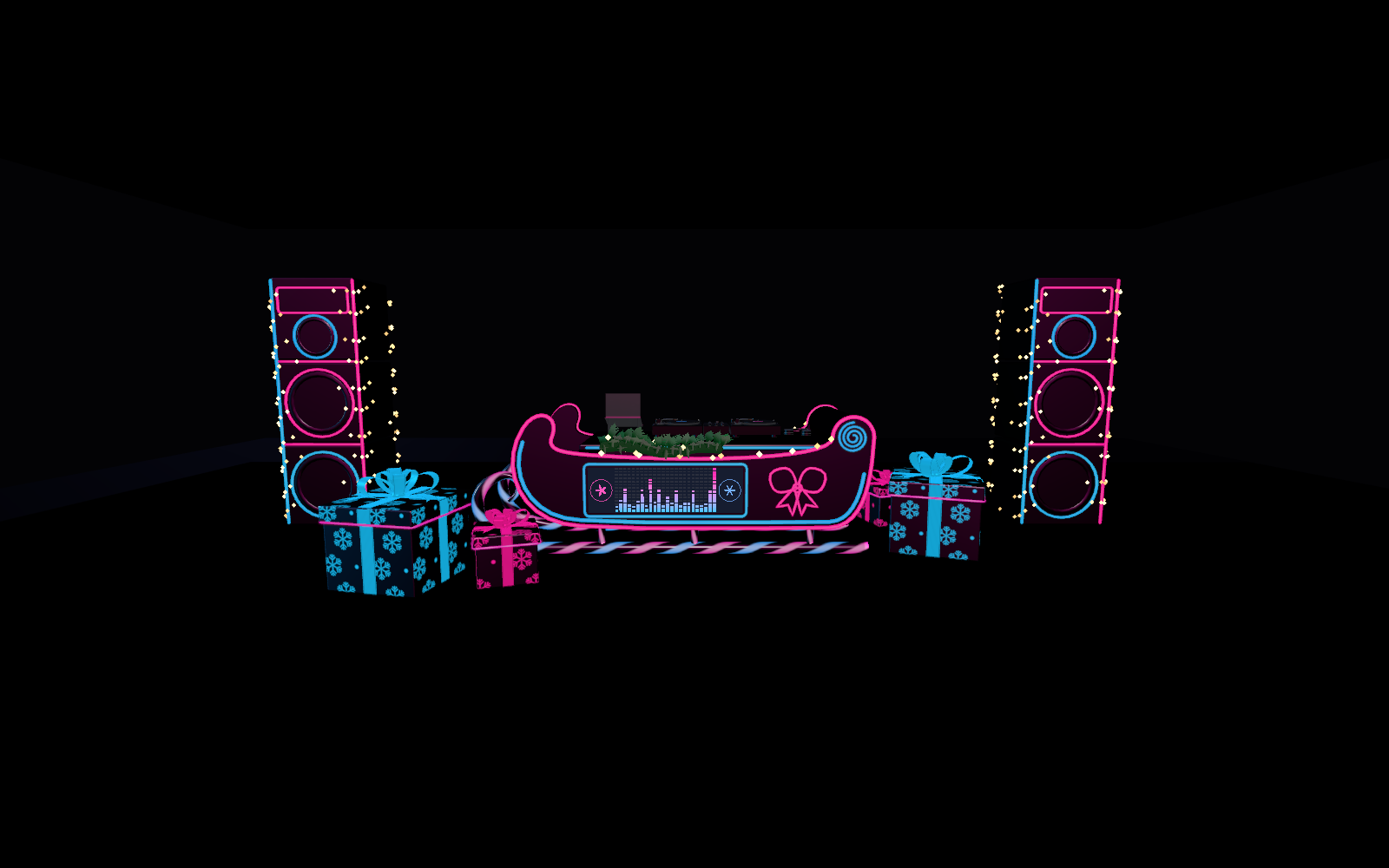
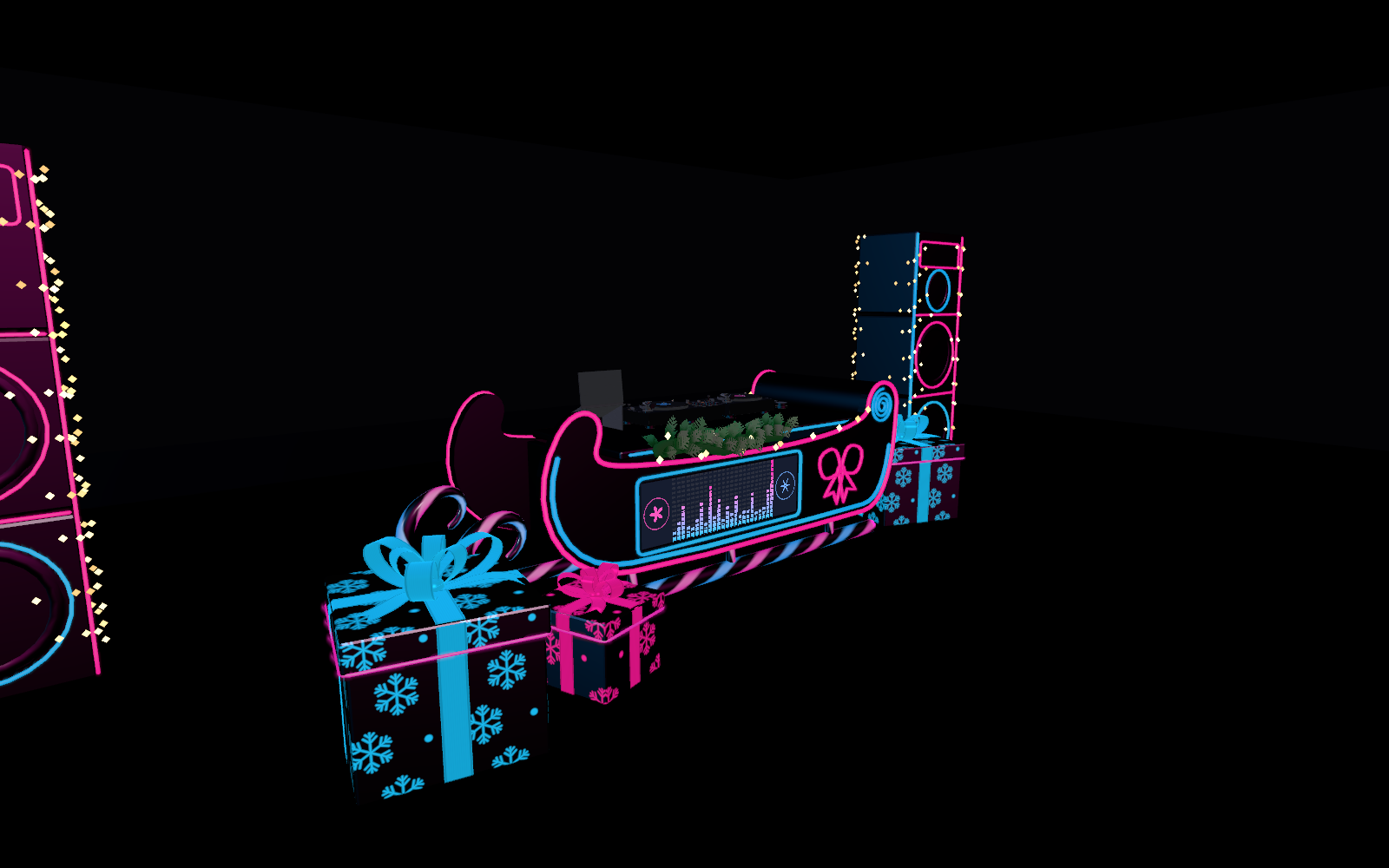
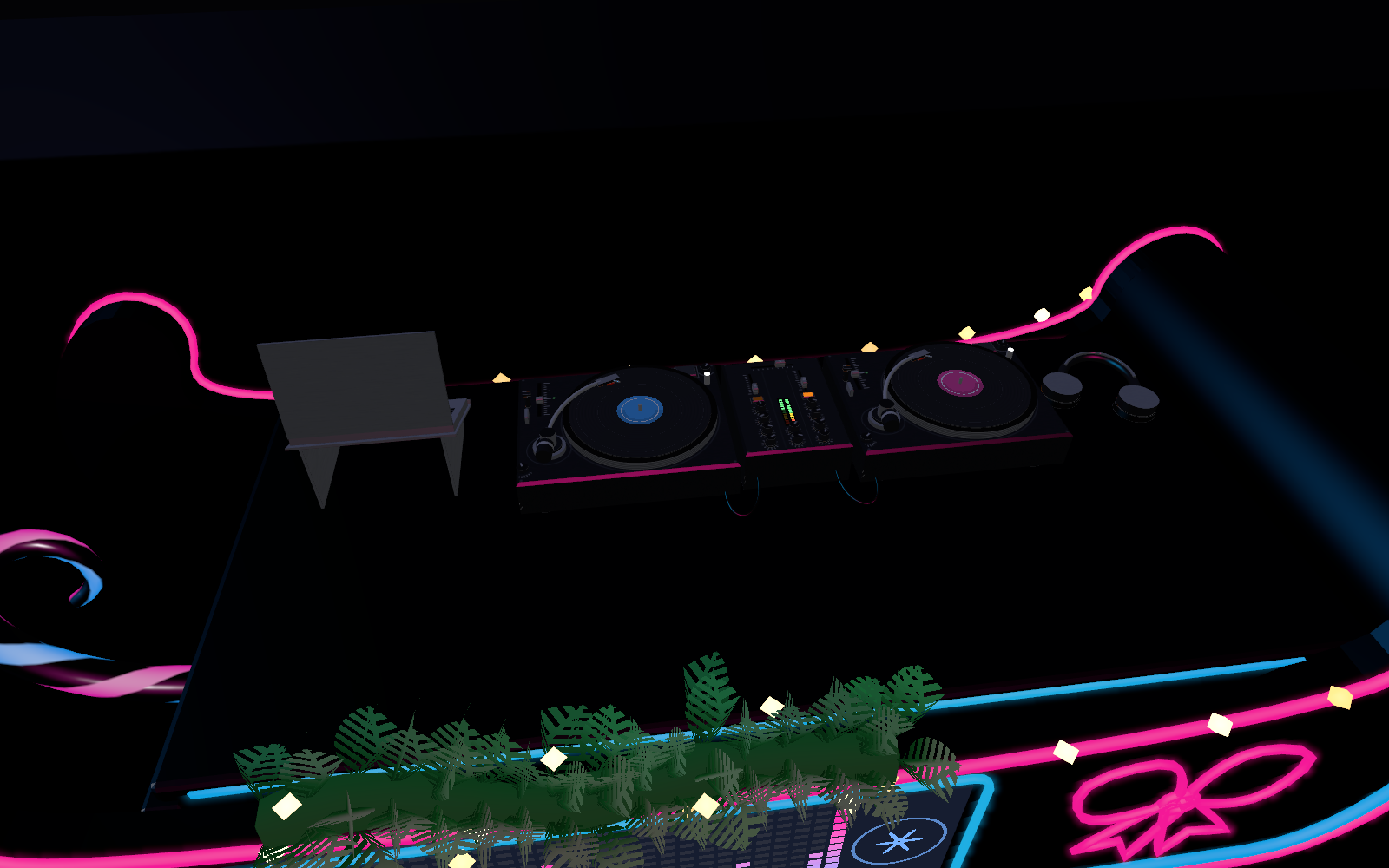
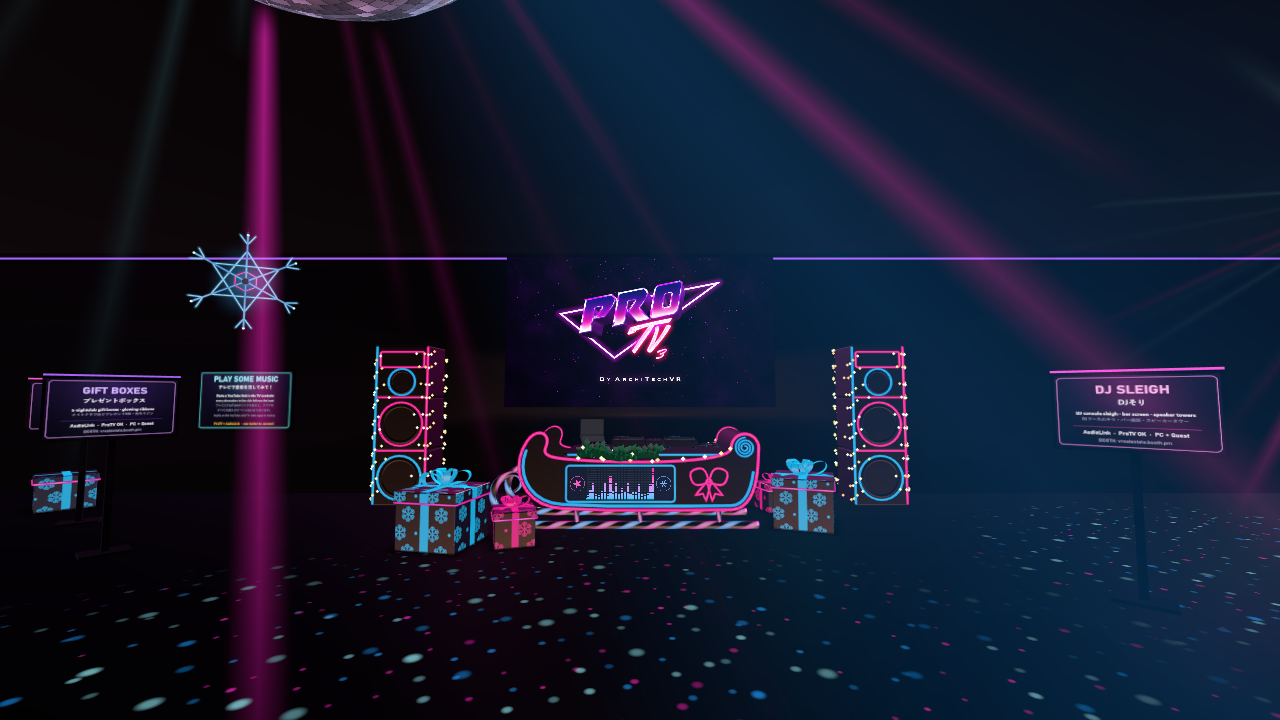
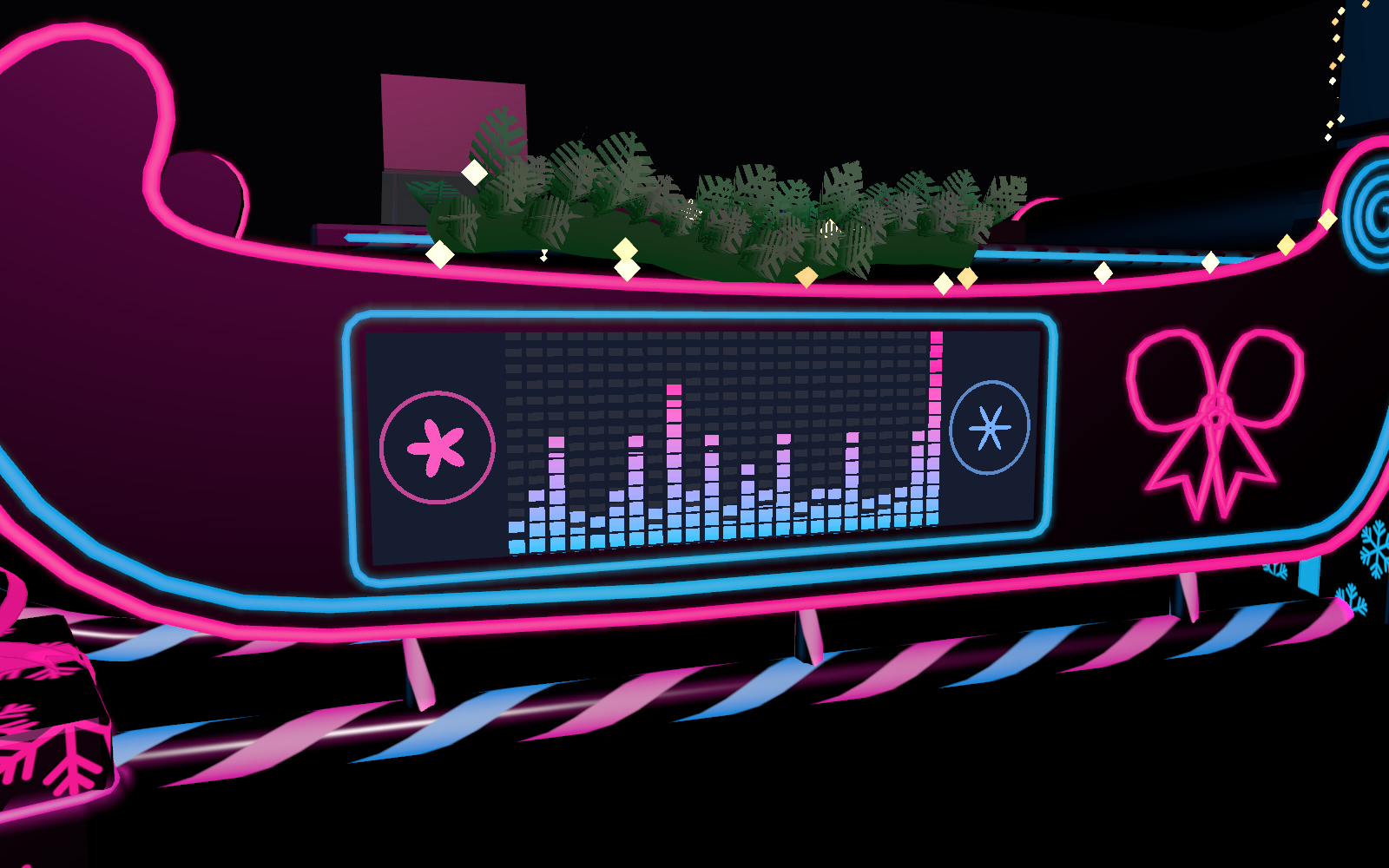
A DJ booth shaped like Santa's sleigh for VRChat worlds: matte black with a double pink and cyan neon edge, and a big bar screen that follows the music on the audience side. On top, a realistic DJ setup at real size (two turntables, a mixer with VU meters, a laptop on a stand, headphones and cables). Giant speaker towers to put on each side.
What you get
- The DJ sleigh (3.4 m long, with 4 gifts)
- A speaker tower (2.46 m high)
- A ready-made set with a tower on each side of the sleigh
Install
- Import the package and drag a prefab into your scene
- No scripts, no settings
Using it with ProTV
1. Add AudioLink and ProTV to your project in the VCC
2. Put the ProTV prefab in your scene and select its TVManager
3. Click "Add AudioLink into Scene and Connect to this TV" in the Inspector
4. Upload and play a video on the TV: the lights follow its sound
The manual has the full steps and a troubleshooting table.
Worlds without AudioLink
The lights keep pulsing on a steady beat (128 BPM by default).
Try it
Every Christmas product is in the XMAS CLUB of the VRealEstate Game Room: https://vrchat.com/home/world/wrld_8ece8481-515b-4f4d-9d7f-a58529b48023
Specs
- PC / Quest, 38,570 tris for the full set (sleigh about 20,000 + gifts about 5,400, each tower about 5,500)
- Download size: about 0.50 MB PC / 0.39 MB Quest
- One 1024 texture for the DJ gear, no realtime lights, no scripts
- VRChat SDK3 Worlds 3.8.2+. AudioLink and ProTV are optional and not included
- Manual: Japanese / English / Italian