商品説明
この商品にはAIで生成されたコンテンツが含まれています。
A tool that works only with ys-room products that support color changing (see the list below). It does not work with other shops' products or your own models.
The products also work without it, with their default colors. Install it only when you want to change colors or the relief.
[Product] ys-room Color Tool (for supported ys-room items)
A Unity editor tool. Inside Unity, you choose the colors and the relief (surface shape) of the supported ys-room products. The result shows in the Scene view right away.
Supported products
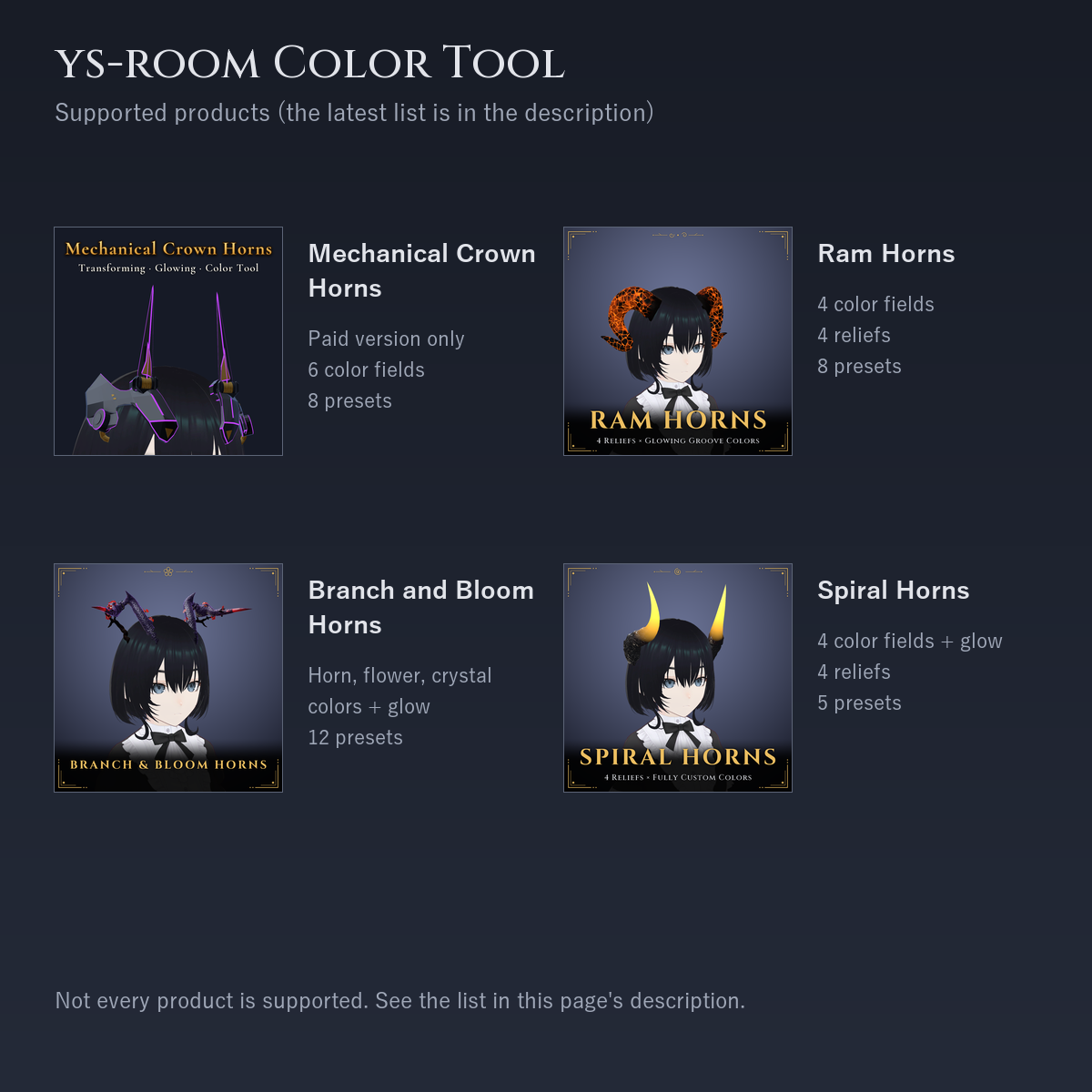
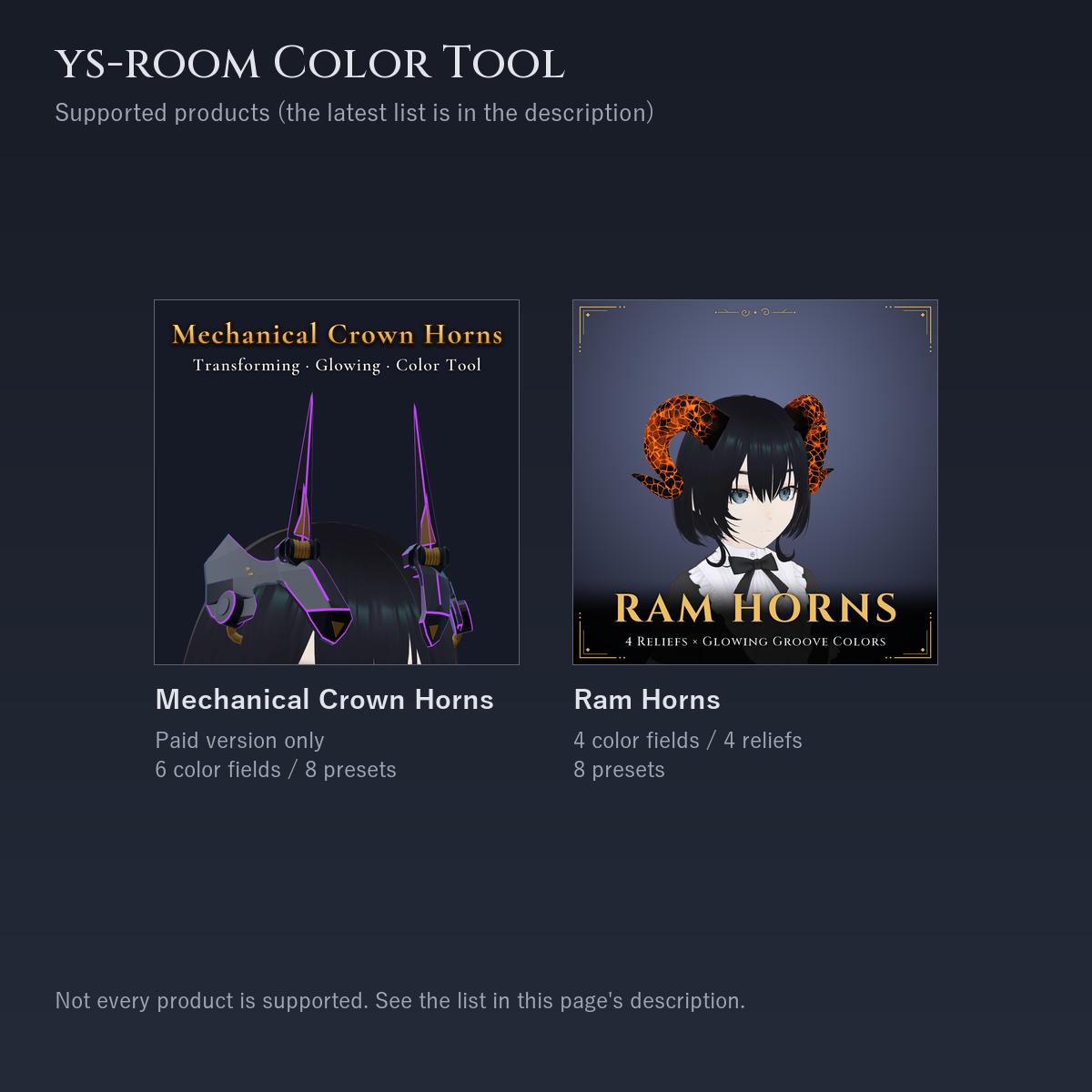
- Mechanical Crown Horns (paid version): https://jinxxy.com/Ys_room/WR4MO
What you can change: 6 color fields (base metal / accent gold / secondary metal / glowing lines / 2 lightning colors), 8 presets. No relief
* The free version of the crown has no color settings, so it is not supported - Ram Horns: https://jinxxy.com/Ys_room/Ip2FT
What you can change: 4 color fields (horn / grooves / tip side / groove glow), 4 reliefs (Growth rings / Vertical ridges / Scales / Cracked horn), 8 presets - Branch and Bloom Horns: https://jinxxy.com/Ys_room/GkgGF
What you can change: horn body color / flower color (branches and vines follow in a darker tone) / red crystal color / glow (color and brightness), 12 presets. The relief (3 kinds) is chosen in the in-game menu, not in this tool - Spiral Horns: https://jinxxy.com/Ys_room/IK3m3
What you can change: 4 color fields (root sleeve / lower horn / horn tip / tip glow [color and brightness]), 4 reliefs (Rock / Growth rings / Vertical ridges / Scales), 5 presets - Amber Taper Horns: https://jinxxy.com/Ys_room/Tt3VH
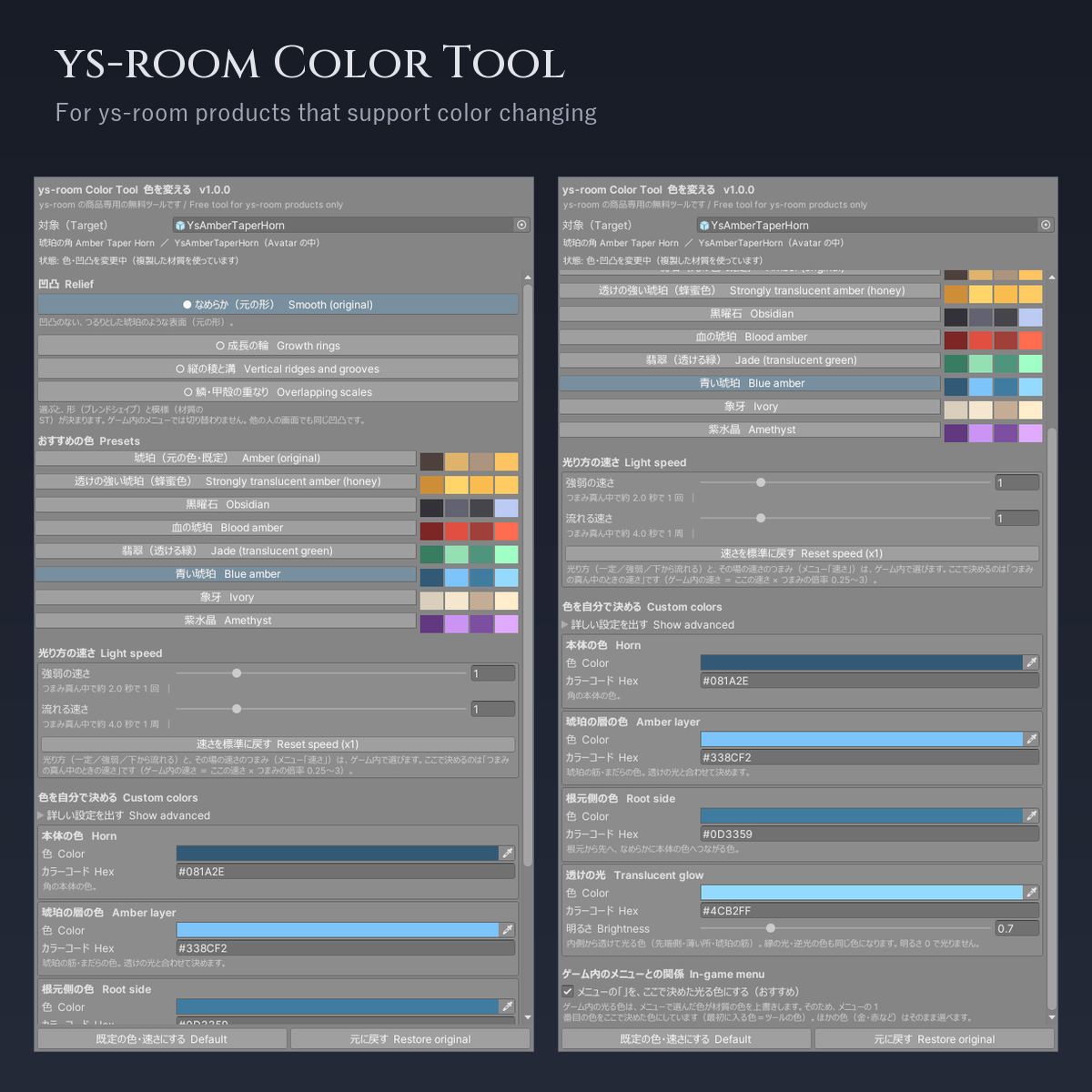
What you can change: 4 color fields (horn / amber layer / root side / translucent glow: color and brightness), 4 reliefs (Smooth (original) / Growth rings / Vertical ridges and grooves / Scales), 8 presets - Asymmetric Horns (Long and Broken): https://jinxxy.com/Ys_room/46ePW
What you can change: 4 color fields (horn / broken face / root / break glow: color and brightness), 4 reliefs (Smooth (original) / Vertical ridges and grooves / Growth rings / Cracked, weathered horn), 8 presets - Antler and Thorn Horns: https://jinxxy.com/Ys_room/mBJDd
What you can change: 4 color fields (antler / vine / leaves / leaf glow: color and brightness), 4 reliefs (Smooth (original) / Bark grain / Knots and rings / Pearling beads), 8 presets - More products will be added to this list as they are released
Install
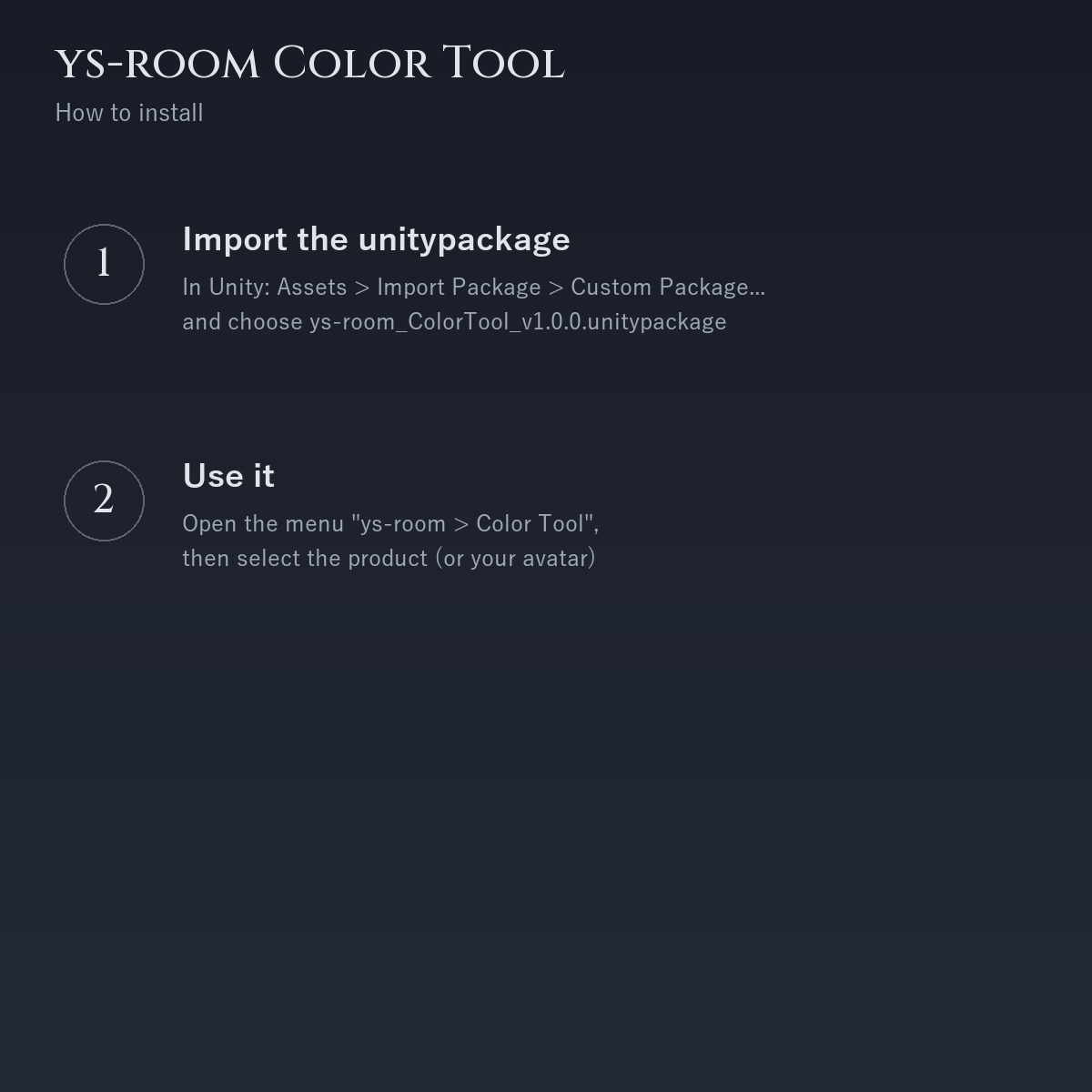
- In Unity: Assets > Import Package > Custom Package..., choose ys-room_ColorTool_v1.0.0.unitypackage from the downloaded files, keep All, Import
- Installation via VCC is in preparation. This version is distributed as a unitypackage only
- To update, import a newer unitypackage over it (the GUIDs are fixed, so it overwrites in place without a duplicate). Importing an OLDER package over a newer one downgrades it, so check the version in the file name and at the top of the tool window
How to use
- Place the product's prefab directly under your avatar
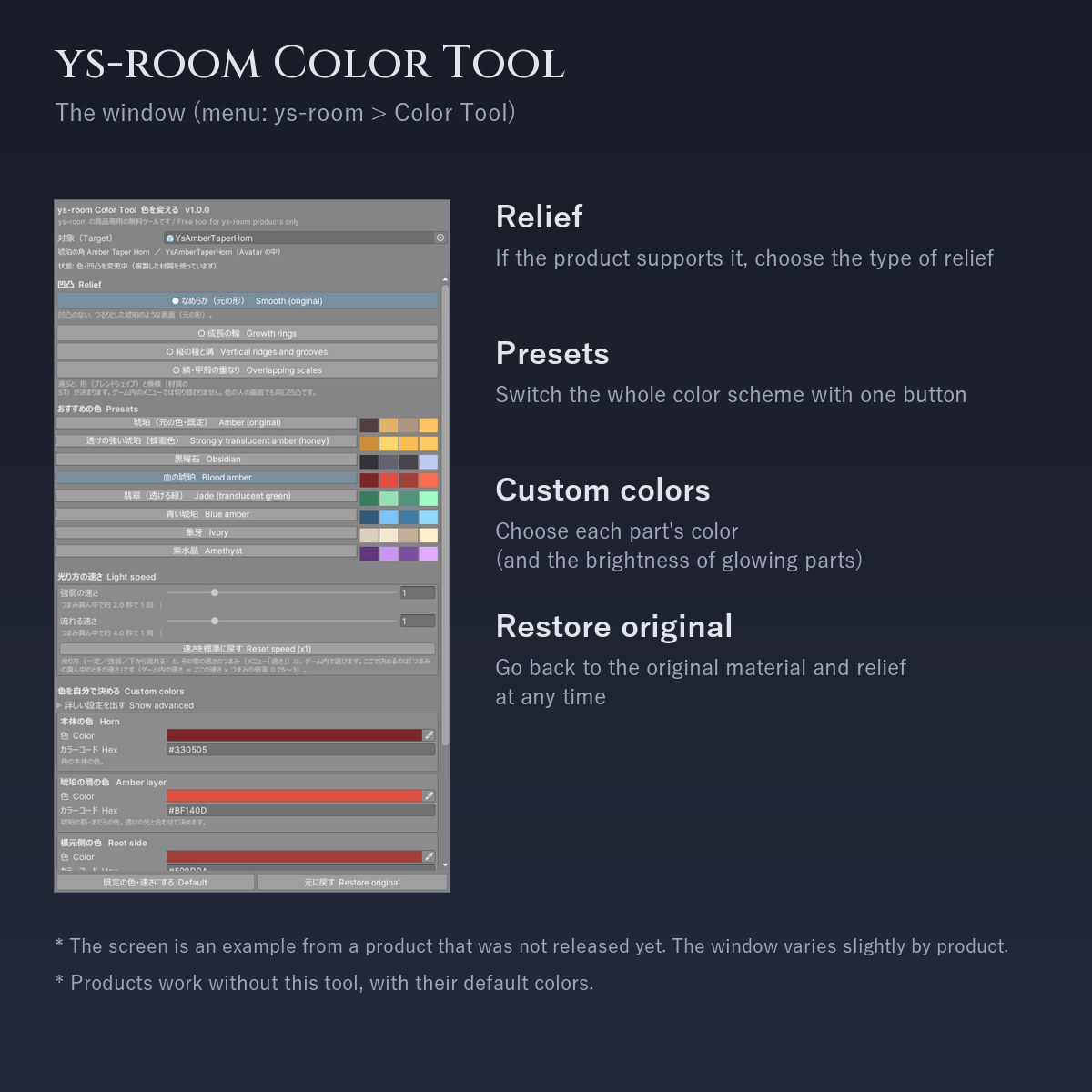
- Open the menu "ys-room > Color Tool" (or right-click the product / avatar in the Hierarchy > ys-room > Color Tool)
- Select the product (or the avatar) in the Hierarchy. When the product name appears under "Target", you are ready
- For products with relief variants, press one under "Relief". Press a row under "Presets" to change all parts at once, or choose each part's color with the color picker / hex code (glowing parts also have "Brightness")
- Press "Restore original" to go back to the original materials and relief at any time
How it works (non-destructive)
- The original materials, animations and controllers are never modified. Copies are created in Assets/ys-room_ColorCustom/<product id>/ and only the product you placed uses them
- The copies stay after "Restore original" and are reused next time. You may delete them yourself when no longer needed
- Editor-only. No runtime scripts, no extra synced parameters, and the tool itself is not part of the avatar you upload. It contains no VRChat SDK files or code
If you own older ys-room products that bundled the earlier tool ("Color Customizer")
- Mechanical Crown Horns and Ram Horns include the predecessor of this tool. It works as before, and it can be in the same project as this tool (separate files, no conflict). Use the "ys-room > Color Tool" window to change colors
- Colors you set with the old tool can be continued with this tool, including "Restore original"
- Products released from now on do not bundle a color tool; install this one separately
When a product needs a newer tool
If the product asks for a newer tool than the installed one, the window shows a red warning and color changes are disabled (the product still works with its default colors). Please update this tool.
Requirements and what was checked
- Unity 2022.3 (checked on 2022.3.22f1) / VRChat SDK Avatars 3.x (checked on 3.10.4) / Modular Avatar 1.18.7 / lilToon 2.3.4
- Checked in clean Unity projects. The look in actual VRChat worlds is NOT checked (world lighting changes how it looks)
- The look of the window and its click behavior are not fully checked yet. If something looks wrong, please tell us
- The window screenshots in the product images are an example from a product that was not released yet. The window looks slightly different per product
Included
- ys-room_ColorTool_v1.0.0.unitypackage
- Readme_JP.txt / Readme_EN.txt, License_JP.txt / License_EN.txt, Changelog_JP.txt / Changelog_EN.txt
How it was made
- The tool (code) was written by us, without generative AI output. Image 3 shows small thumbnails of other ys-room products; the horn shapes of those products were refined by us (in Blender or with our own programs), based on drafts and 3D shapes made with generative AI
Terms of use (summary)
- You may use it to change the colors / relief of ys-room products, for personal or commercial avatar creation. No credit or report is required
- Redistribution, reposting and selling are prohibited (as-is or modified). Modifying it for other products and distributing it is prohibited. Use as AI training data is prohibited
- See the included "License_EN.txt"
Changelog
- 2026-10-23 v1.0.0: First release. The color tool that used to be bundled in each product is now a separate tool for ys-room products
All ys-room products: https://jinxxy.com/Ys_room