Fireworks Halo - Launch by Touch | 4 Types, 9 Colors | VRChat | PC | Modular Avatar
商品説明
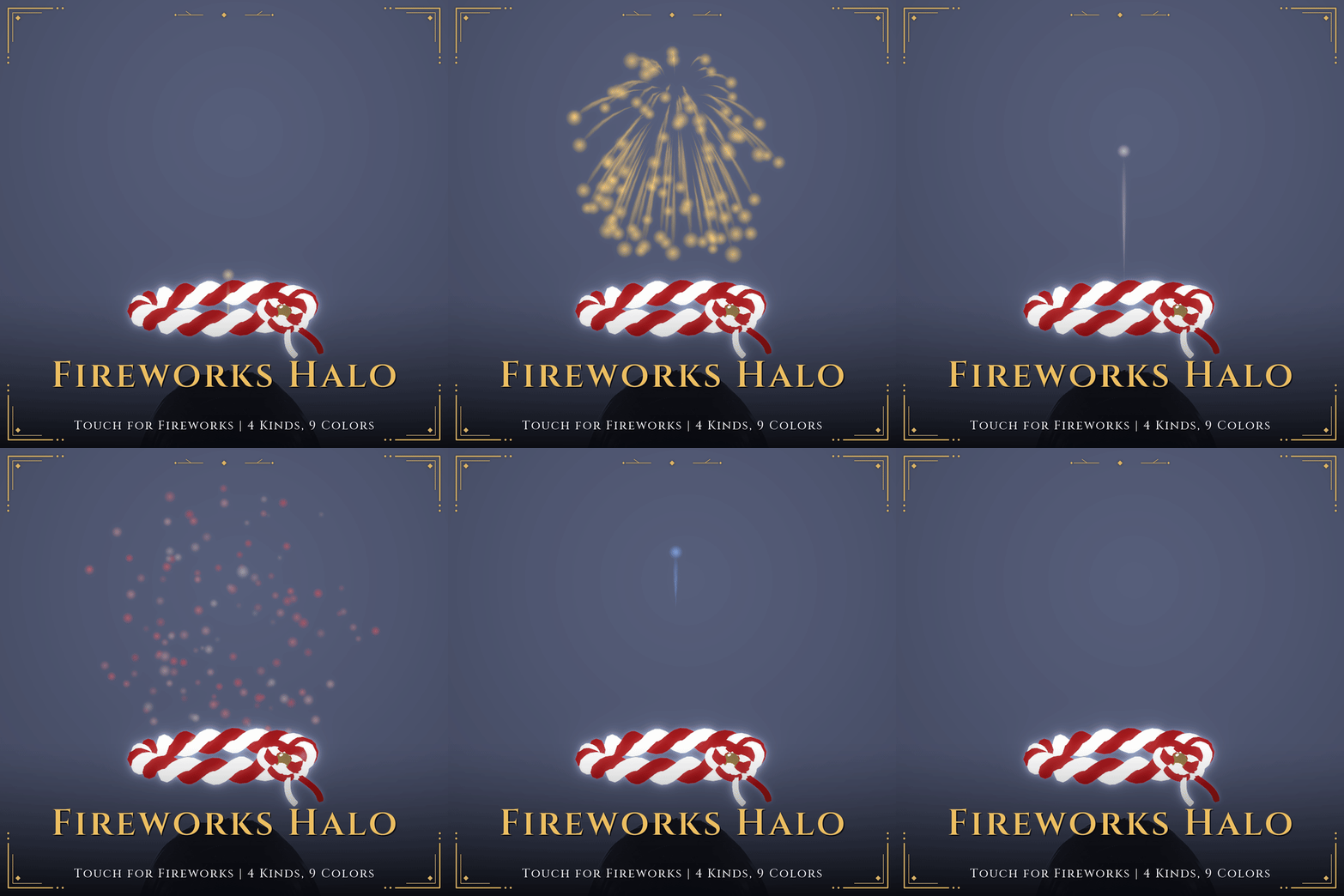
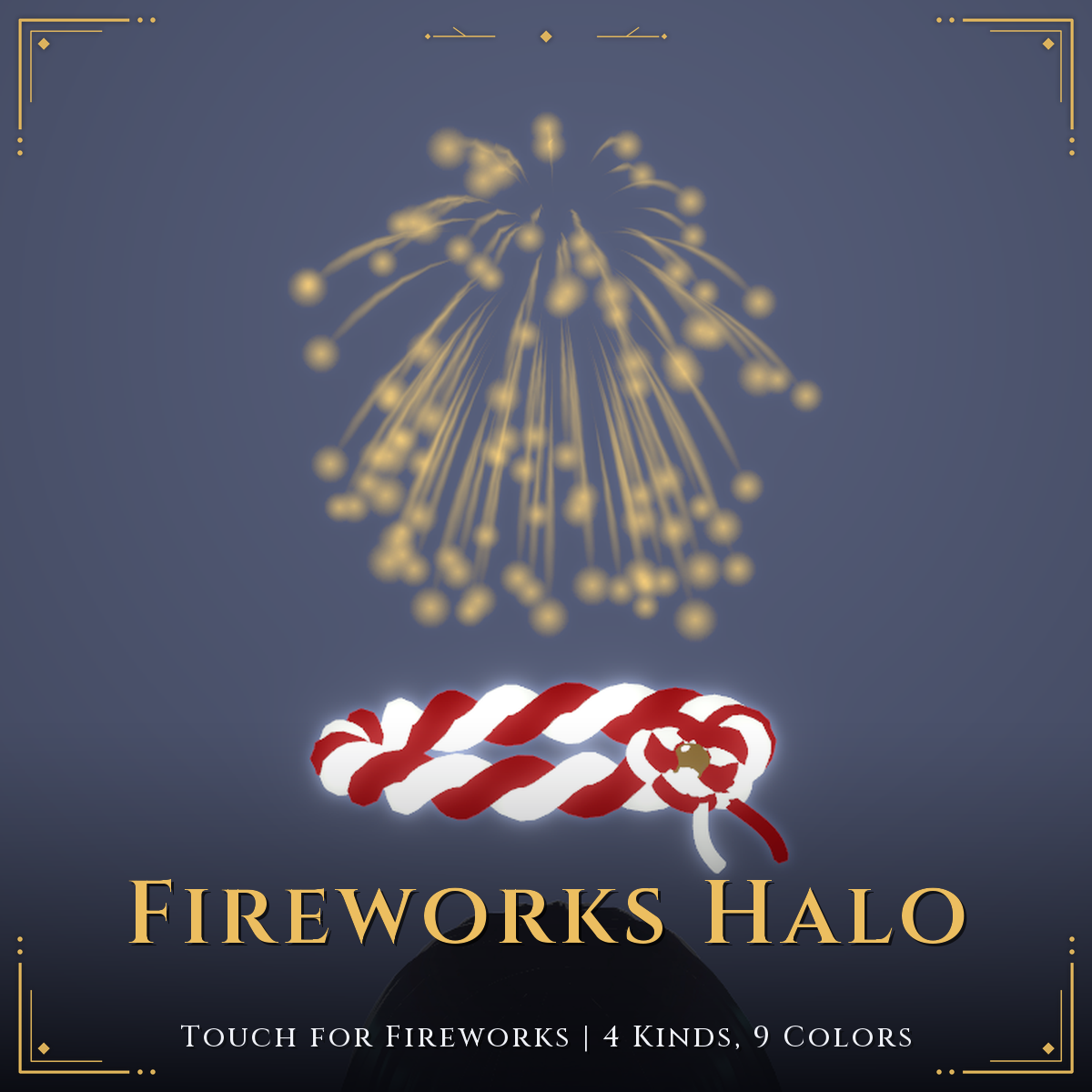
A small halo above your head that launches fireworks: bring a hand near the ring and one bursts over your head. It also launches by itself (you can turn that off). 4 firework types plus Random, 9 colours.
Works on: any humanoid VRChat avatar via Modular Avatar (drop the prefab) - PC only - lilToon.
If you like it, a quick rating on this page helps other creators find it. Thank you!
* Note: I have verified the product in Unity (compile, NDMF, SDK build preprocess, Play Mode). If you report a problem, I will fix it free of charge and reflect the result in the update notes.
* Details
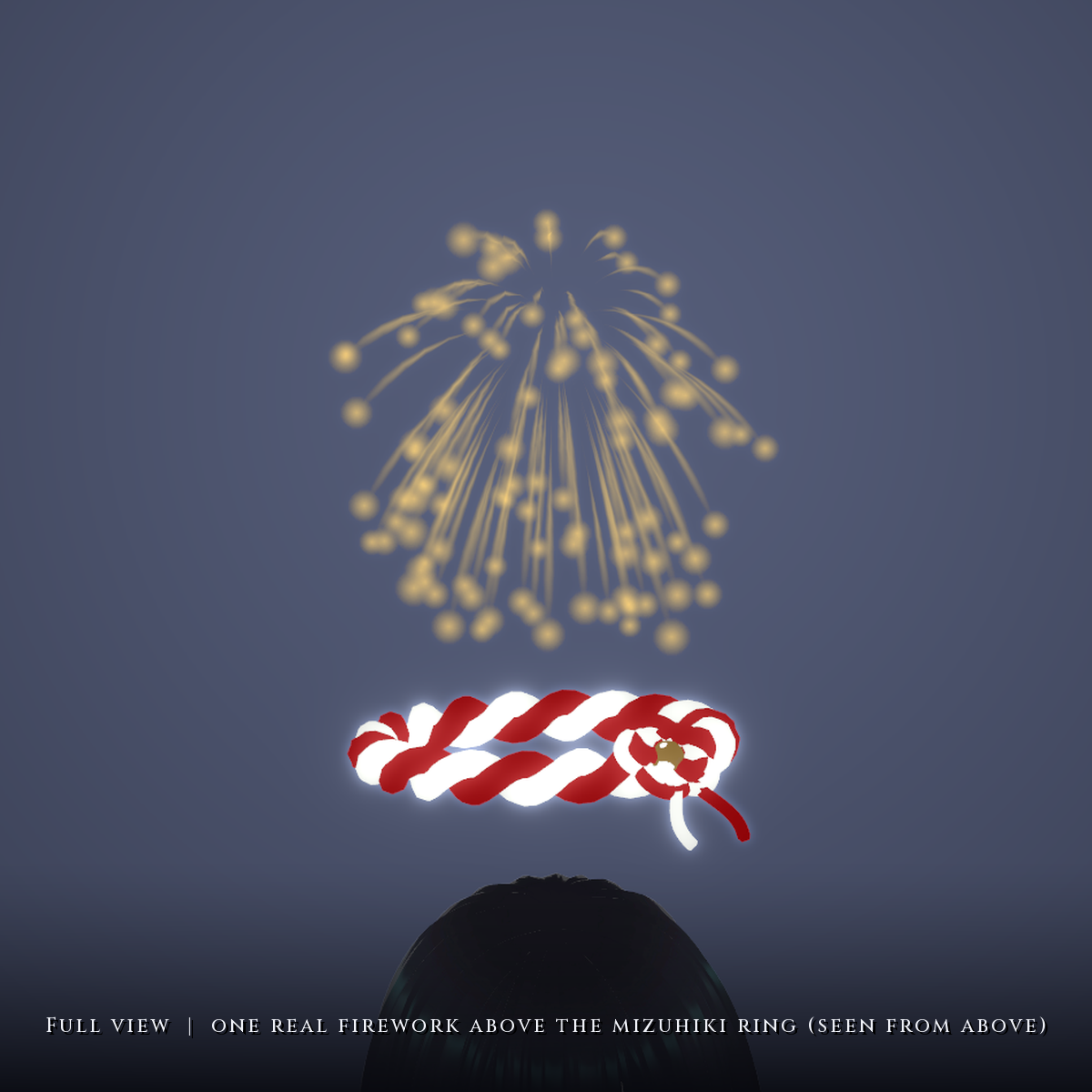
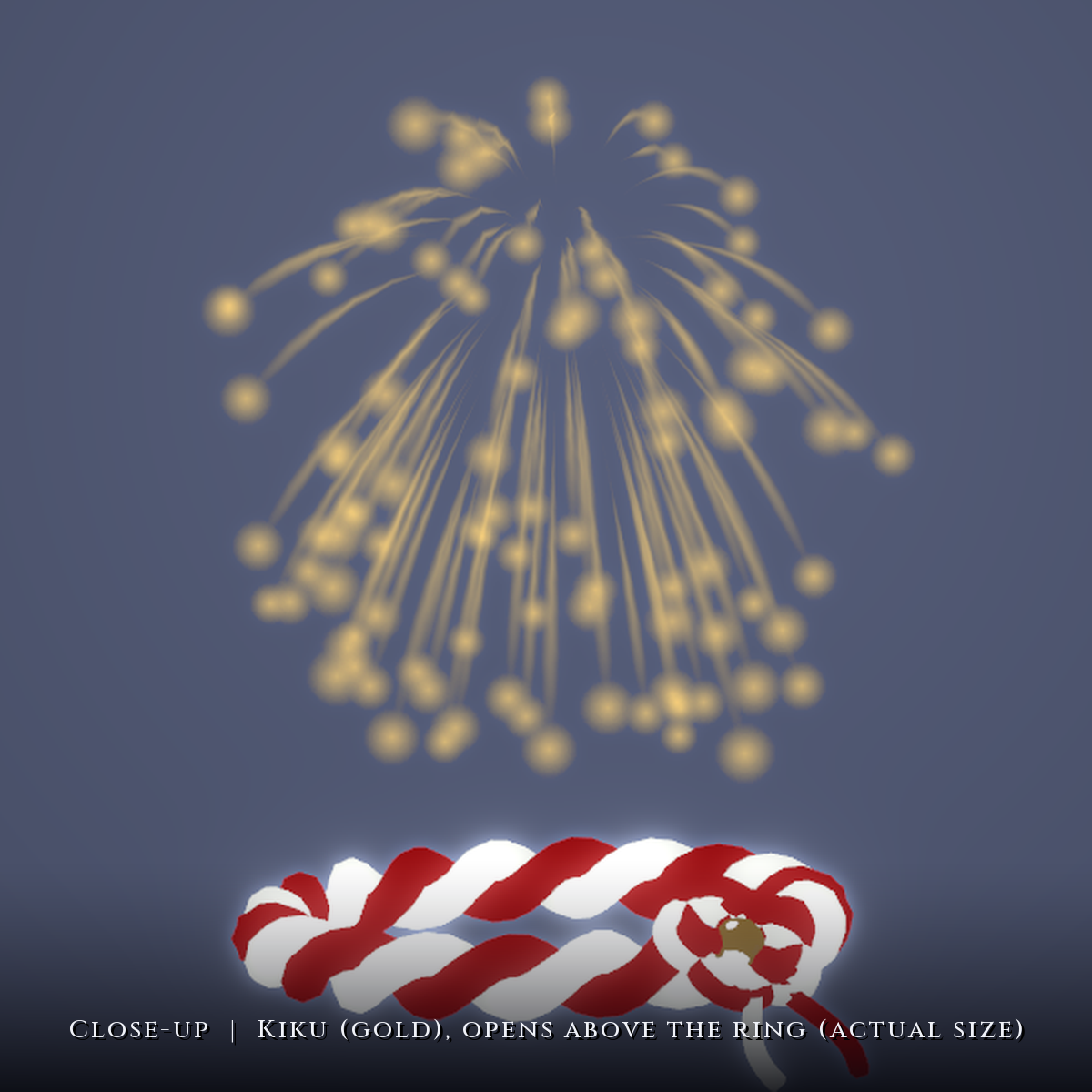
A halo made of a mizuhiki cord and a plum knot. A hand (VRChat standard Hand/Finger) near the ring launches one firework that bursts about 40 cm across, about 30 cm above the ring. Auto launch is on by default: the first goes up about 8 seconds after you put it on, then roughly every 14 seconds. It supports Modular Avatar: drop the prefab directly under your avatar.
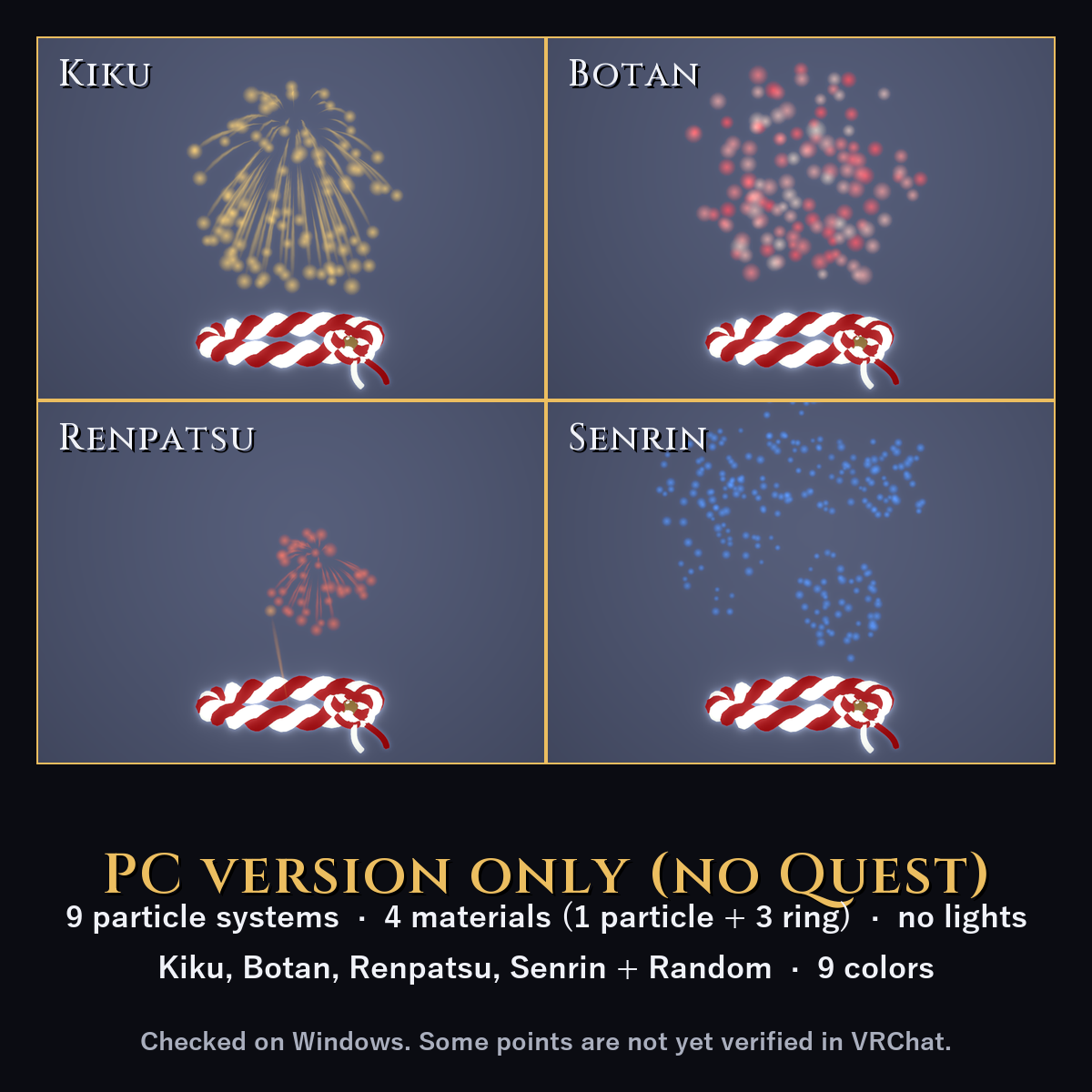
* Types (pick in the menu): Chrysanthemum (thick trail, sphere of fine light streaks) / Peony (round, whitish inner layer) / Rapid fire (5 small ones in a row) / Senrin (many small blooms) / Random
* Colours (9): Auto / Gold / Crimson / White / Blue / Green / Purple / Pink / Multicolor. The selected colour is synced so everyone sees the same one.
* Custom colour: with the free ys-room Color Tool (1.1.1 or later) you can set the "Auto" colour to any colour and change the auto-launch interval (about 2 to 32 seconds) and the rest after a launch. A settings file is included. Free tool: https://jinxxy.com/Ys_room/8xXmh
* How it launches: touch (other players' hands can be switched on/off in the menu) / auto (menu on/off) / menu "Launch now"
* Menu (bilingual Japanese / English): Fireworks Halo > Show / Auto launch / Launch on touch / Others can launch / Launch now / Firework type / Color / Reset color to auto
* Seeing it yourself: the ring and particles are children of the head bone with the Modular Avatar Visible Head Accessory component, so it is built to be visible to you in first person. Ring size and position are defaults for a humanoid of about 1.675 m; you may need to adjust the Anchor inside the prefab.
* Load (measured in Unity; also listed in the Readme)
- Synced parameters +9 bits (limit 256) / Contact Receivers 2 / Renderers: ring 2 + particles 9 / Materials: ring 3 + particles 1 / Triangles about 5,940 / Particle systems 9 (max particles total 828) / Lights 0
- Particles use VRChat's standard Legacy Particles/Additive shader and are disabled while no firework is up. The final rank depends on the whole avatar.
- No Quest (Android) version.
* Included: ys-room_FireworksHalo_PC_ver2.unitypackage (prefab, model, textures, materials, FX, Color Tool settings file), Readme (JP/EN), license (JP/EN), changelog (JP/EN). The delivered files are replaced with the release-day version.
* Requirements: Unity 2022.3 / VRChat SDK Avatars 3.10+ / Modular Avatar 1.18+ / lilToon. A humanoid avatar set up for VRChat (VRC Avatar Descriptor). PC (Windows). Tested with Unity 2022.3.22f1, VRChat SDK Avatars 3.10.4, Modular Avatar 1.18.7
* Setup: 1) install Modular Avatar and lilToon, import the unitypackage 2) drag Assets/ys-room_FireworksHalo/Prefabs/YsFireworksHalo directly under your avatar 3) check with Build & Test, then upload. Do not put two on one avatar.
* What was verified (facts only)
- In Unity: imported into a buyer-like project; 0 compile errors, 0 Missing Scripts, 0 NDMF errors, SDK build preprocess passes
- In Play Mode: one launch per touch (only one even if the hand stays), no reaction when the "others" contact is off, auto launch after about 8 seconds, the 4 types and Random, the 9 colours
- Each player's screen launches its own fireworks, so the exact moment and the Random type can differ between screens (your selected type and colour are synced)
* Terms (summary): modification is free / redistribution is prohibited (as-is or modified) / use on your own avatar uploaded to VRChat is free / use as AI/ML training data is prohibited. See License_EN.txt. The model and textures were made with Blender and code, without generative AI.