Roulette Wheel Halo - Spins Above Your Head | VRChat | PC + Quest | Modular Avatar
商品説明
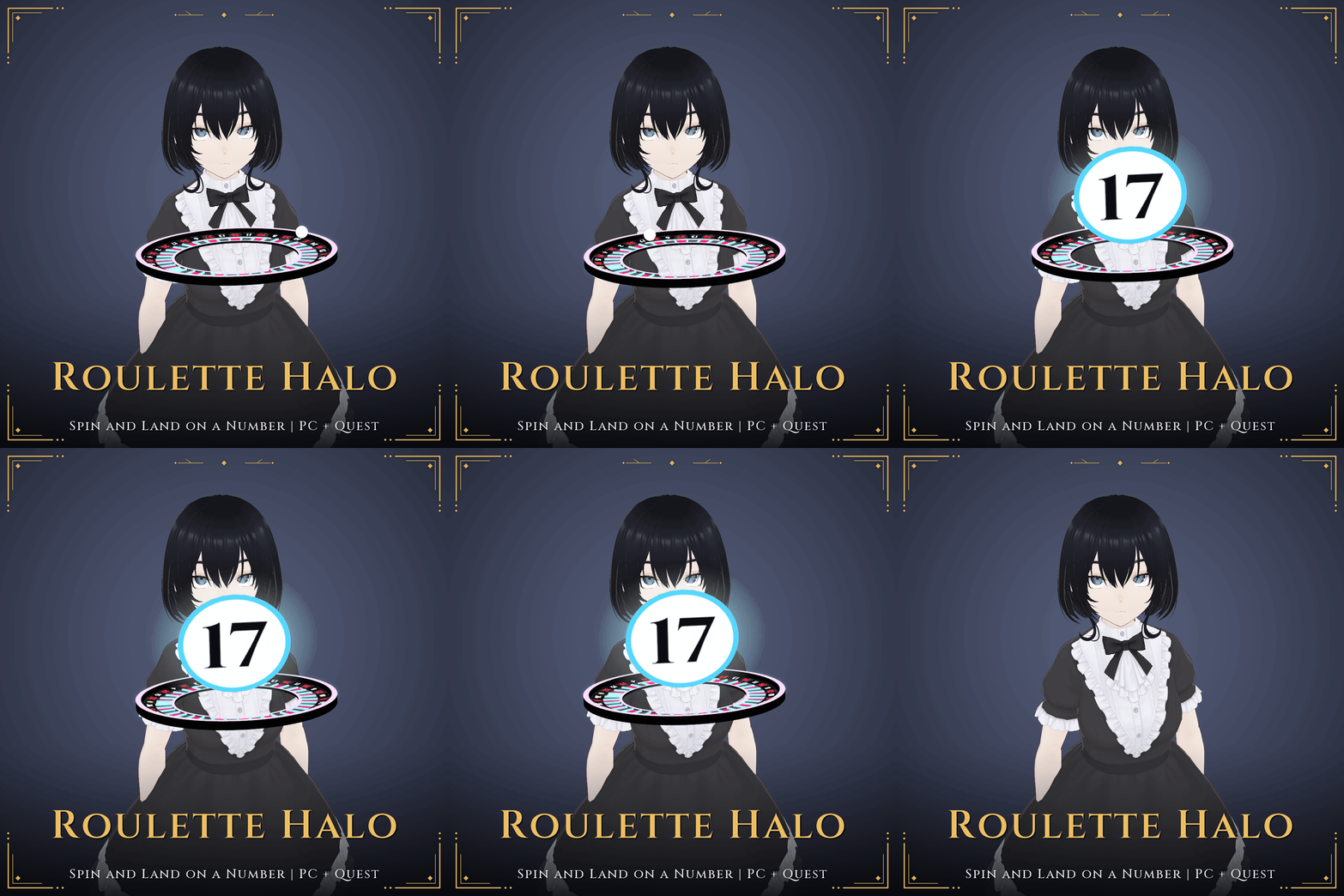
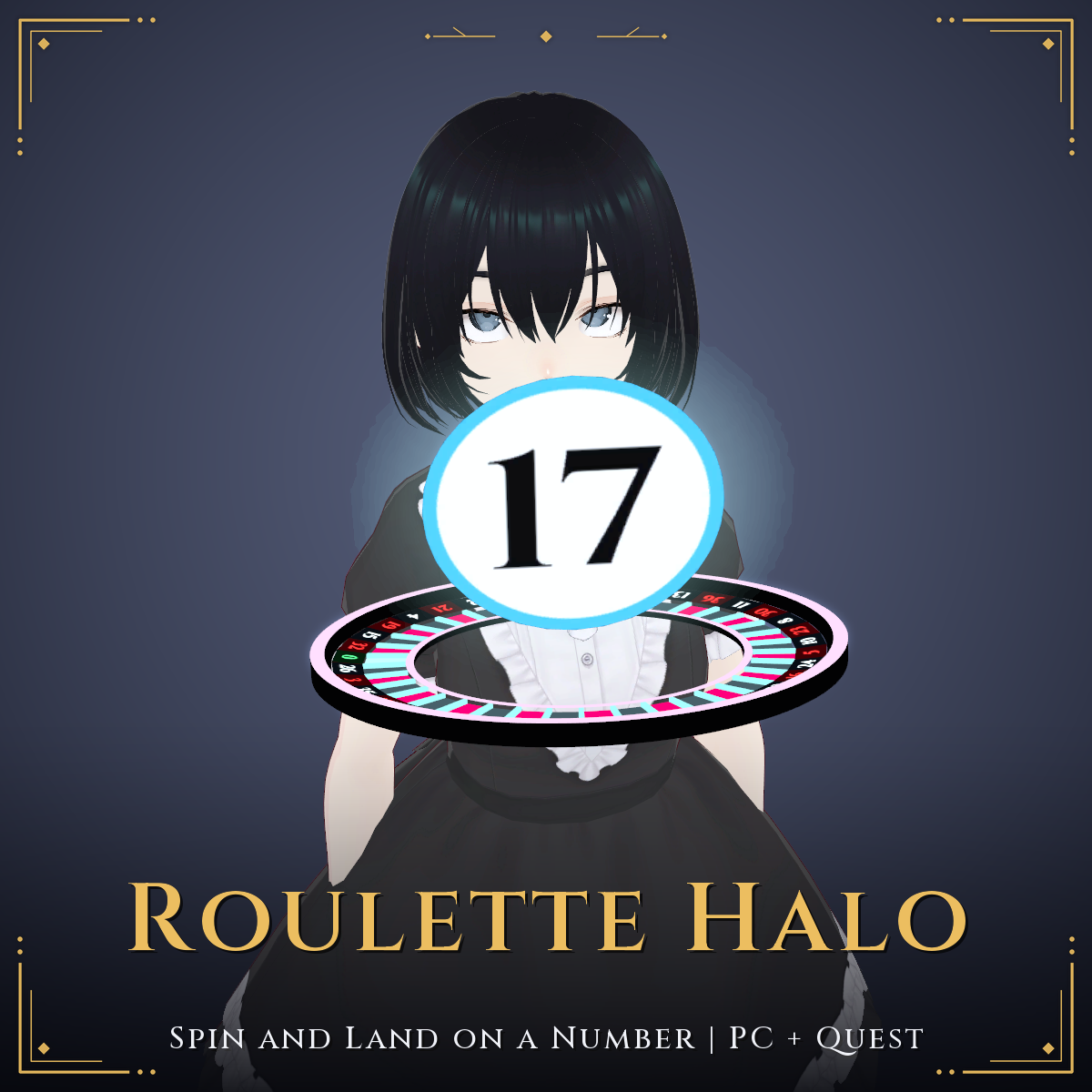
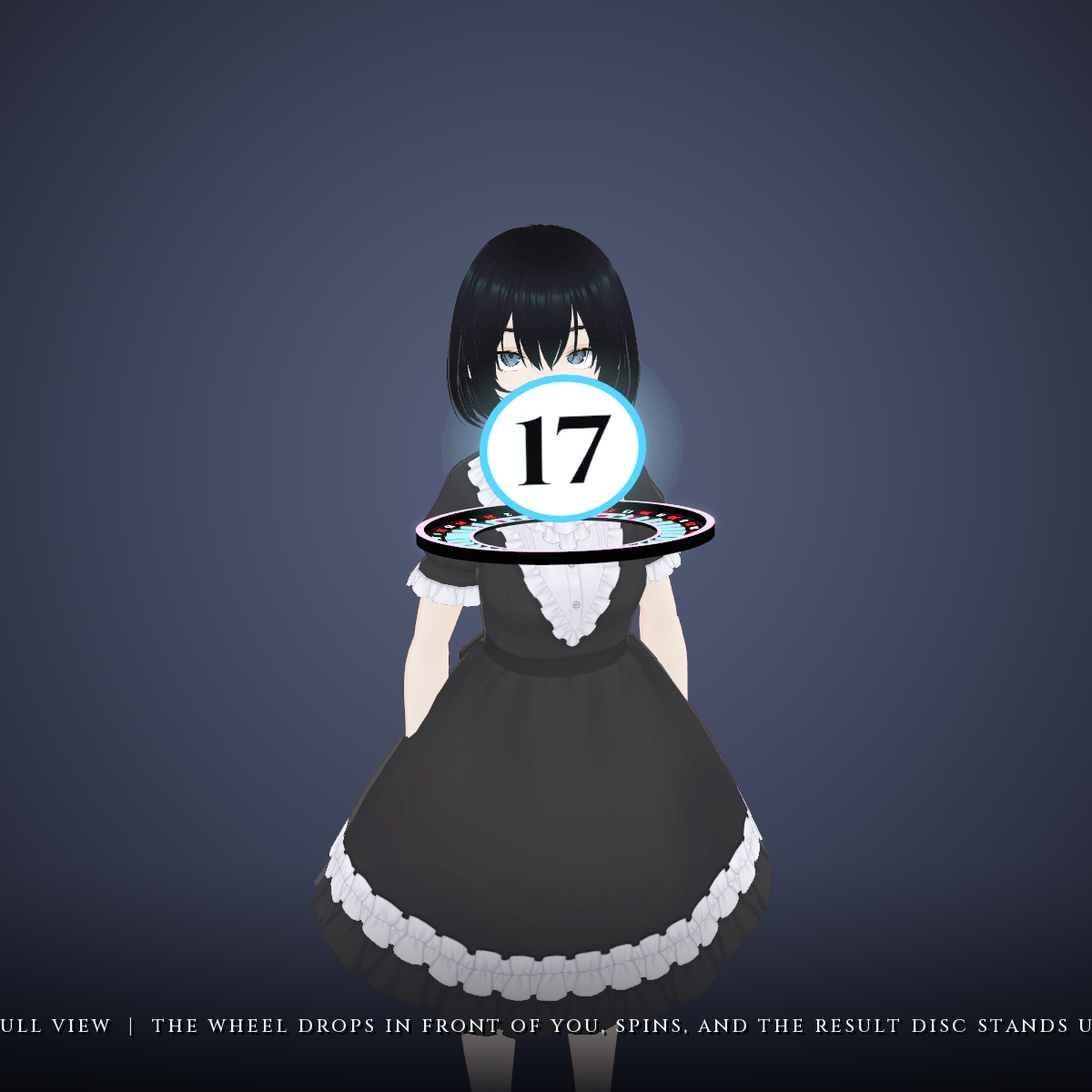
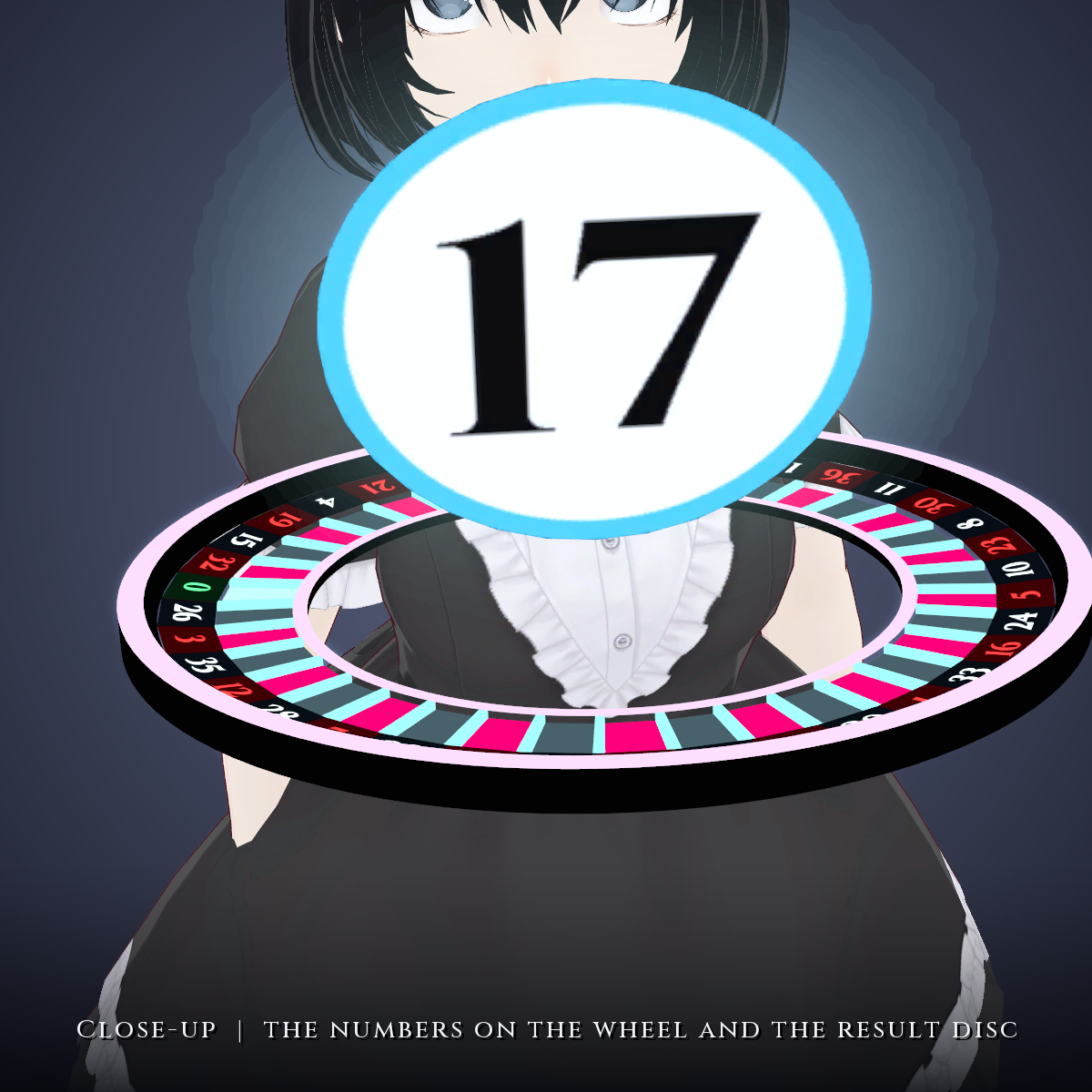
A roulette wheel above your head: touch it, the ring comes down flat in front of you, spins, and the ball drops on 0-36. The number appears at the center of the wheel for everyone to see. Anyone can spin it.
Works on: any humanoid VRChat avatar via Modular Avatar (drop the prefab) - PC and Quest (Standard / Light versions) - lilToon (PC).
If you like it, a quick rating on this page helps other creators find it. Thank you!
* Note: Tested in VRChat on PC (ver6). PC ver8 only fixes the look (face orientation and shading of the dividers) and was checked in the Unity editor. Also verified in Unity (compile, NDMF, SDK build preprocess, Play Mode). Not yet tested on Quest (Android) devices. If you report a problem, I will fix it free of charge and reflect the result in the update notes.
* Details
A European roulette wheel (0-36) as a halo. Touch it, or press "Spin" in the menu, and the ring comes down flat in front of you, the wheel turns and the ball rolls the other way. It spins for about 14 seconds, slowing down gently at the end, and the ball drops into one pocket. When it stops, the number appears at the center of the wheel (everyone can see it), then the ring returns above your head. The result is sent as a synced parameter, so everyone who sees you should see the same pocket (designed that way). It supports Modular Avatar: drop the prefab directly under your avatar.
* There is no exchange of money or prizes, and no scoring. It is a look and a toy only.
* 2 looks: Neon (glowing edge, good for night worlds) / Black & Gold. Outer diameter about 34 cm, about 30 cm above the head (made for a humanoid of about 1.675 m). Looks differ only in color; motion and load are identical.
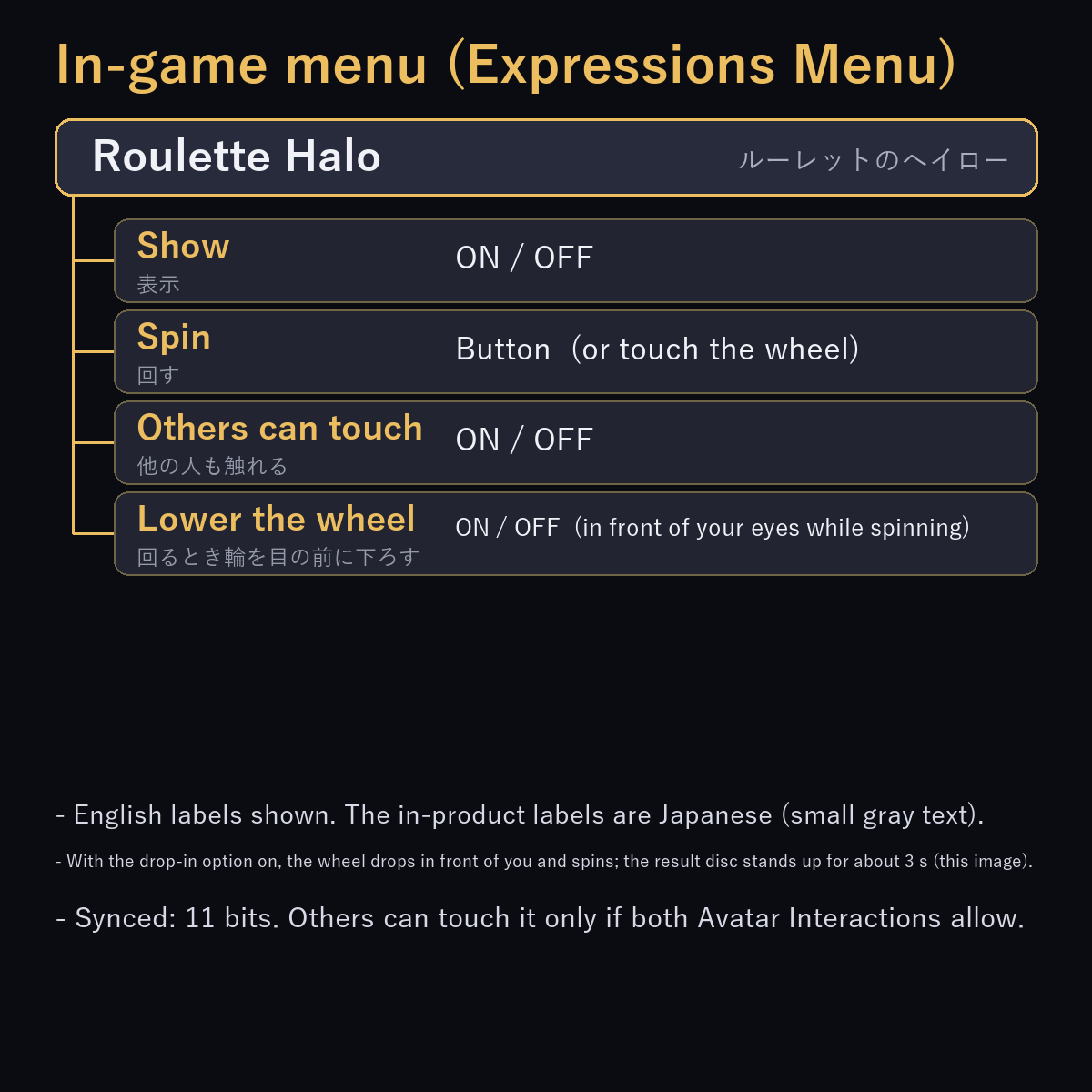
* Who can spin: you by touch; other players by touch (menu toggle "Others can touch", on by default); or the menu "Spin" button. Other players can touch it only if both their and your Avatar Interactions settings allow it (see the Readme FAQ).
* Menu (bilingual Japanese / English): Roulette > Show / Spin / Others can touch / Lower the ring in front of you
* Seeing the result yourself
- While it spins, the ring comes down flat in front of you; when it stops, the number appears at the center of the wheel (everyone sees it)
- The halo is a child of the head bone with the Modular Avatar Visible Head Accessory component, so it is built to be visible to you in first person
- The lowered position is a default for a test avatar's eye height; you may need to adjust it in the prefab
* Load (VRChat SDK in Unity)
- PC: synced parameters +11 bits (Int 1 + Bool 3; limit 256) / Contact Receivers 2 / Renderers 6 / Materials 11 / Triangles about 2,210
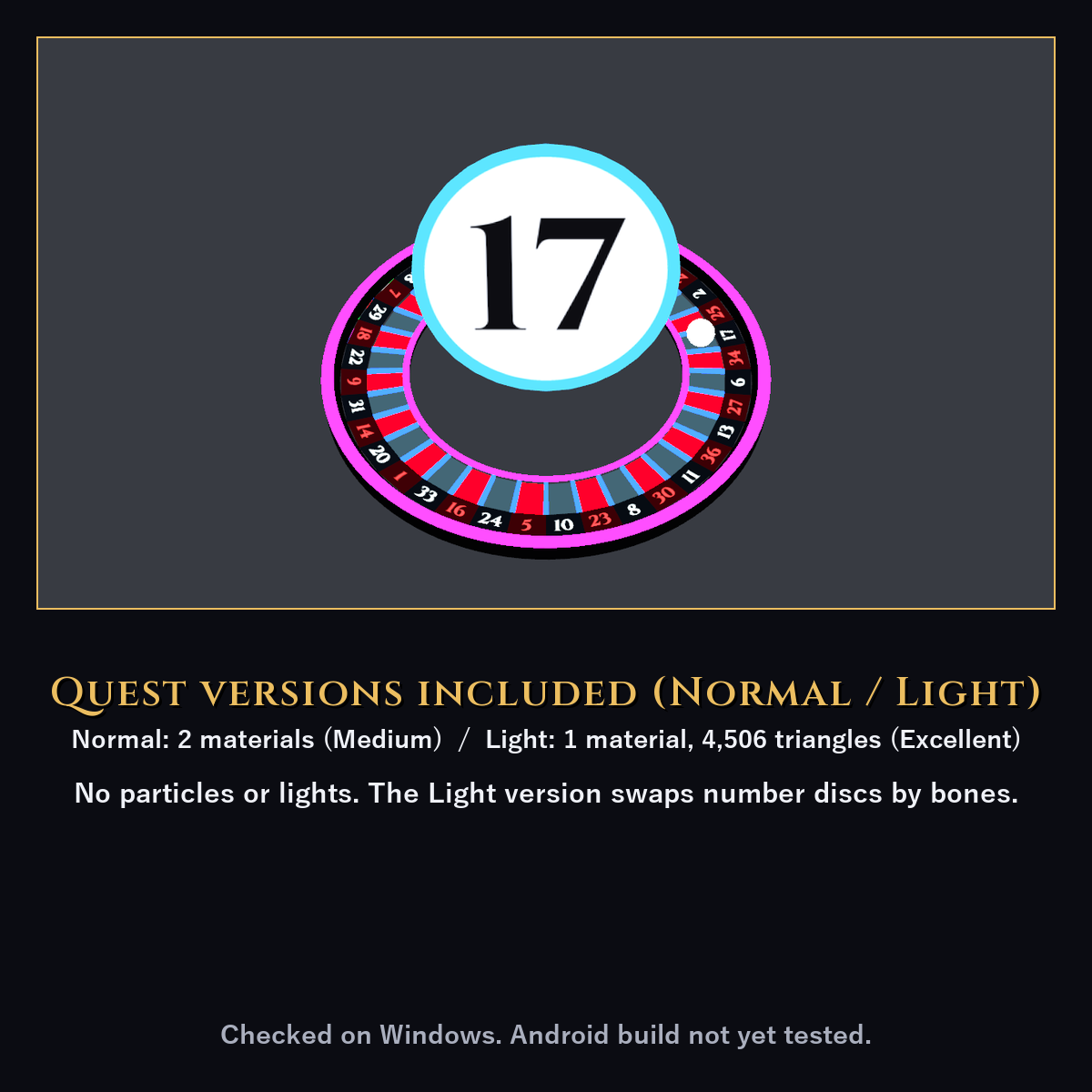
- Quest: Standard and Light versions; use one of them per avatar. Standard: Renderers 2 (Skinned 1 + Basic 1) / Material slots 2 / Triangles about 2,200. Light: Renderer 1 / Material slot 1 / Triangles about 4,500. Same synced parameters and contacts as PC; no particles or lights. The final rank depends on the whole avatar
* Included: The files are delivered in a PC folder and a Quest folder (no ZIP). PC folder: ys-room_RouletteHalo_ver8.unitypackage. Quest folder: Standard ys-room_RouletteHalo_Quest_ver5.unitypackage / Light ys-room_RouletteHalo_QuestLight_ver5.unitypackage (Neon and Black & Gold prefabs, model, textures, materials, FX). Also in the top folder: Readme (JP/EN), license (JP/EN), changelog (JP/EN).
* Requirements: Unity 2022.3 / VRChat SDK Avatars 3.10+ / Modular Avatar 1.18+ / lilToon (PC version). A humanoid avatar set up for VRChat (VRC Avatar Descriptor). PC / Quest (Android). Tested with Unity 2022.3.22f1, VRChat SDK Avatars 3.10.4, Modular Avatar 1.18.7
* Setup: 1) install Modular Avatar and lilToon, import the unitypackage (PC or Quest, one of them) 2) drag ONE look prefab directly under your avatar 3) check with Build & Test, then upload. Do not put two on one avatar
* What was verified (facts only)
- In Unity: imported into a buyer-like project; 0 compile errors, 0 NDMF errors, SDK build preprocess passes (both looks)
- In Unity Play Mode: chain from the SDK contact to the ring coming down, the spinning wheel, ball drop and the number appearing at the center, including a simulated other-player view
- Tested in VRChat on PC (ver6, 2026-11-24). PC ver8 only fixes the look (face orientation and shading of the dividers) and was checked in the Unity editor. Not yet tested on Quest (Android) devices
- Other players may see it stop slightly later (synced parameters)
* Terms (summary): modification is free / redistribution is prohibited (as-is or modified) / use on your own avatar uploaded to VRChat is free / use as AI/ML training data is prohibited. See License_EN.txt. The model and textures were made with Blender and code, without generative AI.