
Holographic AudioLink Bracelet — Proximity Sync | VRChat
商品説明
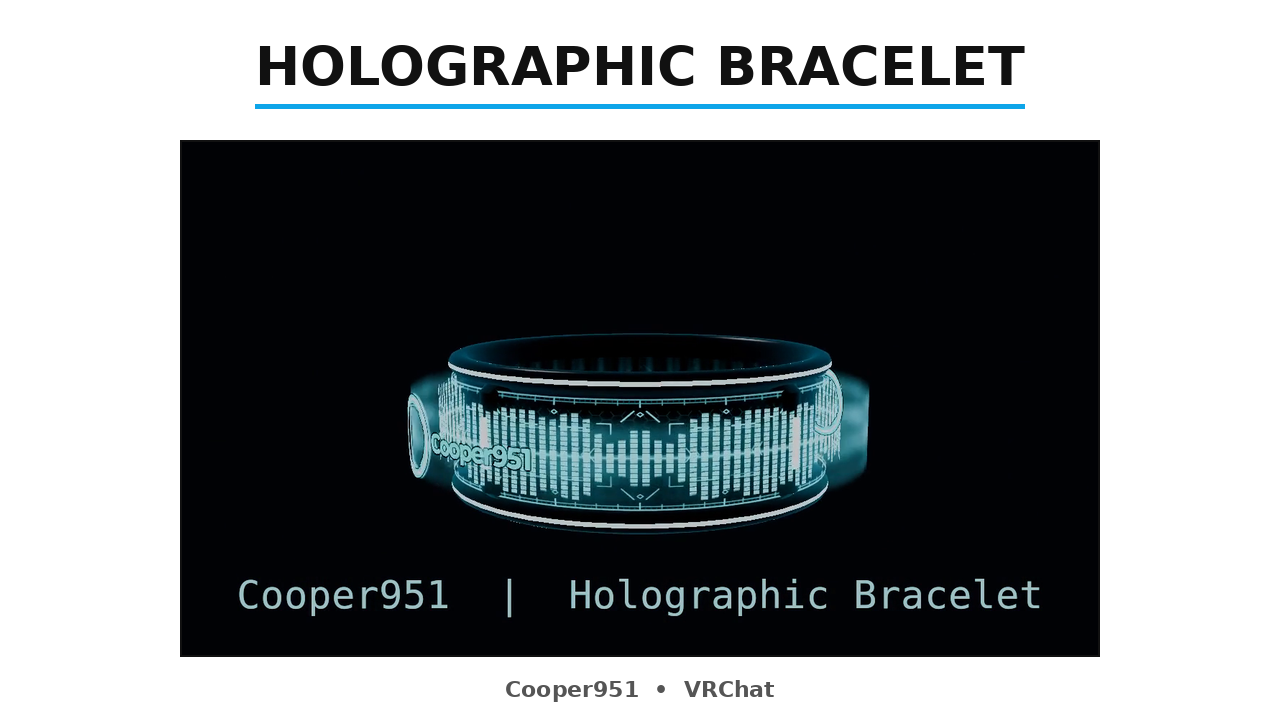
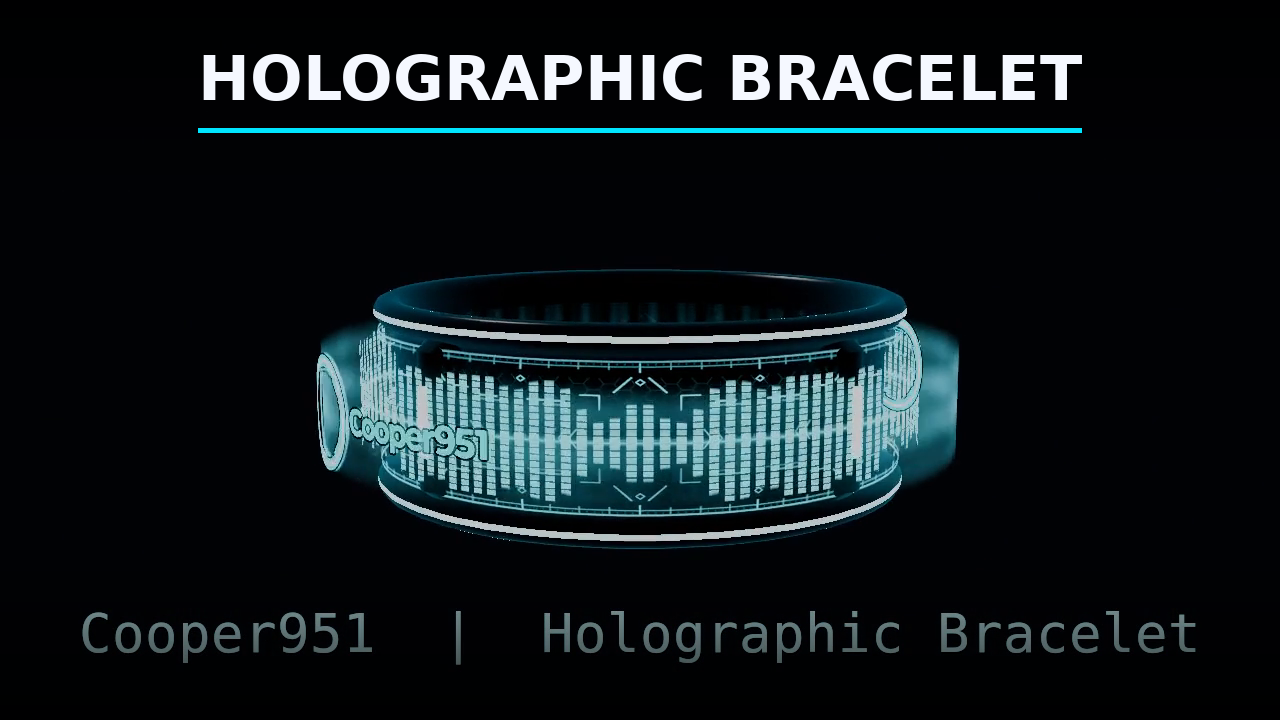
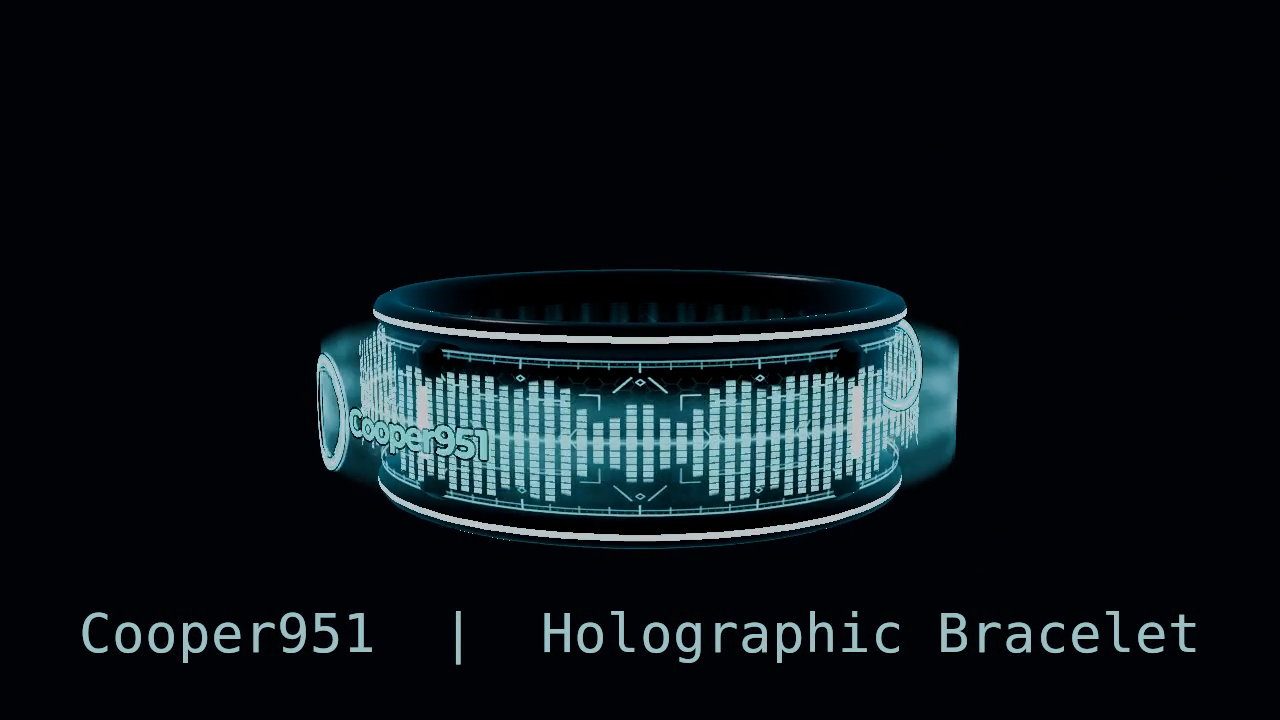
A holographic projector bracelet for your wrist. It reacts to the music, spins faster when another wearer gets close, and flashes when you sync up.
What it does:
- Wrist holographic projector with a metal and LED chassis
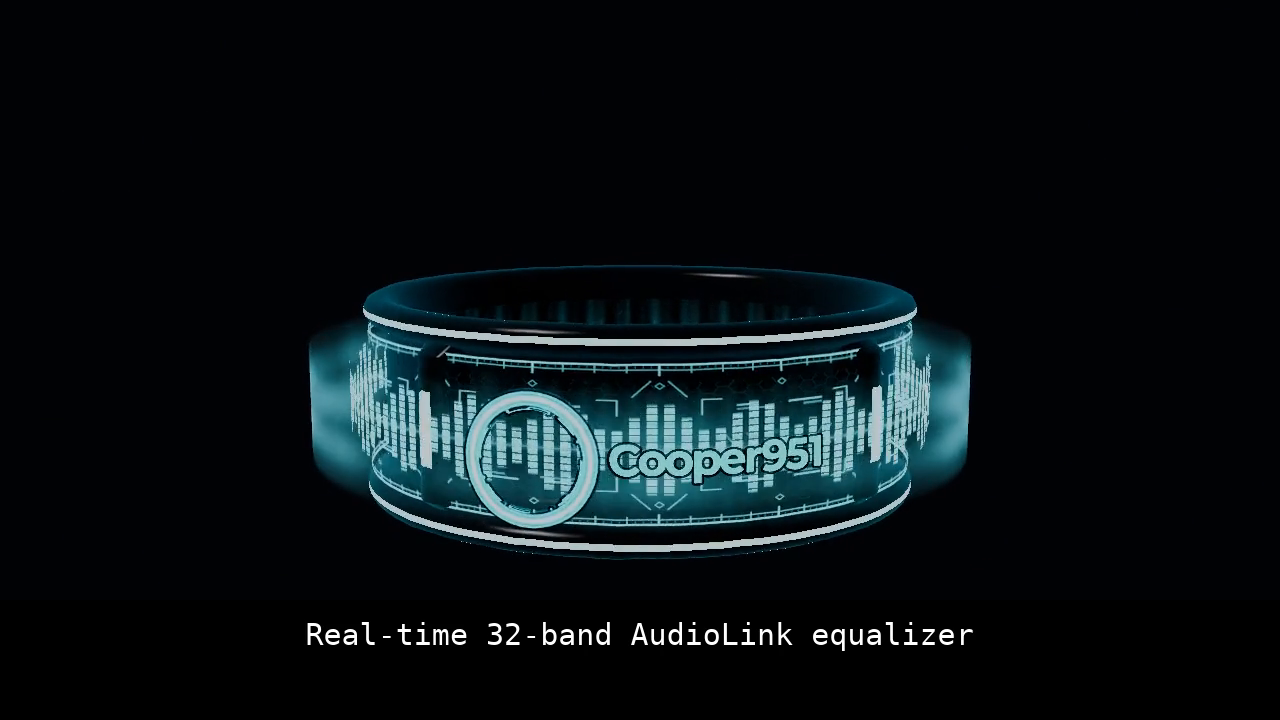
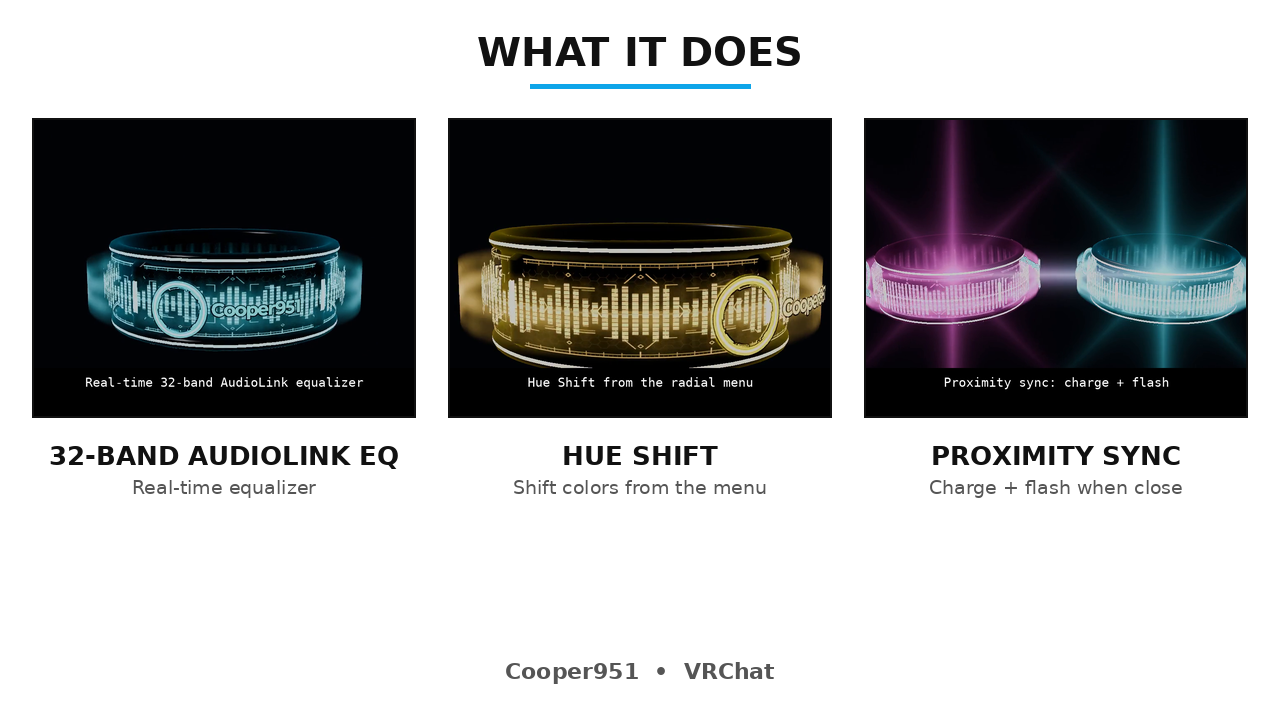
- Real-time 32-band AudioLink equalizer built into the band — if the world has no AudioLink, it falls back to its own idle pulse, so it never just sits dead
- Spinning halo and a double-sided holographic logo with a dynamic outline
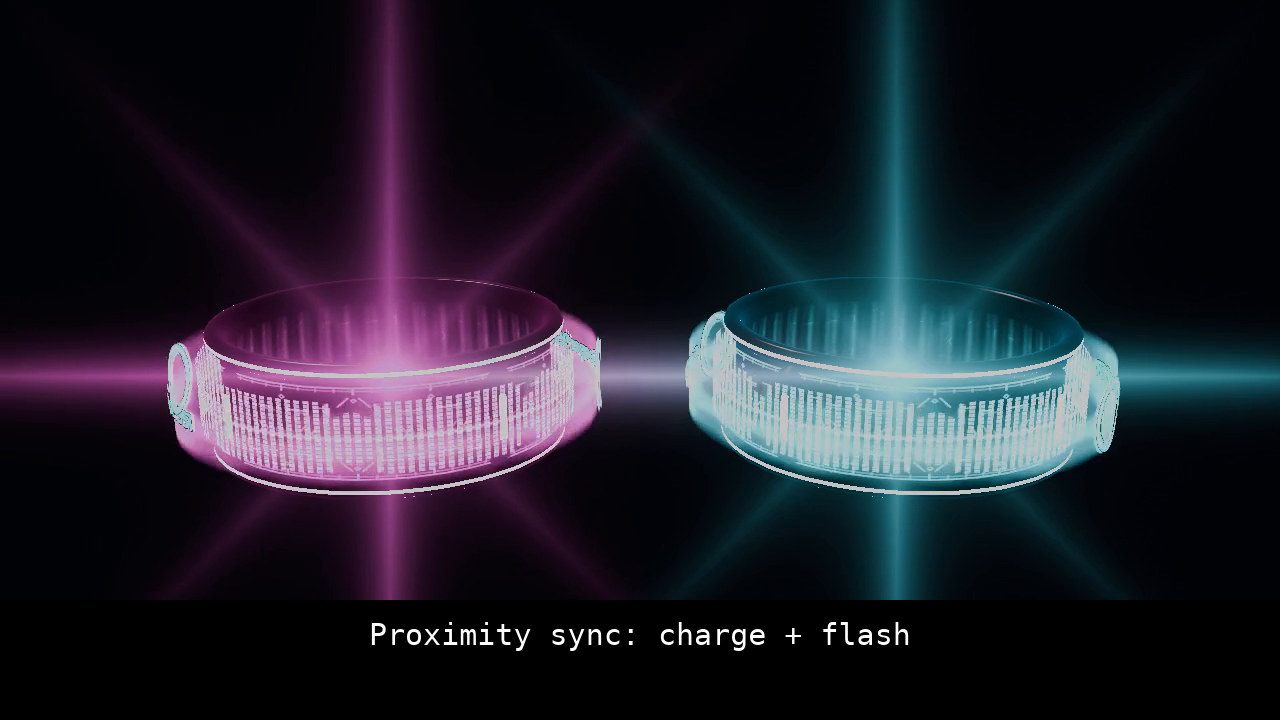
- Proximity sync: get close to another person wearing the bracelet and it charges up (within ~0.43 m) — faster spin, brighter glow, a prismatic flash with shockwaves and sound
- Two custom sounds, charge and burst, with a mute toggle in the menu
- A setup panel in the Inspector ("Cooper951 — Bracelet Setup"): swap the logo texture in one click, keep its original colors or tint it, pick one of 6 color presets (White Rave, Cyber Cyan, Neon Magenta, Acid Lime, Solar Gold, Crimson), tweak glow and audio reactivity, change the sync tag, or duplicate the whole material set for another avatar
- Drag and drop. Two prefabs included: one for Modular Avatar, one for VRCFury
Radial menu (all synced):
- Toggle — show or hide the bracelet
- Sound — mute or unmute the charge and burst sounds
- Hue Shift — smooth color shift across all the holographic parts and LEDs
What's included:
- Bracelet_MA.prefab (Modular Avatar)
- Bracelet_VRCFury.prefab (VRCFury)
- 5 custom shaders (Cooper951/Bracelet/*), written from scratch — no external shader dependencies
- 10 materials, 9 meshes, 2 custom WAV sounds, 5 textures
- FX controller, expression menu and parameters, ready to go
- README with the install steps
Specs:
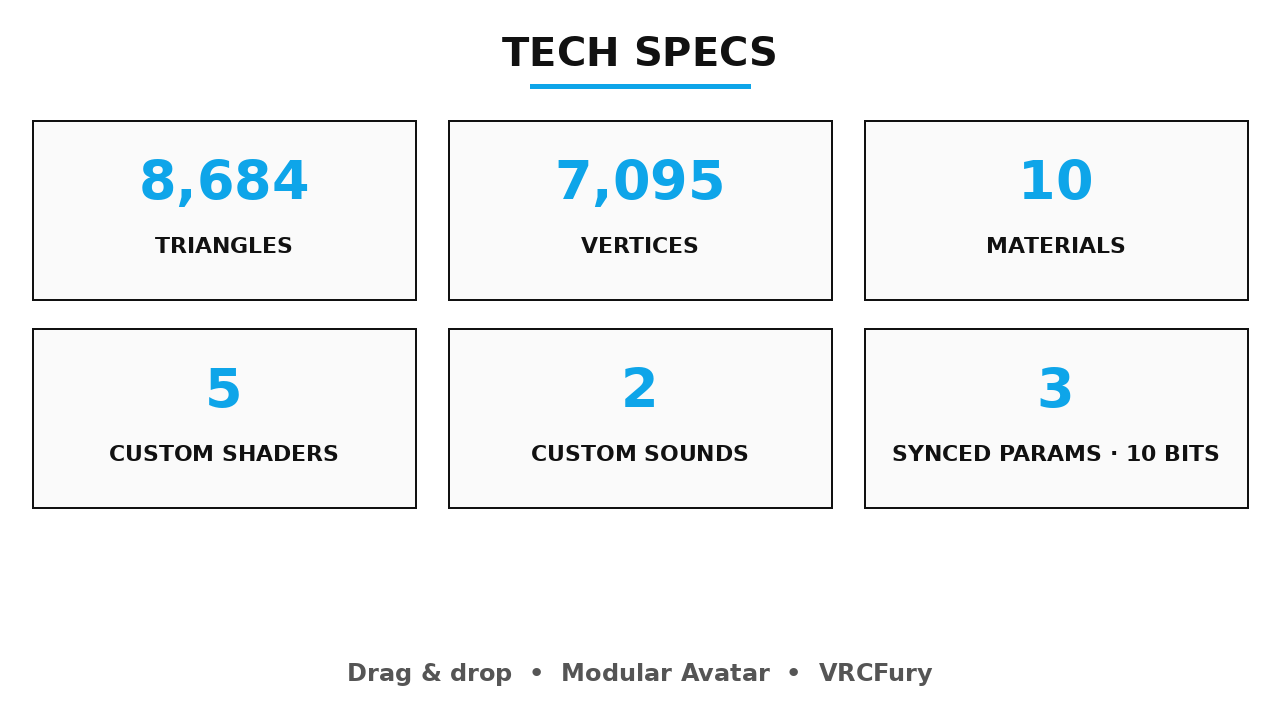
- 8,684 triangles / 7,095 vertices (whole prefab)
- 10 materials, 5 shaders, 2 audio clips
- Synced parameters: 3 (10 bits of 256) — Toggle, Sound, Hue Shift. Proximity is local, not synced.
Requirements:
- Unity 2022.3.22f1 with VRChat SDK3 — Avatars
- Modular Avatar OR VRCFury (through the VRChat Creator Companion)
- AudioLink is optional — the bracelet works without it, using its built-in pulse
Please note:
- Fits the right wrist by default. Move and scale the Offset inside the prefab to fit your avatar.
- Made for humanoid avatars.
- Digital product, no refunds once downloaded.
- Do not redistribute, resell or share the raw package files.
Install:
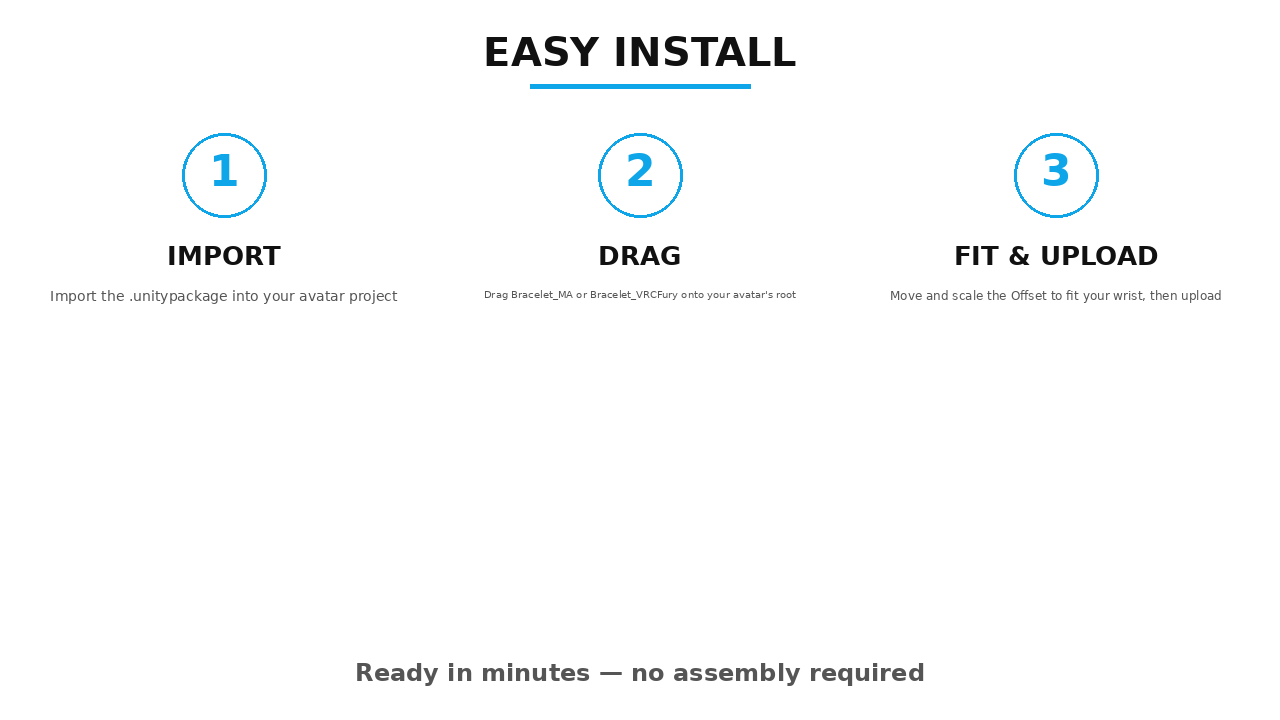
1. Import the .unitypackage into your avatar project.
2. Drag Bracelet_MA (or Bracelet_VRCFury) from Assets/Holographic Bracelet/ onto the root of your avatar.
3. Expand it and move/scale the Offset so it sits clean on your wrist. Upload.
Terms of use:
Personal ($6):
- Use it on your own avatars.
- Avatar commissions are fine, with credit to Cooper951.
Commercial ($8):
- Include the bracelet in complete avatars you sell in your store — your buyers get it as part of the avatar and don't need to buy it separately.
- Credit to Cooper951 in the avatar listing.
Both versions:
- Do not redistribute, resell or share the raw files on their own.
- Do not claim the shaders, mesh or setup scripts as your own work.
Update history:
- v1.0 — Nov 25, 2026 — first release