
Escape Game Together | Co-op Horror Escape from an Oni's Mansion with CPU Friends for VRChat
商品説明
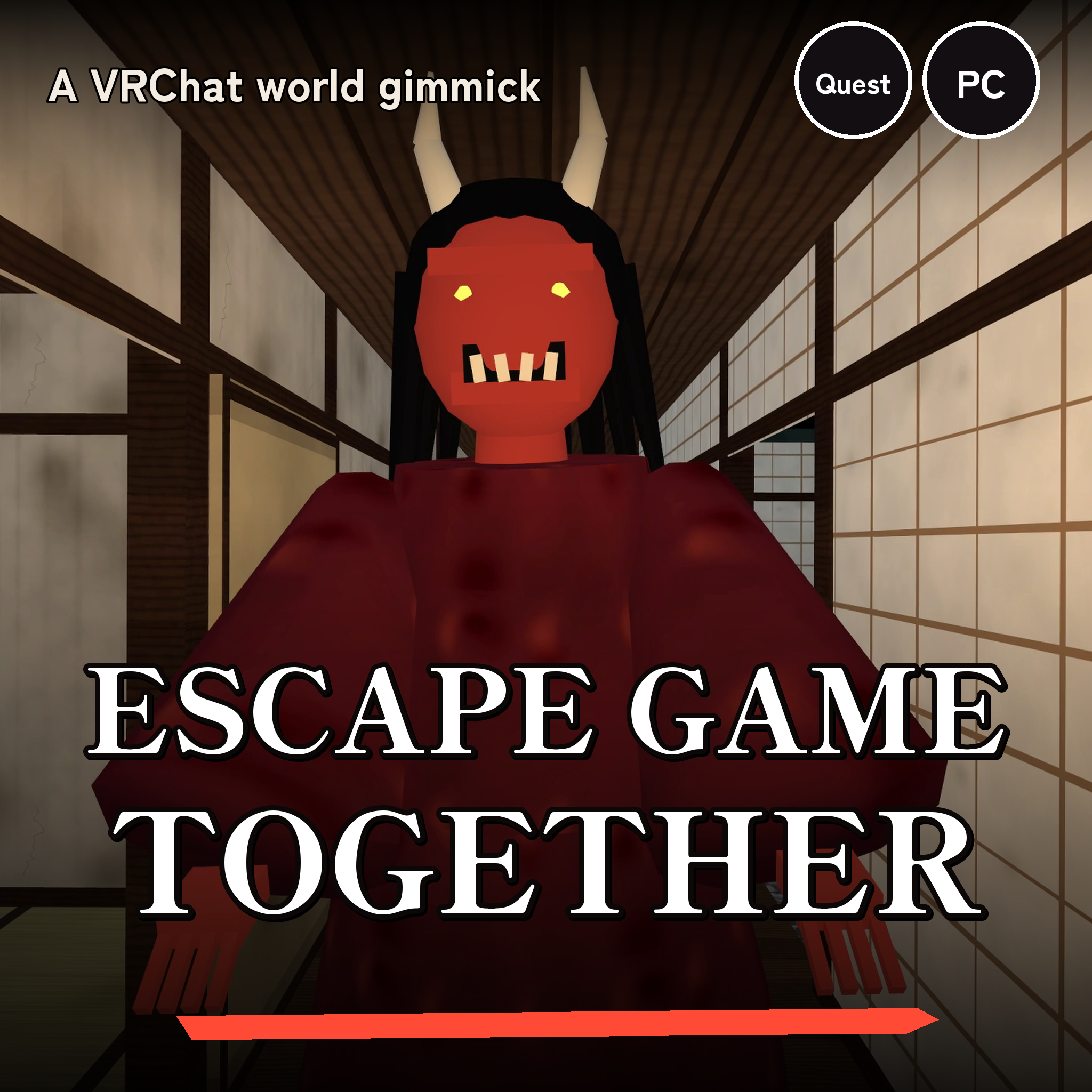
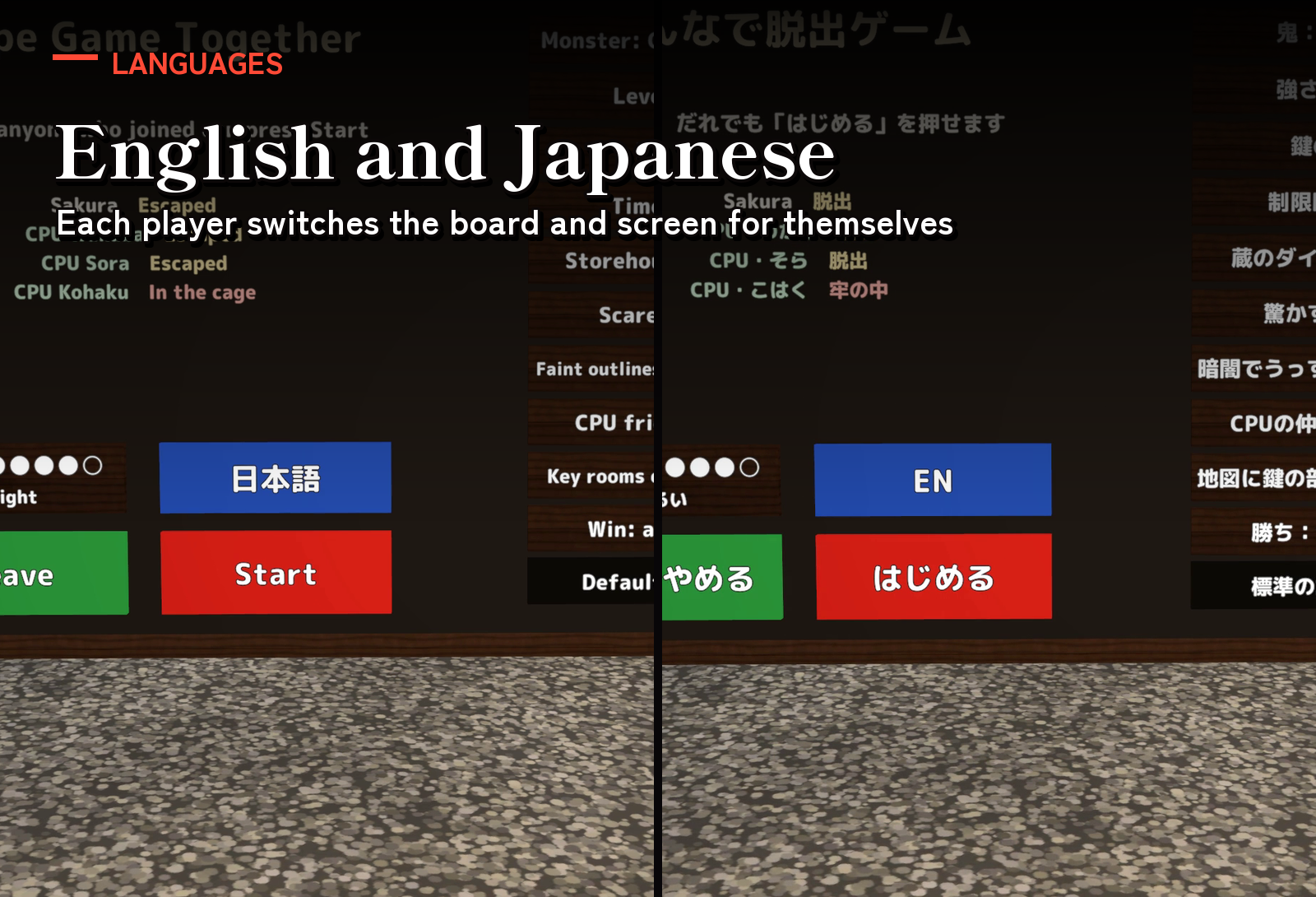
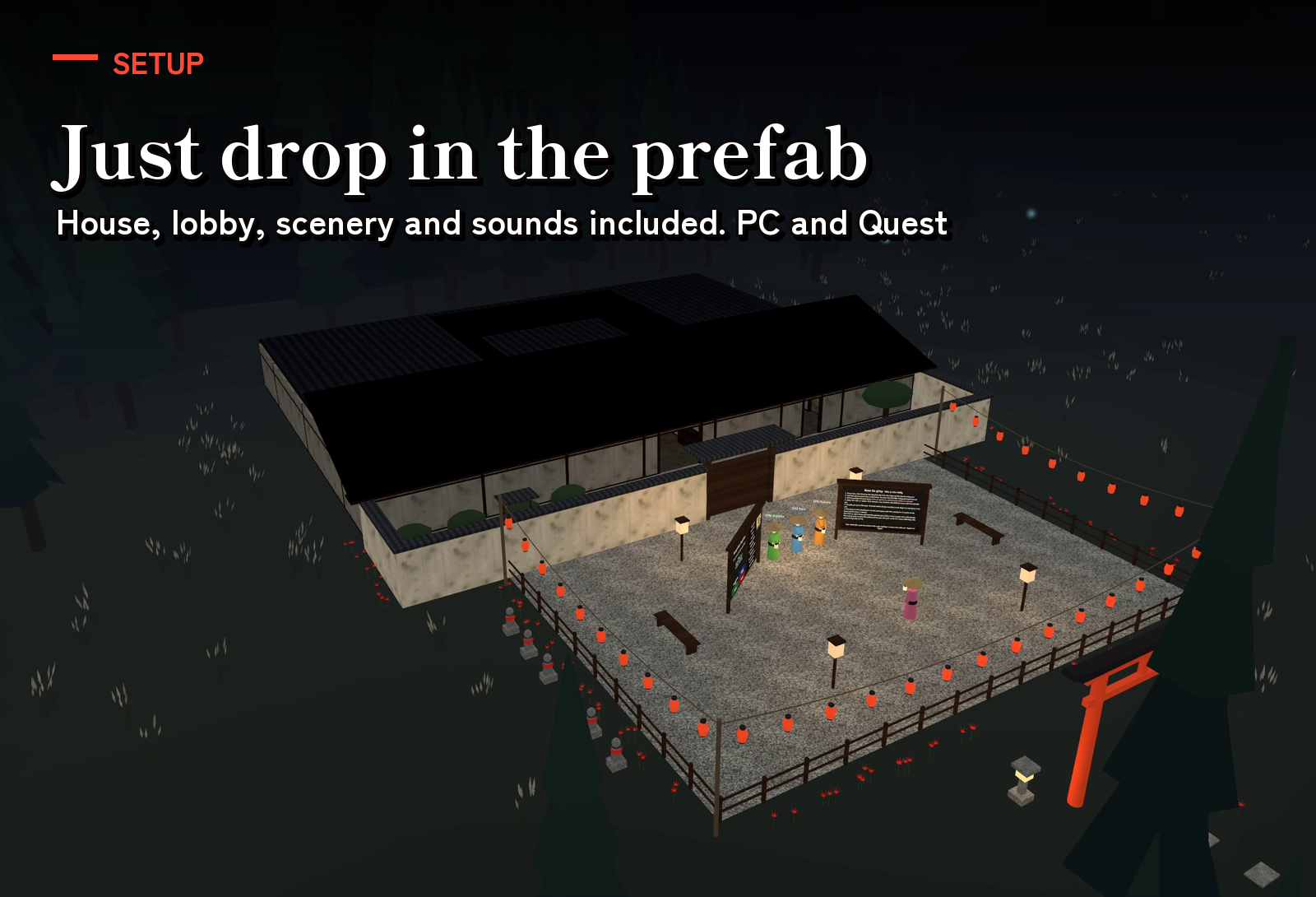
A cooperative escape game for VRChat worlds: find the keys hidden somewhere in an oni's mansion and get out through the front gate before it catches you. One prefab brings the whole Japanese mansion of 19 rooms, the front yard and its gate, a lobby to gather in and the night scenery around it. Up to 8 players, and three CPU friends go in with you, so one player can start right away. The oni, the doll and the CPU friends move the same on everyone's screen, and every screen follows each player's language, English or Japanese.
Watch it in action
Watch the English v1.0 preview
Highlights
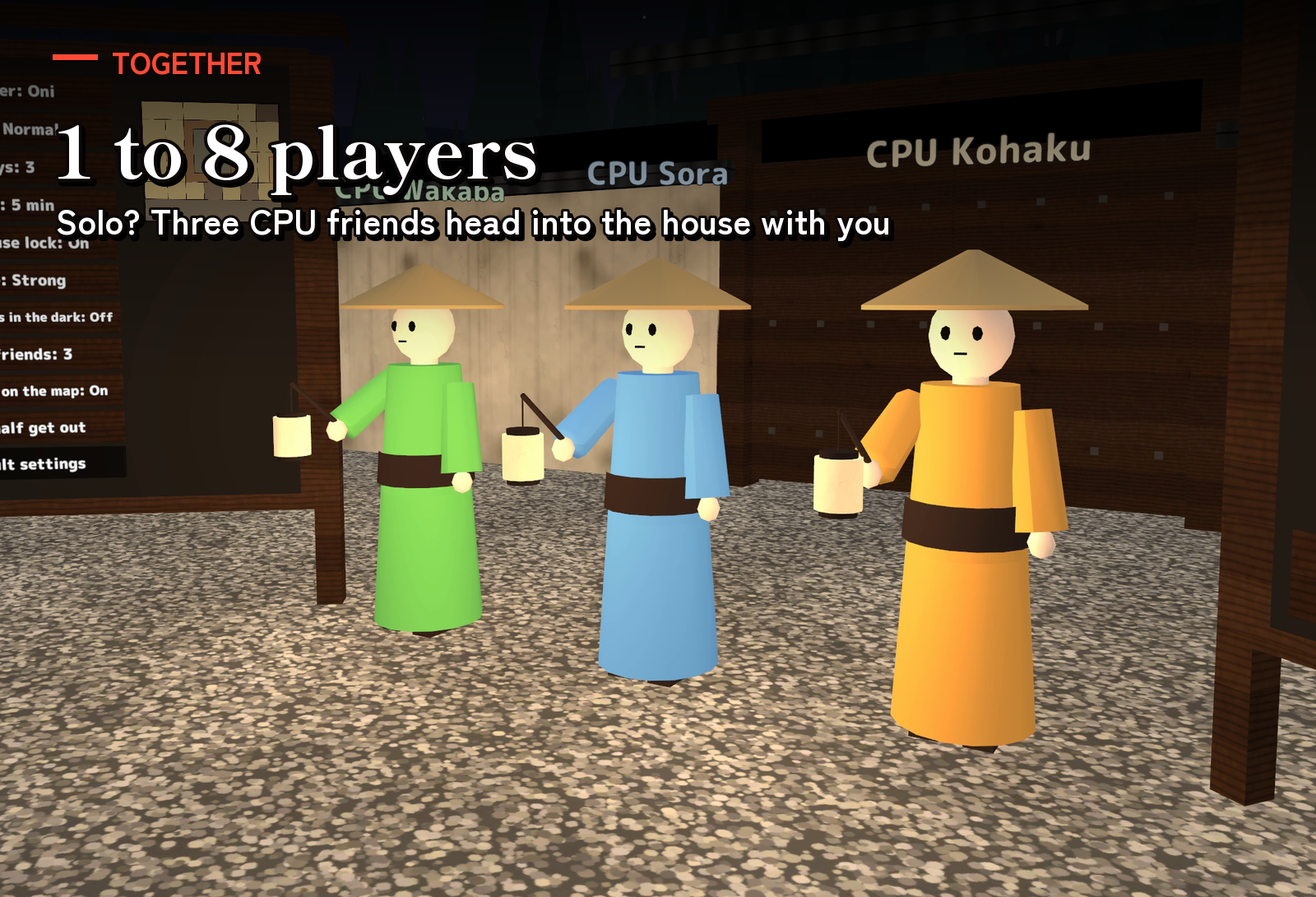
- Escape together. Up to 8 players. The CPU friends (None, 1 to 3 or Auto) search for keys, open the dial lock and come to let the caught out of the cage, so you can play on your own too.
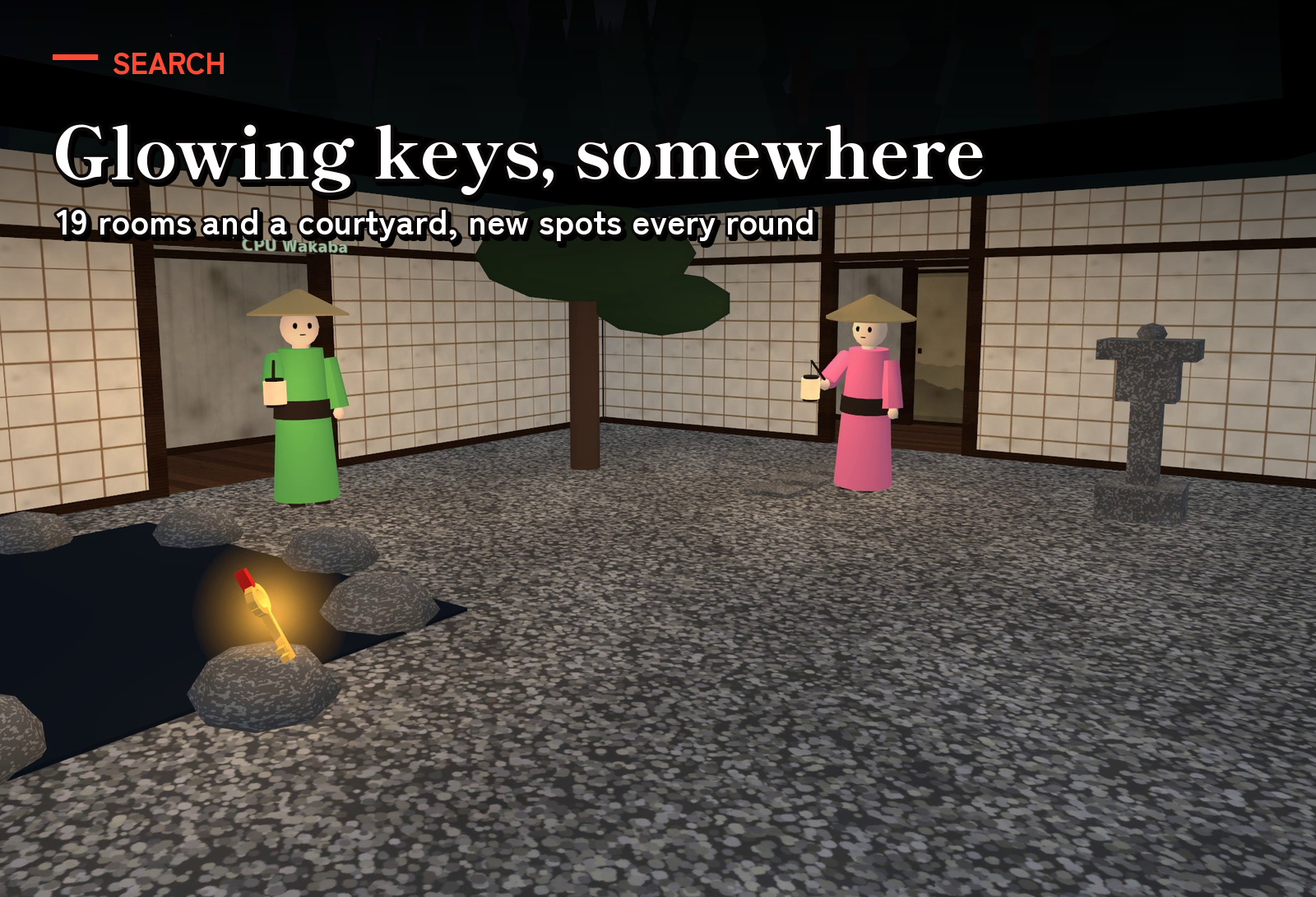
- A mansion of 19 rooms. Tatami rooms, a kitchen, a bath, a storehouse, a cage, the corridors and a courtyard. The keys (1 to 5; 3 by default) are placed by lot every round.
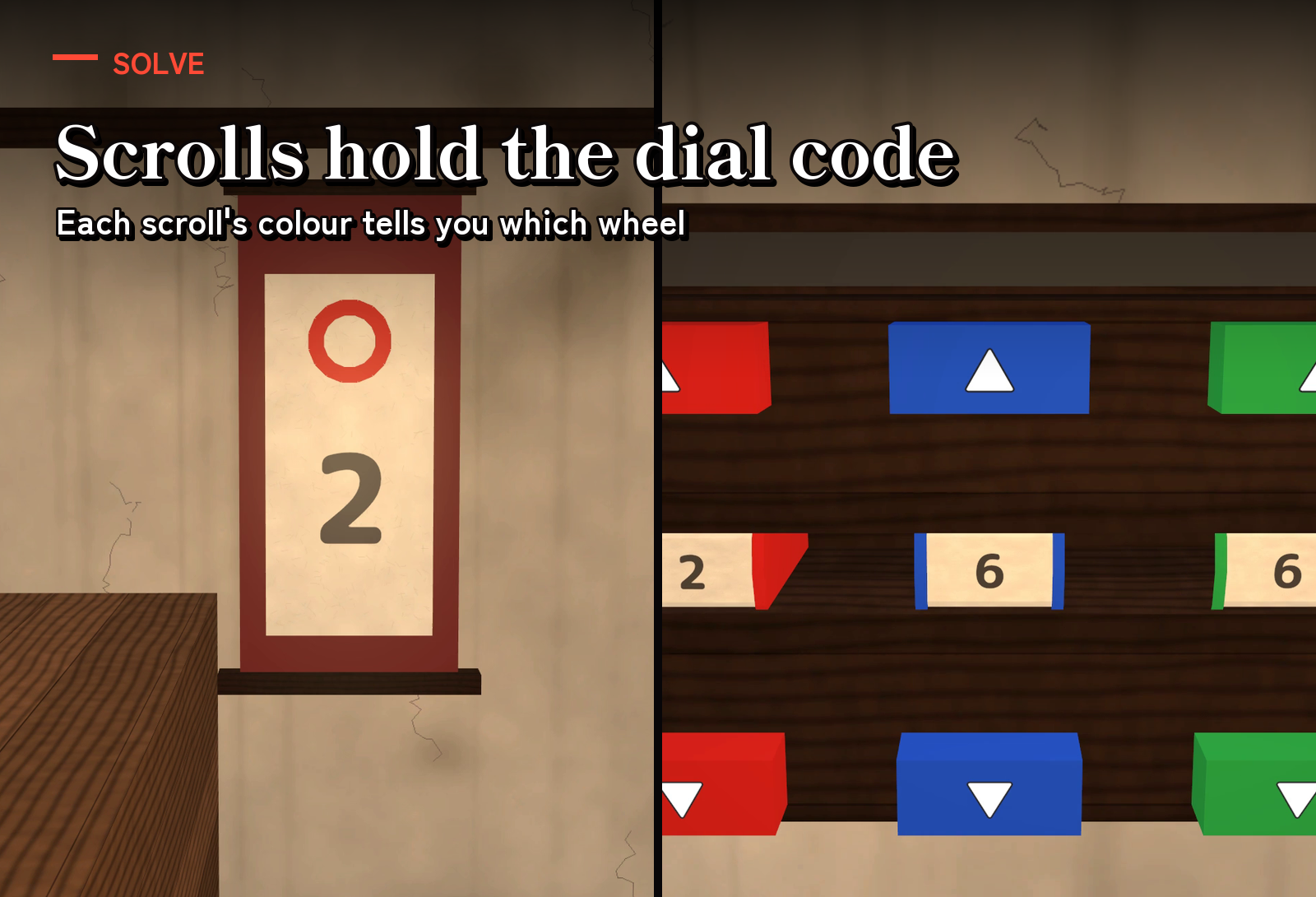
- The storehouse's dial lock. Find the three hanging scrolls on the walls (the colour of each mark tells which wheel) and turn the dial to their numbers: the storehouse opens, and the last key is inside.
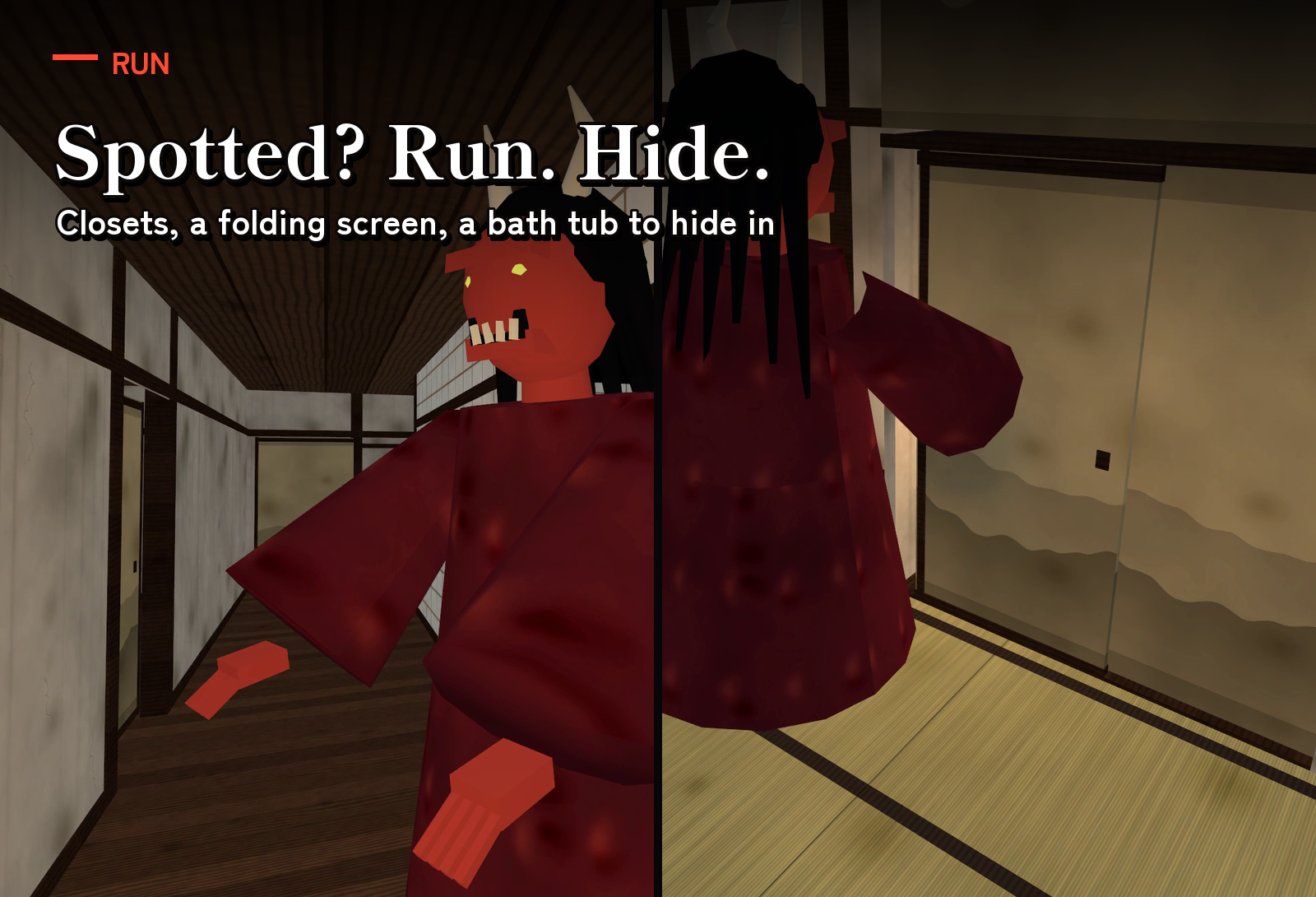
- Run or hide. The oni hears running feet and doors, and searches where it saw you last. Hide in the closets, behind the folding screen or in the bath tub.
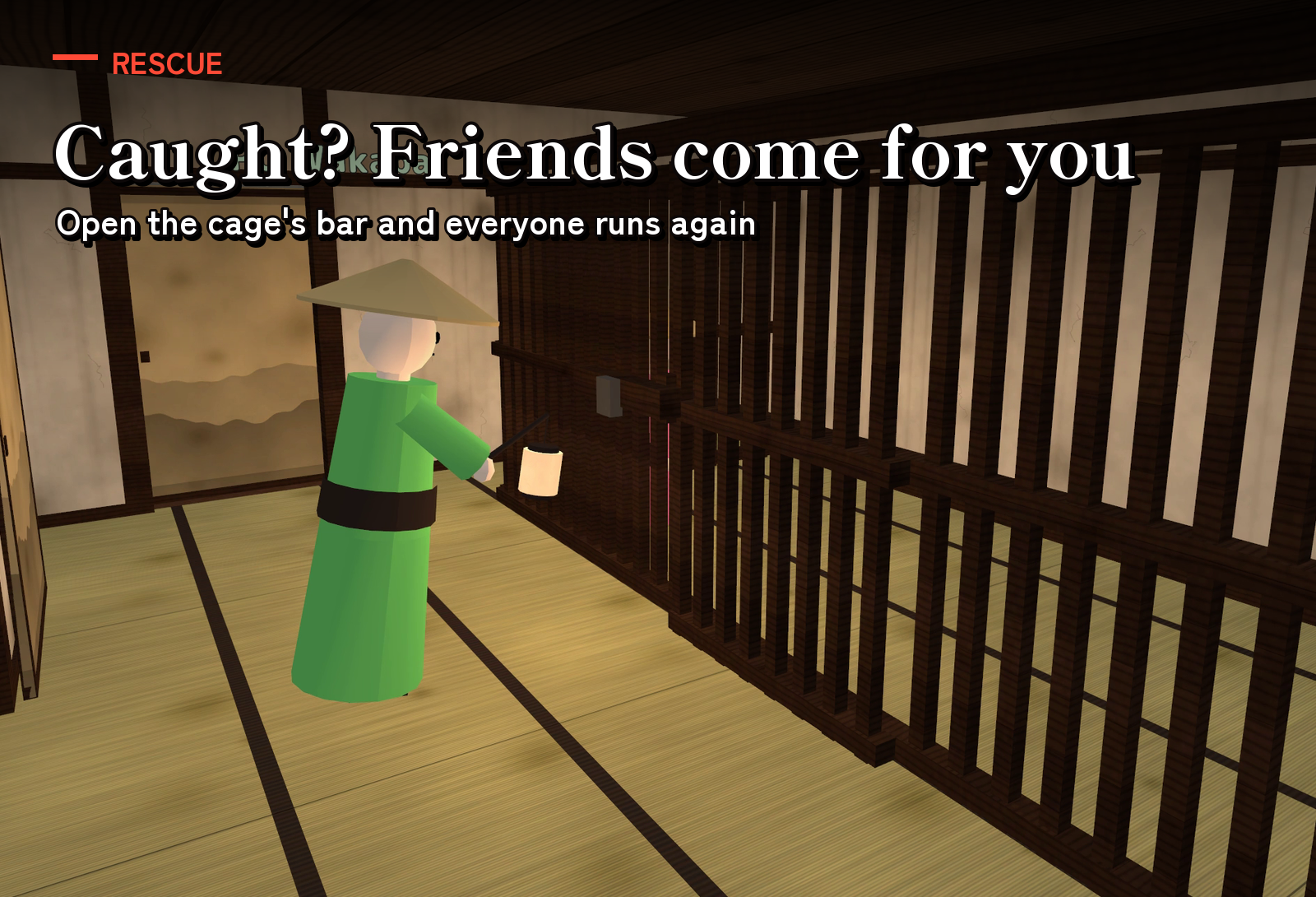
- Rescue your friends. Whoever is caught goes to the cage; a free player holds its bar for 2 seconds and everyone inside gets out.
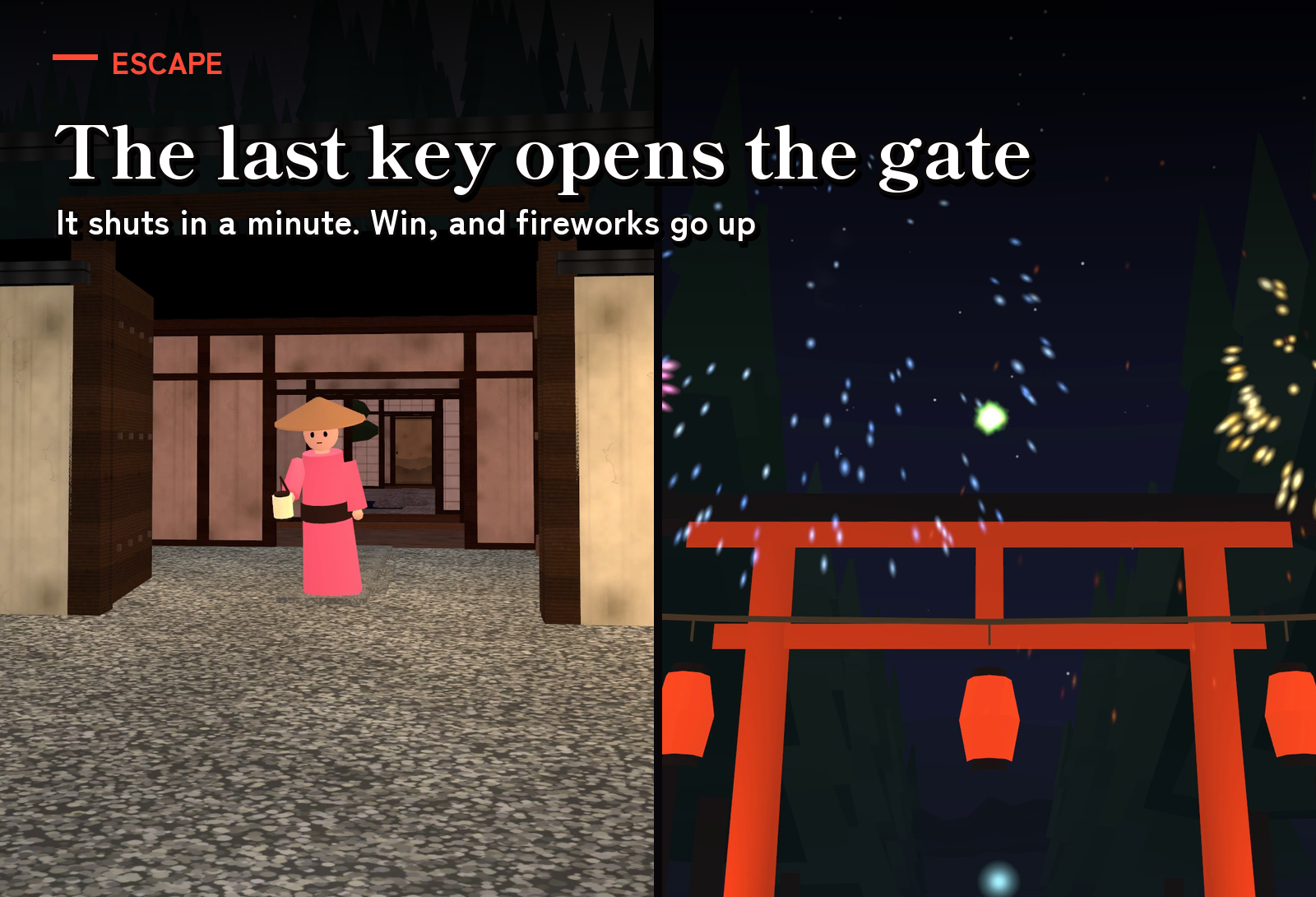
- The final rush. With all the keys the front gate opens: the oni gets faster, the house pulses red and drums beat. The gate shuts 1 minute later.
- Fireworks. Get out and fireworks and festival music fill the night sky beyond the torii.
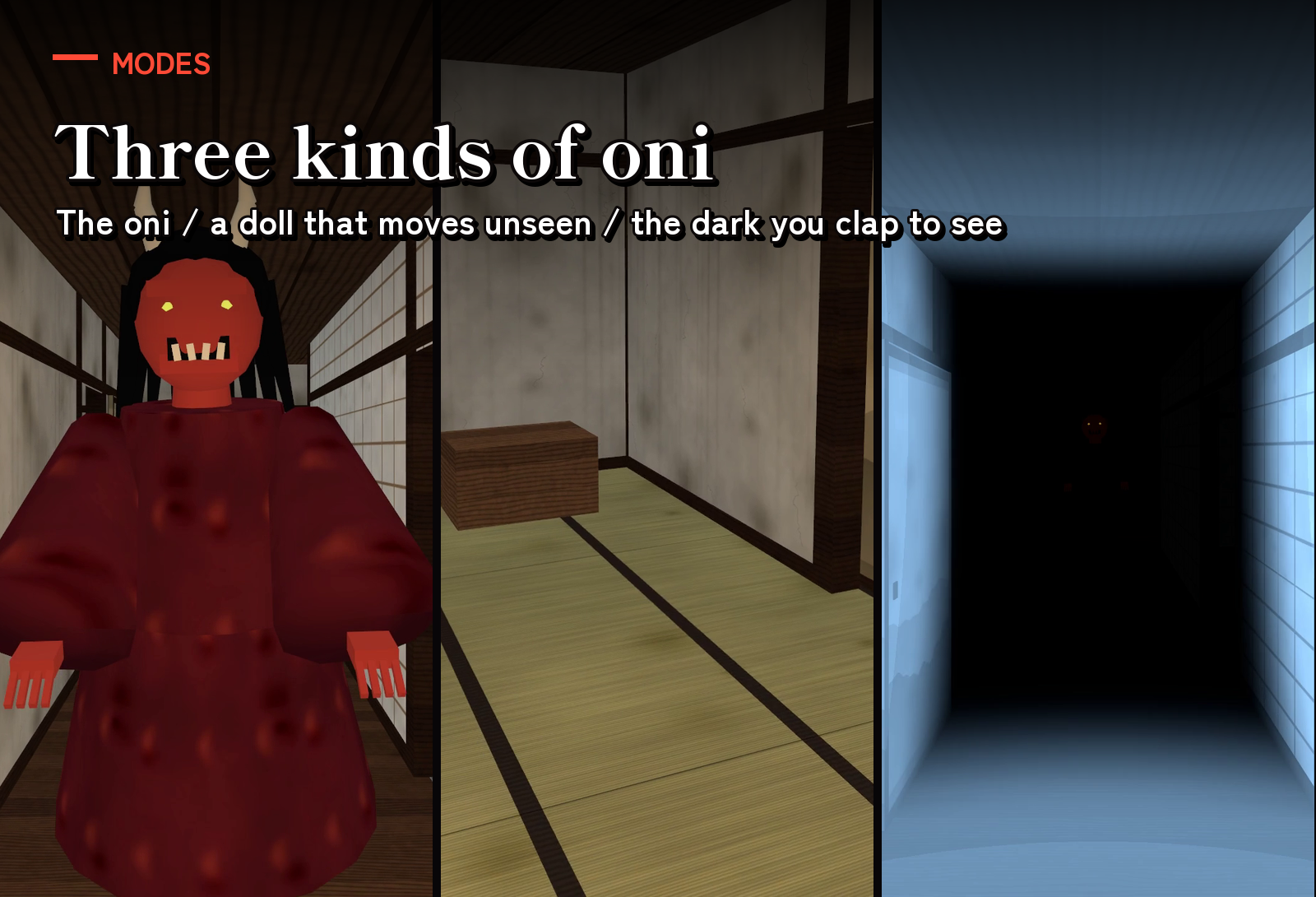
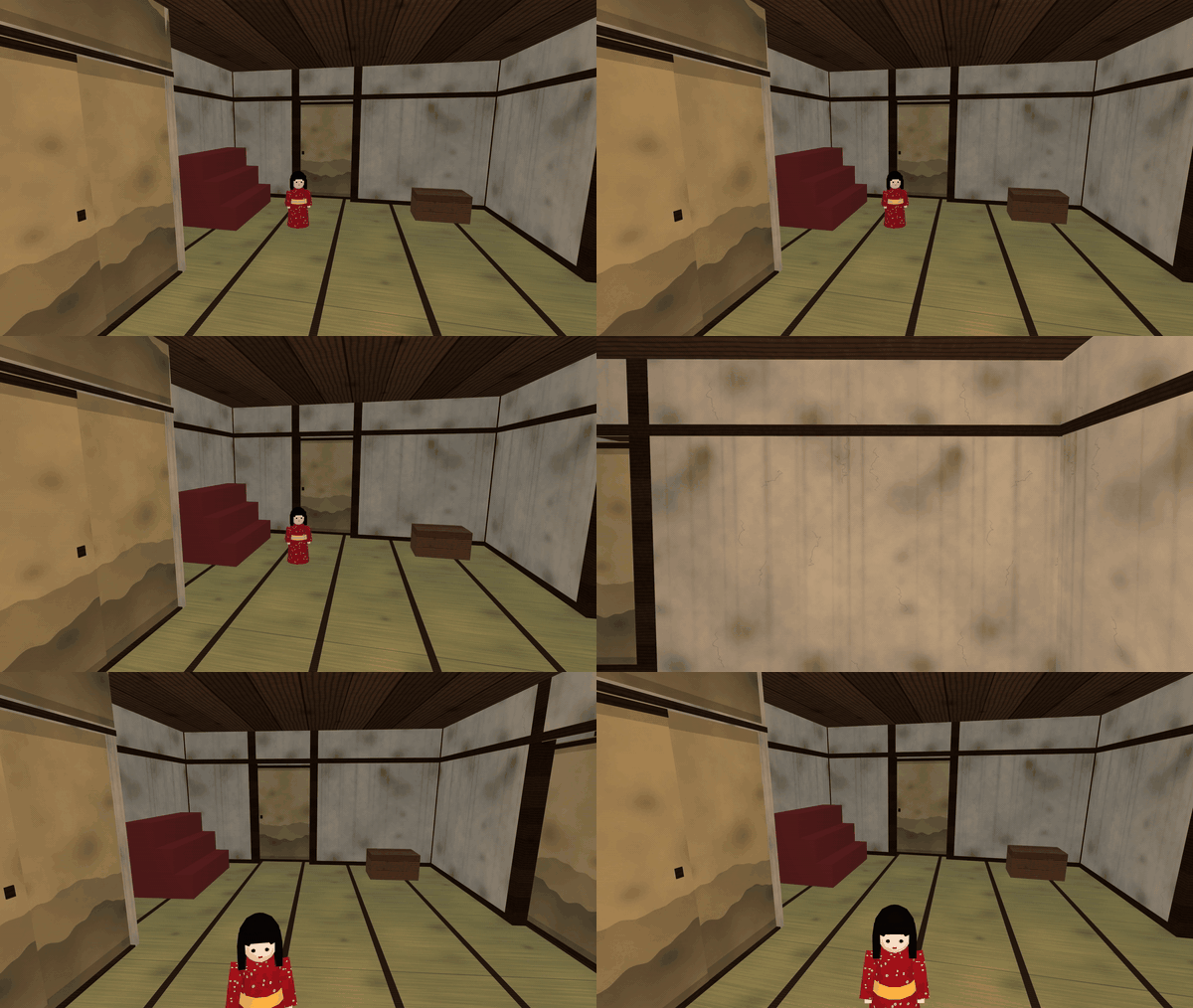
- Three monsters, three levels. The oni; the oni and a doll that moves only while nobody looks at it; the oni in the dark, where only waves of sound show the house (clap to see). The scare when you are caught (the oni's face) can be Strong or Mild.
- Your own screen. What to do now, a map of the house and the room you are in. The light has five steps and changes for you alone.
- Scenery. A torii path with stone lanterns, festival lanterns, a pagoda on a hill, fields of pampas grass and far mountains with a village's lights (about 600 m around), under a night sky with the moon and stars.
- Late joiners watch from the lobby and join the next round. If the host leaves, the next player carries on the same round.
- 30 sounds: footsteps, doors, the oni's voice, a heartbeat, the chase's drums, festival music, fireworks and more.
How to play
- Press Join on the board in the lobby; anyone who joined presses Start (1 to 8 players).
- Everyone is sent to the entrance. The oni in the back room wakes up 15 seconds later: spread out and search for the keys.
- Press a key turning in its golden glow to pick it up. Every key found counts for everyone.
- When the oni sees you, run (Shift on PC; in VR, push the stick all the way) or hide in a closet and the like (jump to come out).
- Caught? Wait in the cage until a free player presses its bar.
- With all the keys the front gate opens: get out before it shuts. When as many as the Win setting asks get out, the team wins (one, half or more, or all).
Settings
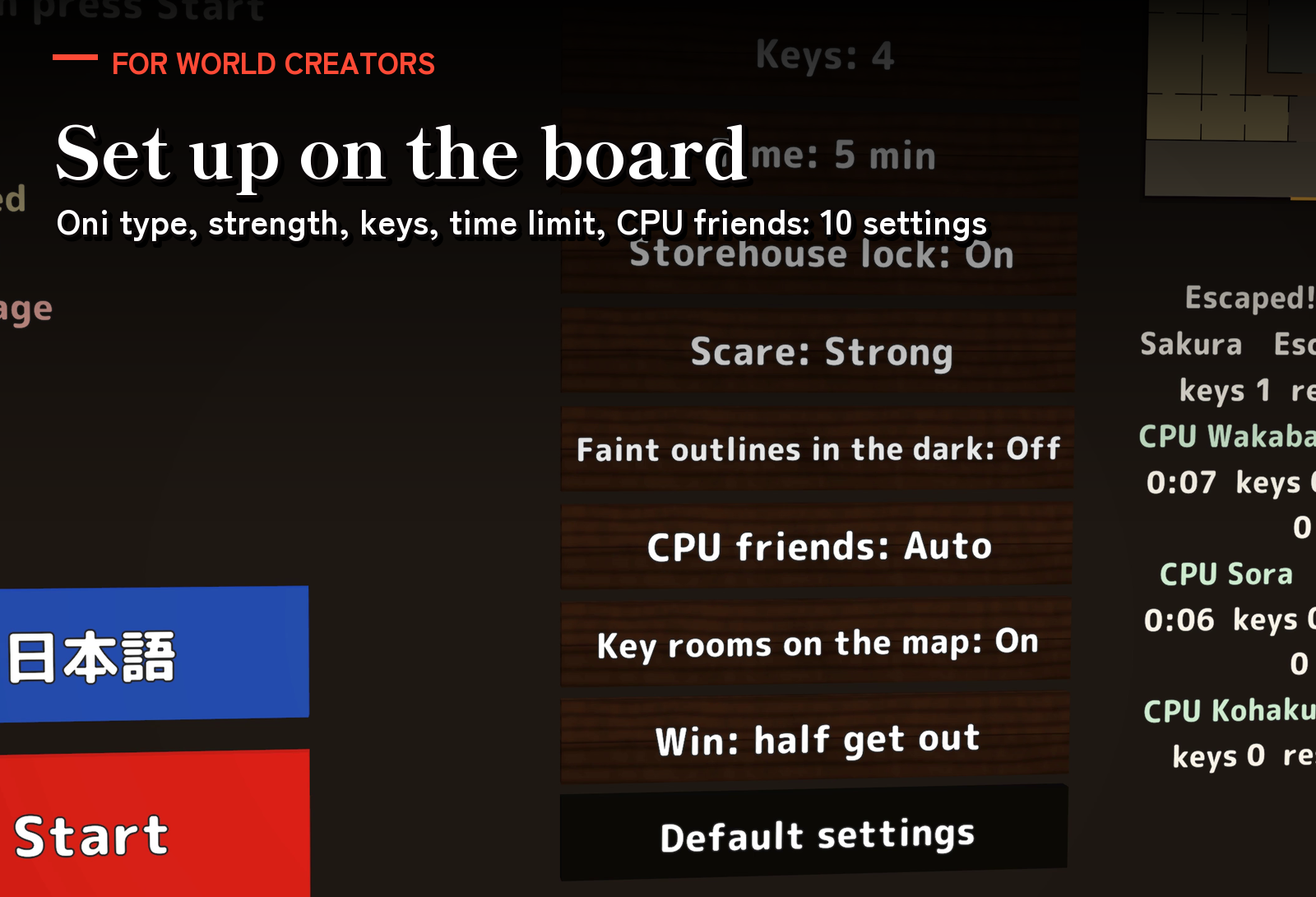
- On the board (any visitor can press them; changes during a round apply from the next): Monster (Oni, Oni + doll, Oni in the dark), Level (Easy, Normal, Hard), Keys (1 to 5), Time (3, 5 or 10 min, or none), Storehouse lock (On/Off), Scare (Strong/Mild), Faint outlines in the dark (Off/On), CPU friends (Auto, None, 1 to 3), Key rooms on the map (On/Off), Win (one, half or all get out) and Default settings.
- EN / 日本語 switches your own view only.
- In the Inspector: the world's default settings and the light everyone starts at.
Included files
- YokaiHouse_v1.0.unitypackage: the mansion, the front yard and its gate, the lobby with its board and the board of how to play, the oni, the doll, three CPU friends, each player's own screen and the scenery in one prefab; a sample scene; the night sky; 30 sounds.
- README.txt and README_EN.txt: Japanese and English setup, how to play, settings and terms.
Requirements and setup
Unity 2022.3.22f1, VRChat Worlds SDK 3.10.x (tested with 3.10.5) including UdonSharp, and TextMesh Pro, in a Creator Companion world project. It runs on PC (desktop and VR), Quest/Android and iOS. It uses no realtime lights: its own shader draws the moonlight and the lanterns' glow, so your world's lighting and fog do not change how the house looks.
- Import TMP Essential Resources if the project has never used TextMesh Pro.
- Import YokaiHouse_v1.0.unitypackage.
- Place Assets/YokaiHouse/YokaiHouse.prefab on flat ground and put the world's spawn (the Spawns of VRCWorld) in its lobby. The sample scene is in Assets/YokaiHouse/Sample.
Setup takes about ten minutes. The play area is about 32 m x 42 m and 5 m high. Move and rotate it freely and keep its size (the oni's walkways are made for it). To use your own world's scenery, hide YokaiHouse/Scenery.
Joining, keys, the dial lock, hiding, being caught, rescues, escaping and late joining are covered by 40 automated tests. The sample scene built for Android is about 9.2 MB.
Terms of use
- You may include it in VRChat worlds and publish them, including paid, corporate, event and monetized worlds.
- Modification is allowed. Credit is optional.
- Redistributing or reselling the data itself (modified or not), or bundling it with other assets for sale, is not allowed.
- Please contact the creator before using it outside VRChat worlds, such as in other games or videos.
- The author is not responsible for any problems arising from using this data.
Credits and support
Font: M PLUS Rounded 1c, SIL Open Font License 1.1. The 3D models, textures, pictures, sounds and scripts were made for this product.
For purchase questions, use the contact option on the store where you purchased this product. Include the product, Unity and SDK versions, steps and any error message.
Jinxxy support
For purchases on Jinxxy, use this product's Q&A on Jinxxy. Include the product name, Unity and SDK versions, the steps you took and any error text.