
Ennichi Ring Toss | 22-Prize VRChat Festival Stall
商品説明
この商品にはAIで生成されたコンテンツが含まれています。
Five rings. A glowing bonus peg. One more chance at the prize you want.
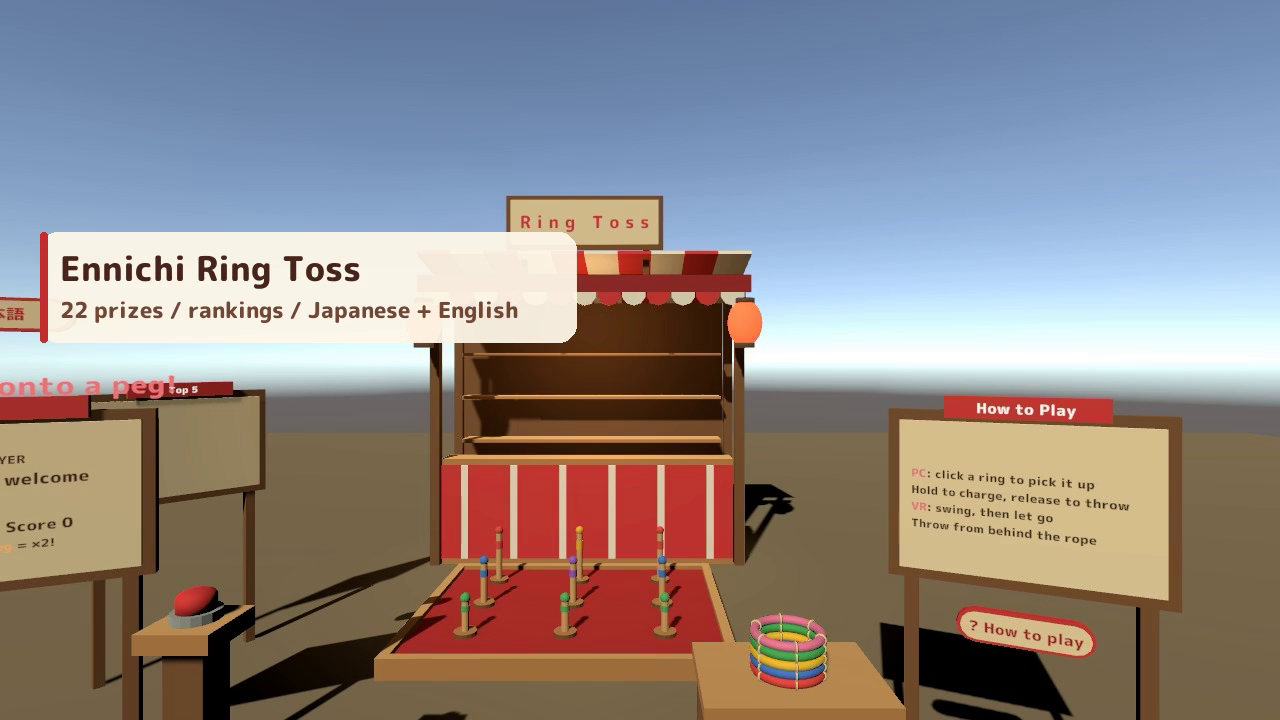
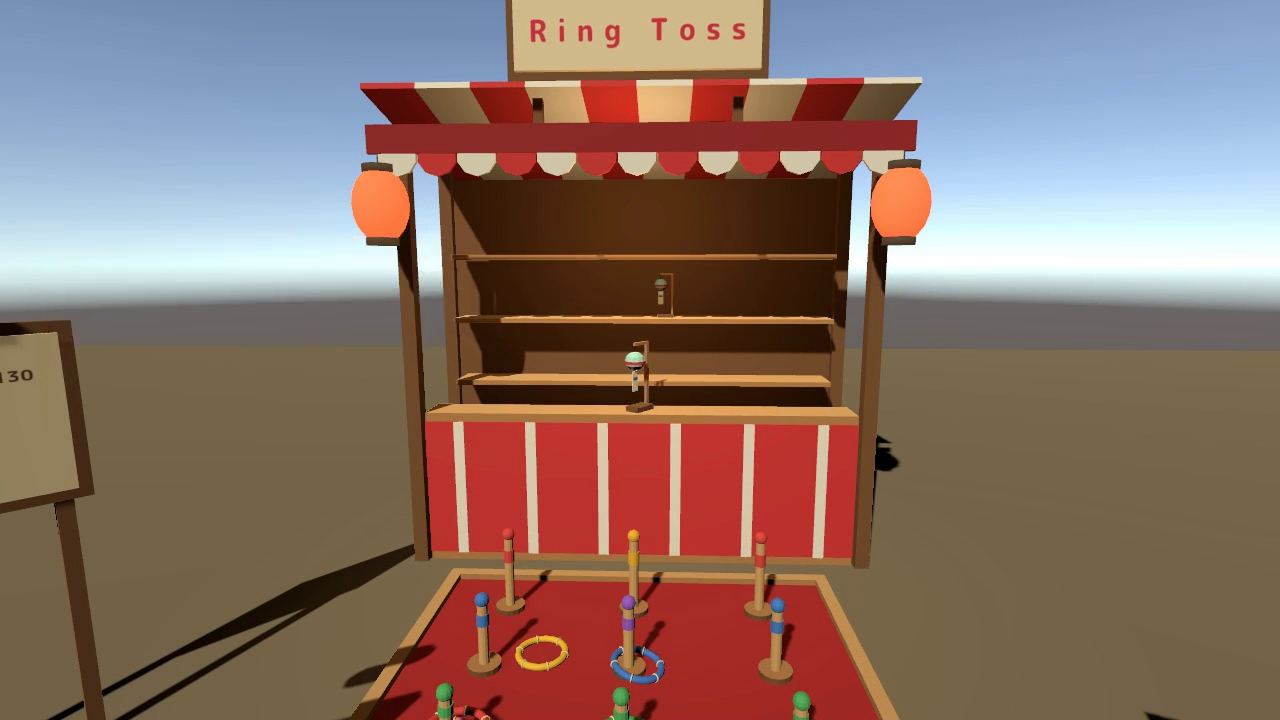
Ennichi Ring Toss brings a Japanese festival stall to your VRChat world. Aim for the pegs, build a streak, and watch your prize arrive with fireworks. The collection shelf fills as people play, giving friends a reason to take another turn.
One person throws while everyone watches the score, celebrations, and collection. Desktop players get a power gauge and landing marker; in VR, grab a ring, swing, and let go. Each player can choose English or Japanese for their own display.
Watch it in action
Watch the English v2.0.1 gameplay preview
A festival game with something to aim for
- Five rings per turn. Front pegs score 10 points, middle pegs 20-30, and back pegs 50-100. Start by picking up a ring or pressing the red button.
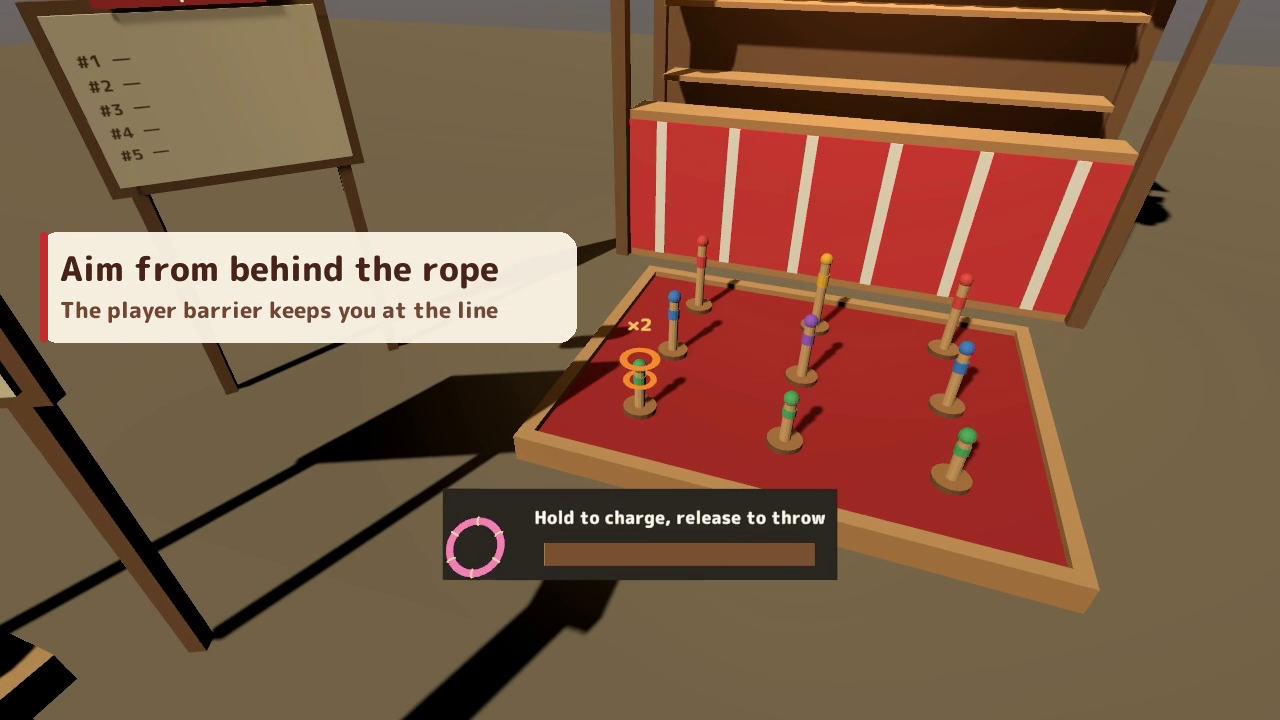
- Follow the glowing peg. An orange peg marked x2 doubles its score and changes after every throw. Consecutive hits earn rising streak bonuses, and landing all five rings adds 50 points.
- Collect 22 festival prizes. Your total score selects a prize tier, then one prize is chosen within that tier. From ramune soda and paper balloons to a lucky cat or a rare golden prize, the reveal shows the name, rarity, and chance.
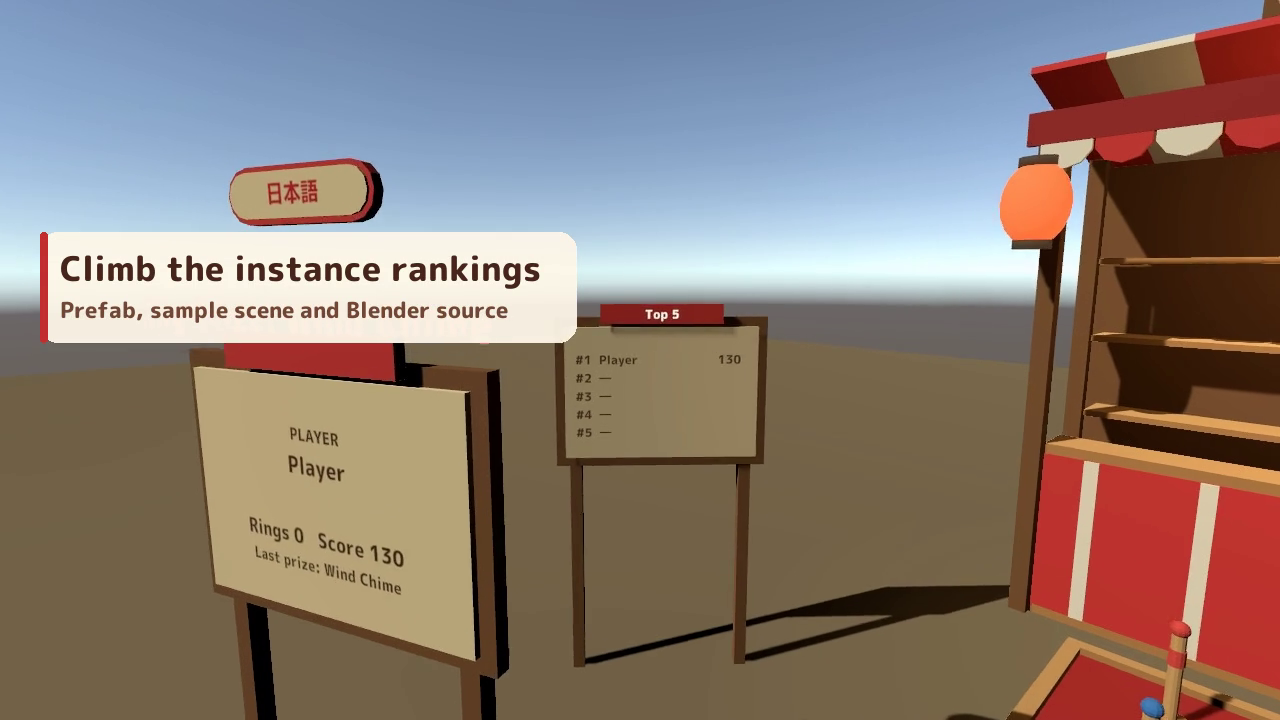
- A shared collection and a friendly contest. Prizes join the stall's shared shelf. The ranking board keeps the instance's top five players, using each person's best score. Late joiners see the current boards and shelf.
- Controls that fit your device. On desktop, hold left click to charge and release to throw; the landing marker and peg tip turn gold when aligned. In VR, use grab and release to throw with your hand's motion.
- English and Japanese, side by side. The initial language follows VRChat. The score-board language button changes your own signs, controls, scores, prize names, rankings, effects, and detailed guide.
The in-world guide shows the controls, scoring, bonuses, and prize chances. Point values and prize chances in the guide follow the game settings. Version 2.0.1 adds a player barrier at the throwing rope while allowing rings and interaction rays through.
Included files
- EnnichiWanage_v2.0.1.unitypackage: the festival stall prefab, sample scene, five rings, pegs, 22 prize models, scripts, materials, sound effects, signs, guide, and font licence.
- README.txt and README_EN.txt: Japanese and English instructions for installation, controls, game settings, customisation, and terms of use.
- EnnichiWanage_Blender folder: the editable .blend source, 41 FBX files, and palette.png, supplied as 43 source files.
The same product includes both Japanese and English support.
Requirements and setup
- Unity 2022.3.22f1.
- VRChat SDK3 Worlds 3.10.x, including UdonSharp, in a project created with VRChat Creator Companion.
- TextMesh Pro. Import TMP Essential Resources first when using TextMesh Pro for the first time in your project.
- VRChat/Mobile materials are included for Quest and Android.
- If needed, choose Window > TextMeshPro > Import TMP Essential Resources.
- Import EnnichiWanage_v2.0.1.unitypackage.
- Place Assets/EnnichiWanage/EnnichiWanage.prefab in your scene. The prefab origin marks the throwing rope; the stall extends about 4 metres forward along local +Z.
- Open Assets/EnnichiWanage/Sample/EnnichiWanage_Sample.unity to try the supplied stall.
Adjust peg scores, bonuses, prize-tier thresholds, prize weights, and throwing settings in the Inspector. Both language name lists can be edited for custom prizes. For Quest, follow the README's Wanage_Palette_Quest.mat setup. The Blender sources let you edit the model shapes and palette colours.
Terms of use
- You may incorporate this asset in public VRChat worlds, including paid, corporate and event worlds.
- Modification is allowed. Credit is optional and appreciated.
- Redistribution, resale or inclusion in another asset sold as data is prohibited, including modified versions of this asset.
- Please contact the shop before using the asset outside VRChat worlds, such as in other games or films.
Included font: M PLUS Rounded 1c, SIL Open Font License 1.1. See Fonts/OFL.txt in the Unity package.
Support
For purchase questions, setup help or bug reports, use the contact or product Q&A option on the store where you purchased this product. Include the product name and version, Unity and SDK versions, the steps you took, and any error message.
Jinxxy downloads
Download all three product files and the Blender source folder.