
商品説明
この商品にはAIで生成されたコンテンツが含まれています。
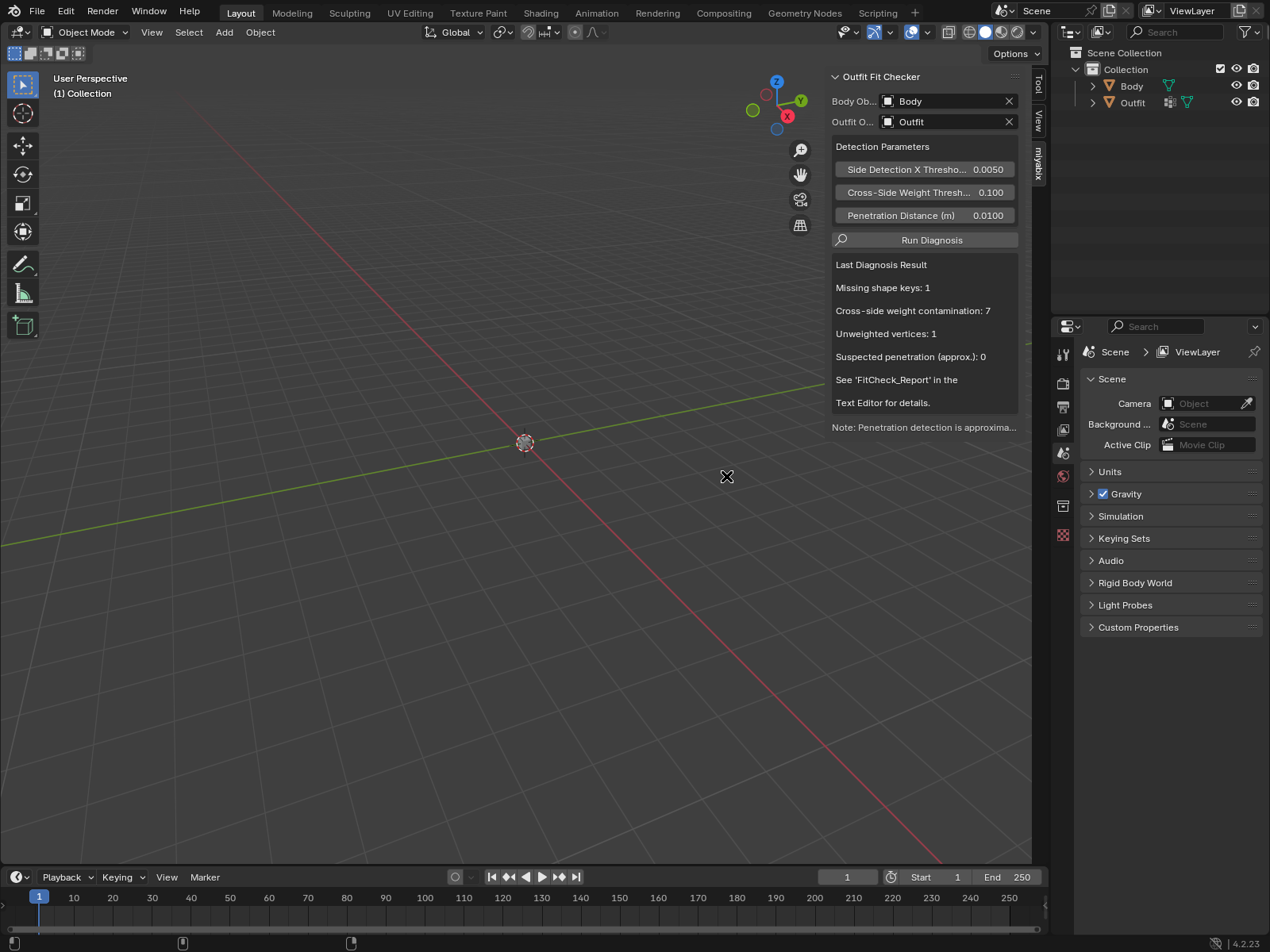
Outfit Fit Checker is a Blender add-on that diagnoses how an outfit mesh fits a body mesh. Select the body and outfit objects and run the diagnosis; the results are written to the "FitCheck_Report" text block, with a summary in the panel. What it checks - Missing shape-key follow-through: lists body shape keys (except Basis) that the outfit does not have. - Left-right weight contamination: counts vertices clearly on one side (by local X) that carry weights for opposite-side bones (.L/.R and Left/Right naming supported), with separate counts for each side. - Unweighted vertices: counts vertices with no weights. - Clipping (approximate): counts outfit vertices estimated to be inside the body, based on nearest distance to the body surface and normal direction. This is an approximation — please confirm the final result visually. Thresholds for left-right detection, weight, and clipping distance can be adjusted in the panel. How to use 1. Install the .py file via Preferences > Add-ons > Install... and select the .py file, then enable it. 2. Open the "miyabix" tab in the 3D Viewport sidebar. 3. Set the body and outfit objects and run the diagnosis. Requirements and notes - Blender 4.2 and 5.3. Works offline; no external libraries are used. - Diagnosis only — it does not automatically fix meshes or weights. - Left-right detection uses the outfit mesh's local X coordinate (+X is treated as left). Results may differ if the model's origin or rotation is far off. - Clipping detection is approximate and may produce false positives. Tested on Blender 4.2.23 and 5.3.0. Real-machine tests all passed: broken scene detected — follow-missing 1, left-right contamination 7, unweighted 1, clipping 8; clean scene: 0 false positives. Files included: outfit_fit_checker.py (the add-on) and README.txt (English manual).